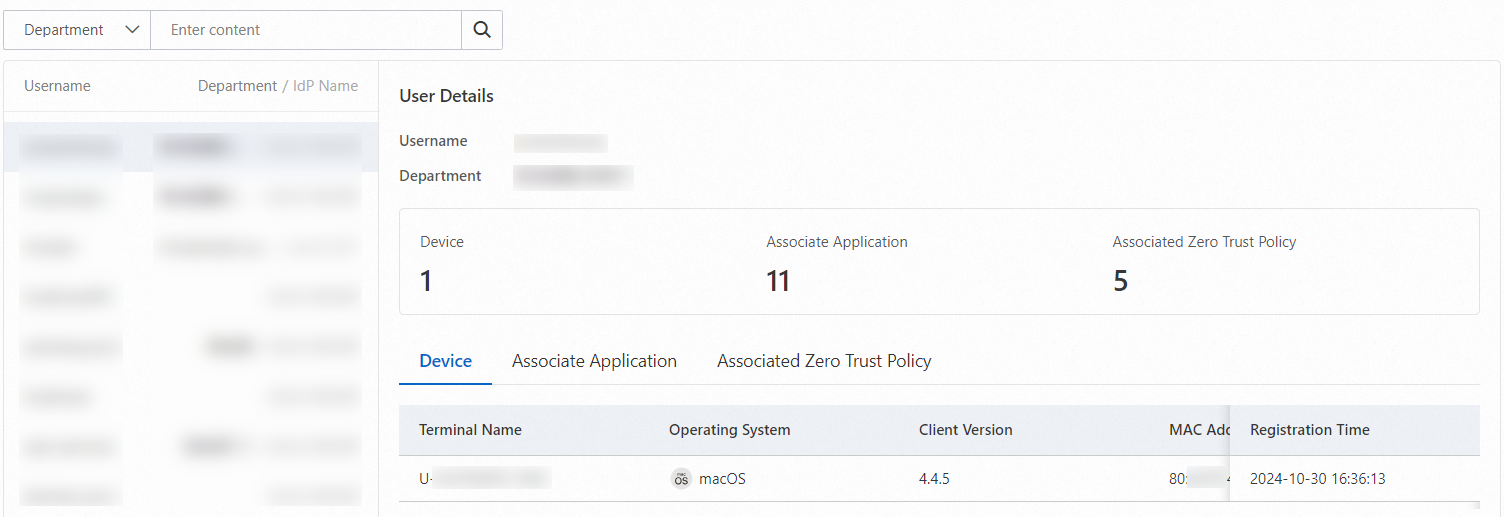
Secure Access Service Edge (SASE) provides the employee insights feature to offer account-level insights into employees within your enterprise. You can use the feature to view the devices, associated applications, and applicable security policies of an employee.
Prerequisites
Your identity provider (IdP) is connected to SASE.
The security settings for private access are complete.
Procedure
Log on to the SASE console.
In the left-side navigation pane, choose .
On the Employee Insights page, view all information about a user of the IdP that is connected to SASE. The information includes User Details, Device, Associate Application, and Associated Zero Trust Policy.