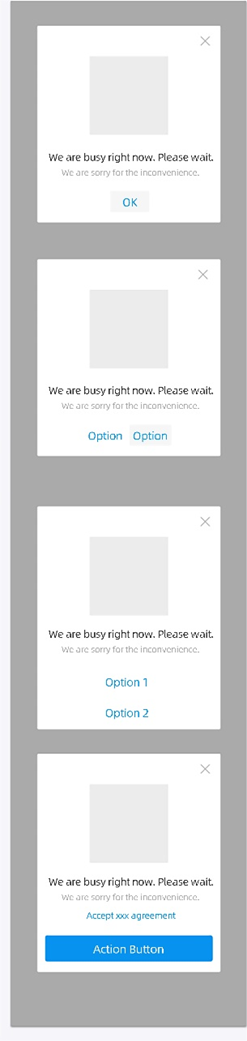
AUImageDialog, formerly SalesPromotionLimitDialog, provides a dialog box with a title, up to three levels of text, and an ImageView. The dialog box has a confirmation button or two buttons at the bottom. You can use this component to display traffic-limiting messages.
Preview
API reference
public interface OnItemClickListener {
    void onItemClick(int index);
}

/**
 * Gets an AUImageDialog instance.
 *
 * @param context The context object.
 * @return Returns an AUImageDialog instance.
 */
public static AUImageDialog getInstance(Context context)

/**
 * Sets a listener for the Close button.
 *
 * @param mCloseBtnClickListener
 */
public void setCloseBtnClickListener(View.OnClickListener mCloseBtnClickListener)


/**
 * Sets the primary title text.
 */
public void setTitle(CharSequence title)

/**
 * Sets the font size of the primary title text in sp.
 *
 * @param size
 */
public void setTitleTextSize(float size)

/**
 * Sets the visibility of the primary title.
 *
 * @param visibility
 */
public void setTitleTextVisibility(int visibility)
}

/**
 * Sets the visibility of the secondary title.
 *
 * @param visibility
 */
public void setSubTitleTextVisibility(int visibility)

/**
 * Sets the color of the primary title.
 *
 * @param color
 */
public void setTitleTextColor(int color)

/**
 * Sets the secondary title text.
 *
 * @param title
 */
public void setSubTitle(CharSequence title)

/**
 * Sets the font size of the secondary title text in sp.
 *
 * @param size
 */
public void setSubTitleTextSize(float size)

/**
 * Sets the color of the secondary title text.
 *
 * @param color
 */
public void setSubTitleTextColor(int color)

/**
 * Sets the tertiary title text.
 *
 * @param text
 */
public void setThirdTitleText(String text)

/**
 * Sets the color of the tertiary title.
 *
 * @param color
 */
public void setThirdTitleTextColor(int color)

/**
 * Sets the background of the ImageView.
 *
 * @param drawable
 */
public void setLogoBackground(Drawable drawable)

/**
 * Sets the background resource of the ImageView.
 *
 * @param resid
 */
public void setLogoBackgroundResource(int resid)

/**
 * Sets the background color of the ImageView.
 *
 * @param color
 */
public void setLogoBackgroundColor(int color)

/**
 * Sets the background transparency of the dialog box.
 *
 * @param alpha
 */
public void setBackgroundTransparency(float alpha)

/**
 * Checks whether an animation is used.
 */
public boolean isUsdAnim()

/**
 * Specifies whether to use an animation when the dialog box appears or disappears. The default value is true.
 *
 * @param usdAnim
 */
public void setUsdAnim(boolean usdAnim)

/**
 * Sets the visibility of the Close button.
 *
 * @param visibility
 */
public void setCloseButtonVisibility(int visibility)

/**
 * Sets the text of the confirmation button.
 *
 * @param text
 */
public void setConfirmBtnText(String text)


/**
 * Gets the confirmation button.
 */
public Button getConfirmBtn()

/**
 * Sets a click listener for the confirmation button.
 *
 * @param clickListener
 */
public void setOnConfirmBtnClickListener(View.OnClickListener clickListener)


/**
 * Shows the dialog box without an animation.
 */
public void showWithoutAnim()

/**
 * Sets a countdown timer.
 * @param seconds The countdown duration in seconds.
 * @param tickColor
 * @param action
 * @param clickListener
 * @param timerListener
 */
public void showWithTimer(int seconds, String tickColor, String action, View.OnClickListener clickListener, TimerListener timerListener)

public void showWithTimer(int seconds, View.OnClickListener clickListener, TimerListener timerListener)

/**
 * Gets the default color of the countdown timer.
 * @return
 */
public String getDefaultTimeColorStr()

/**
 * Dismisses the dialog box without an animation.
 */
public void dismissWithoutAnim()

@Override
public void dismiss()


public boolean isCanceledOnTouch() {
    return canceledOnTouch;
}

/**
 * Specifies whether the dialog box is automatically canceled when the image in the middle is tapped.
 *
 * @param canceledOnTouch
 */
public void setCanceledOnTouch(boolean canceledOnTouch)


/**
 * Sets the list buttons.
 * @param buttonListInfo
 * @param listener
 */
public void setButtonListInfo(List<String> buttonListInfo, OnItemClickListener listener)

public ImageView getLogoImageView() {
    return bgImageView;
}

public TextView getTitleTextView() {
    return titleTextView_1;
}

public TextView getSubTitleTextView() {
    return titleTextView_2;
}

public TextView getThirdTitleTextView() {
    return titleTextView_3;
}

public ImageView getBottomLine() {
    return bottomLine;
}
Code examples
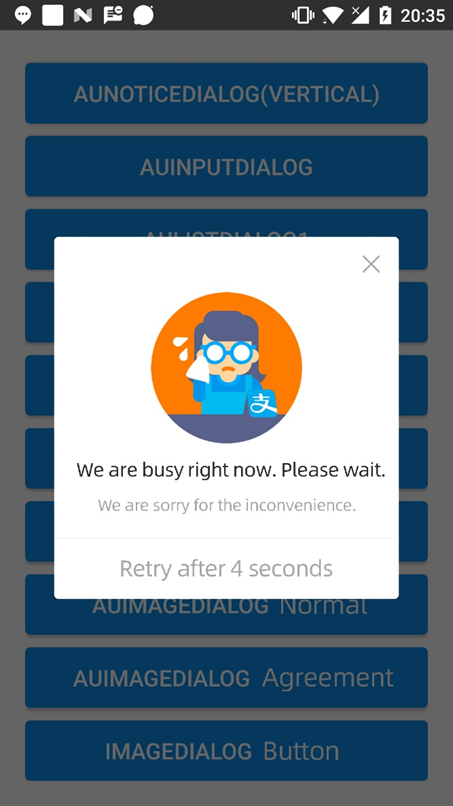
AUImageDialog dialog = AUImageDialog.getInstance(this);
dialog.showWithTimer(5, null, null);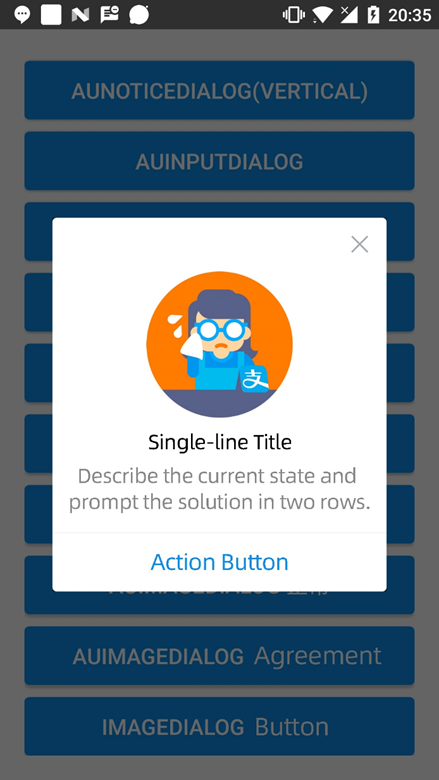
AUImageDialog dialog = AUImageDialog.getInstance(this);
dialog.setCanceledOnTouch(true);
dialog.setTitle("Single-line title");
dialog.setSubTitle("Describe the current status and suggest a solution. The text should not exceed two lines.");
dialog.setConfirmBtnText("Action button");
dialog.showWithoutAnim();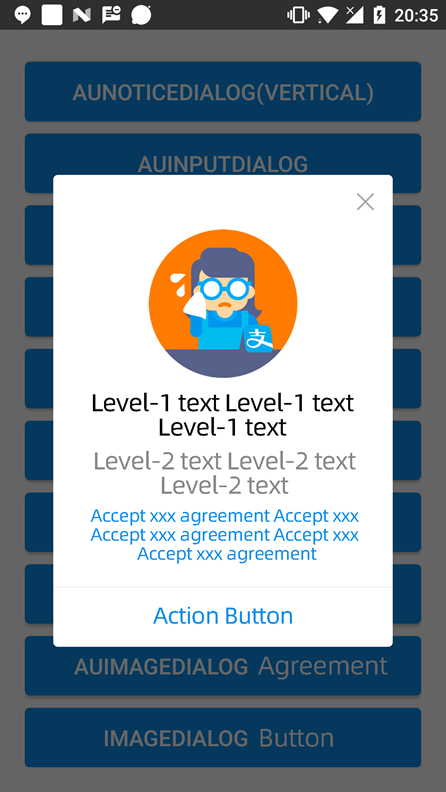
AUImageDialog dialog = AUImageDialog.getInstance(this);
dialog.setCanceledOnTouch(true);
dialog.setTitle("Primary text");
dialog.setSubTitle("Secondary text");
dialog.setThirdTitleText("Agree to the xxx protocol");
dialog.setConfirmBtnText("Action button");
dialog.showWithoutAnim();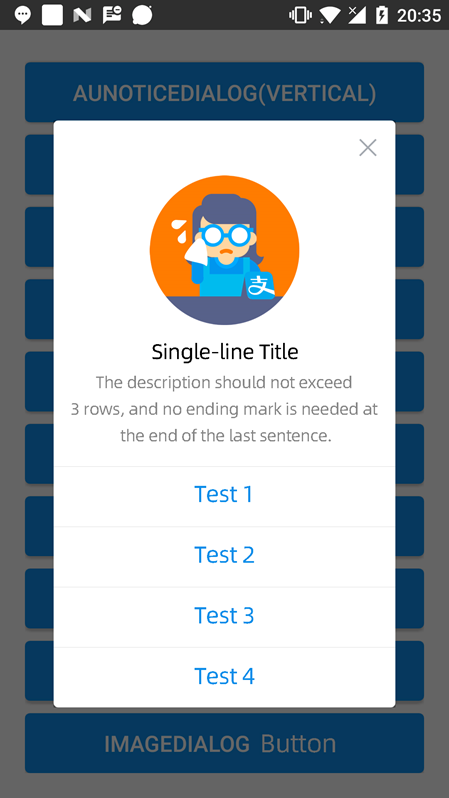
AUImageDialog dialog = AUImageDialog.getInstance(this);
dialog.setTitle("Single-line title");
dialog.setSubTitle("The description should be within three lines. Avoid ending a line with a punctuation mark.");
dialog.setButtonListInfo(getData(), new AUImageDialog.OnItemClickListener() {
    @Override
    public void onItemClick(int index) {

    }
});
dialog.showWithoutAnim();