For many organizations, starting the day with a clear view of enterprise resources is critical. However, generating and distributing daily ERP (Enterprise Resource Planning) reports is often a manual, time-consuming chore.
QoderWork, the autonomous desktop AI agent, changes this dynamic. By utilizing QoderWork's IM Channels feature, you can automate the entire process—from querying your local ERP data to generating the report and pushing it directly to your WhatsApp.
QoderWork operates on your local machine and can autonomously execute complex tasks, like pulling CSV or SQL data, analyzing it, and compiling a formatted report. Its IM integration follows a simple principle: "Where it comes from, it goes back". However, you can also set up scheduled tasks on the QoderWork desktop client and specify an IM session (like your WhatsApp chat) as the delivery destination.
This means you can have a fresh, fully analyzed data report waiting in your WhatsApp messages every morning, completely hands-off.
Follow these steps to connect your WhatsApp and automate your daily ERP reporting by QoderWork.
1. Open the WhatsApp Configuration Page
In the QoderWork Desktop Client, launch your QoderWork desktop client, navigate to the IM Channels page, locate the WhatsApp card, and click Configure.
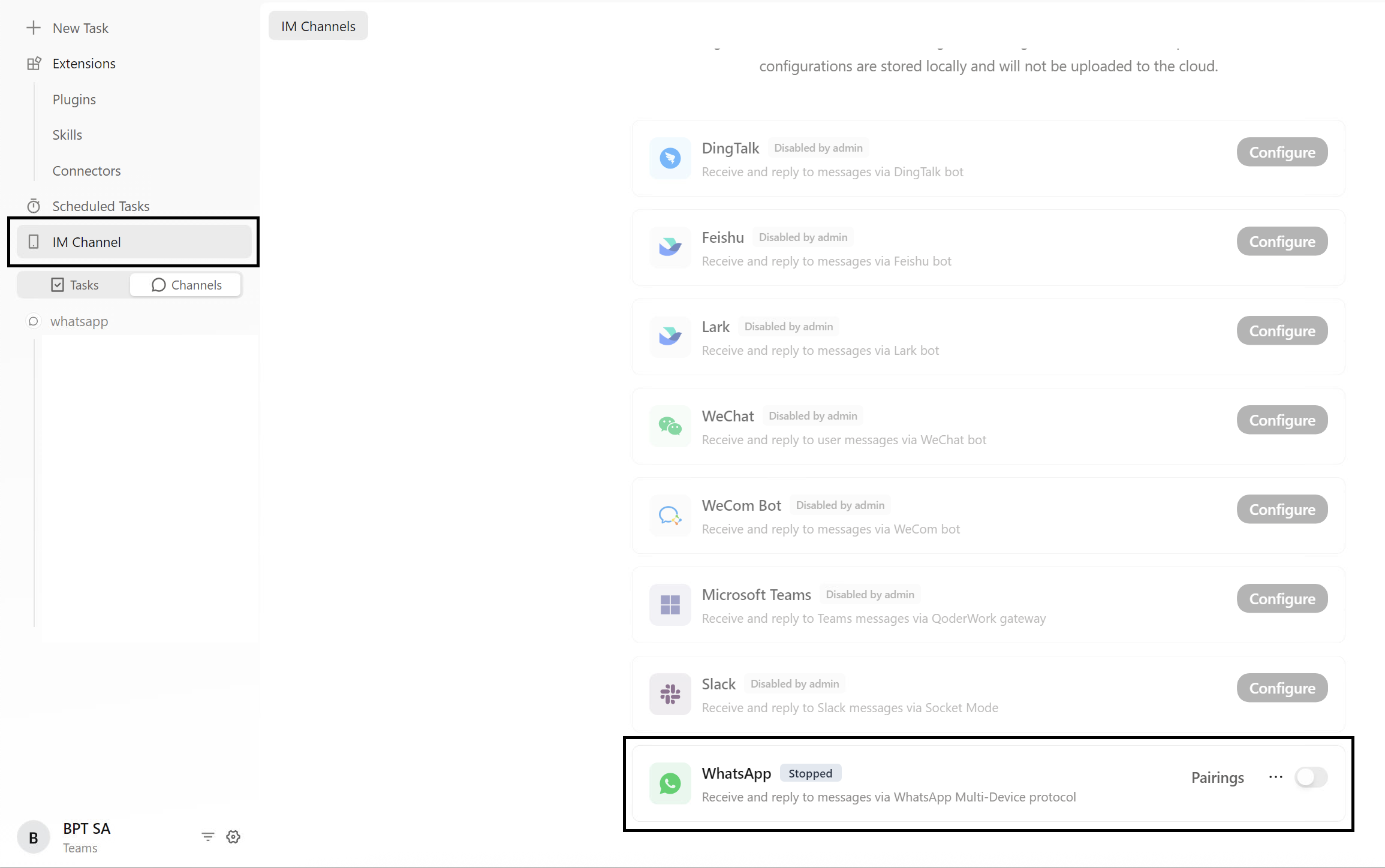
2. Scan the QR Code to Link
Open WhatsApp on your mobile device and scan the QR code displayed on the QoderWork interface. Once authorized, the status will update to "Connected". You can now message the bot directly in WhatsApp.

3. Configure Data Access Permissions
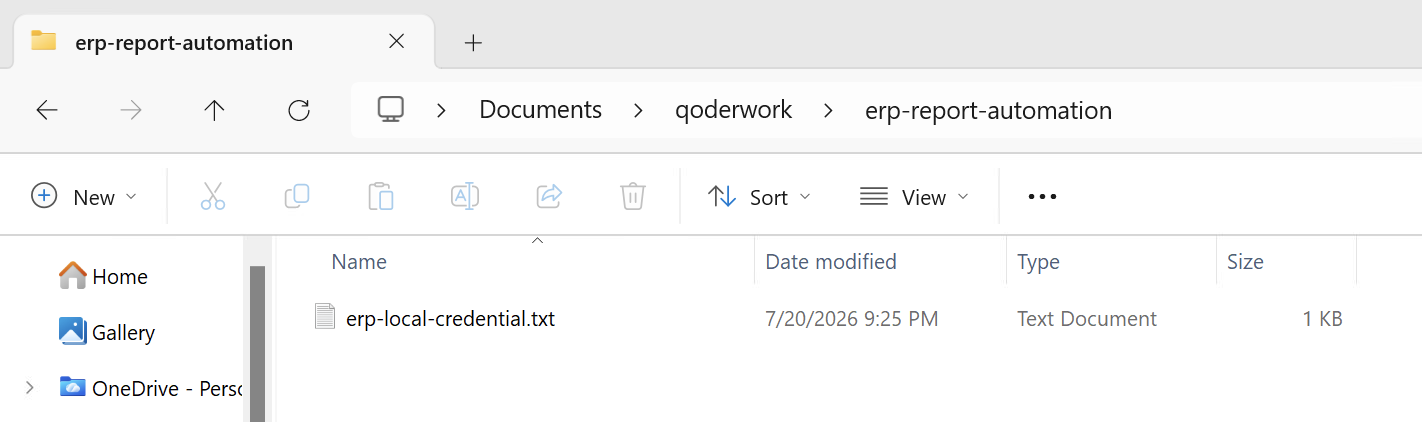
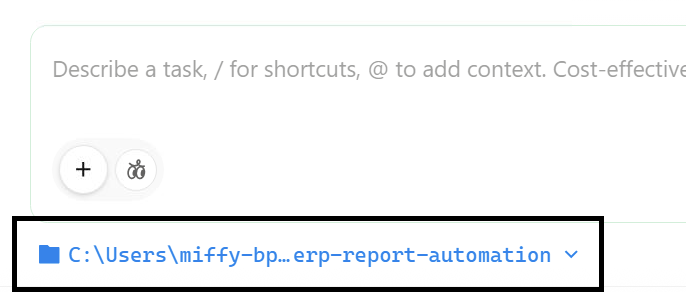
Security first, because QoderWork processes files locally, you need to ensure it has permission to access your ERP data exports (e.g., specific local folders containing daily CSV dumps or secure access to your local SQL database).
4. Create the Scheduled Task
In the QoderWork desktop client, create a new scheduled task. Describe your goal in natural language. For example:
Hi QoderWork, I need a comprehensive technical solution to build an on-demand, two-way integration between a web-based ERP and WhatsApp for daily report generation. The system must allow me to send a specific date query via WhatsApp (e.g., "Report for DD/MM/YYYY"), triggering an automated workflow that extracts the requested data from the ERP and delivers the formatted report (PDF/Excel) back to my WhatsApp chat.
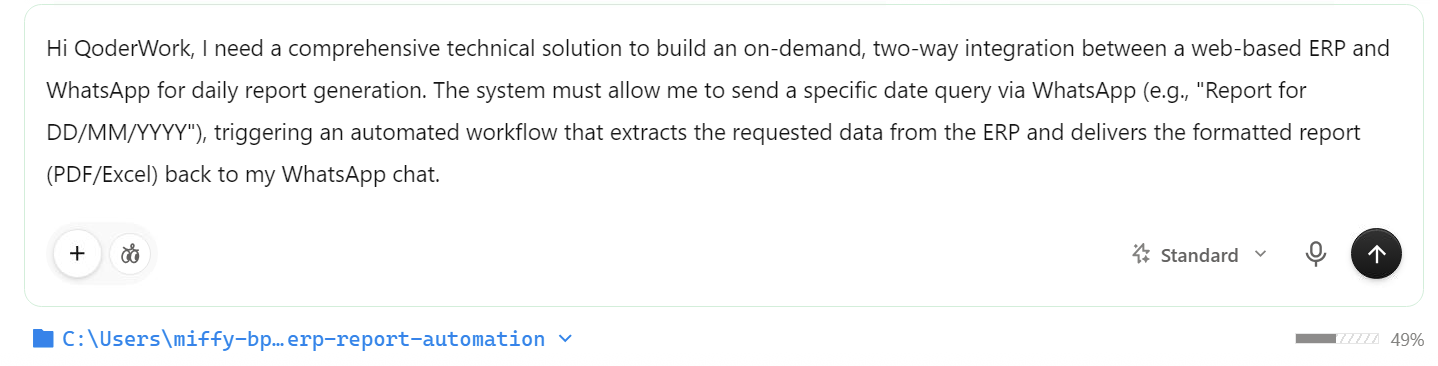
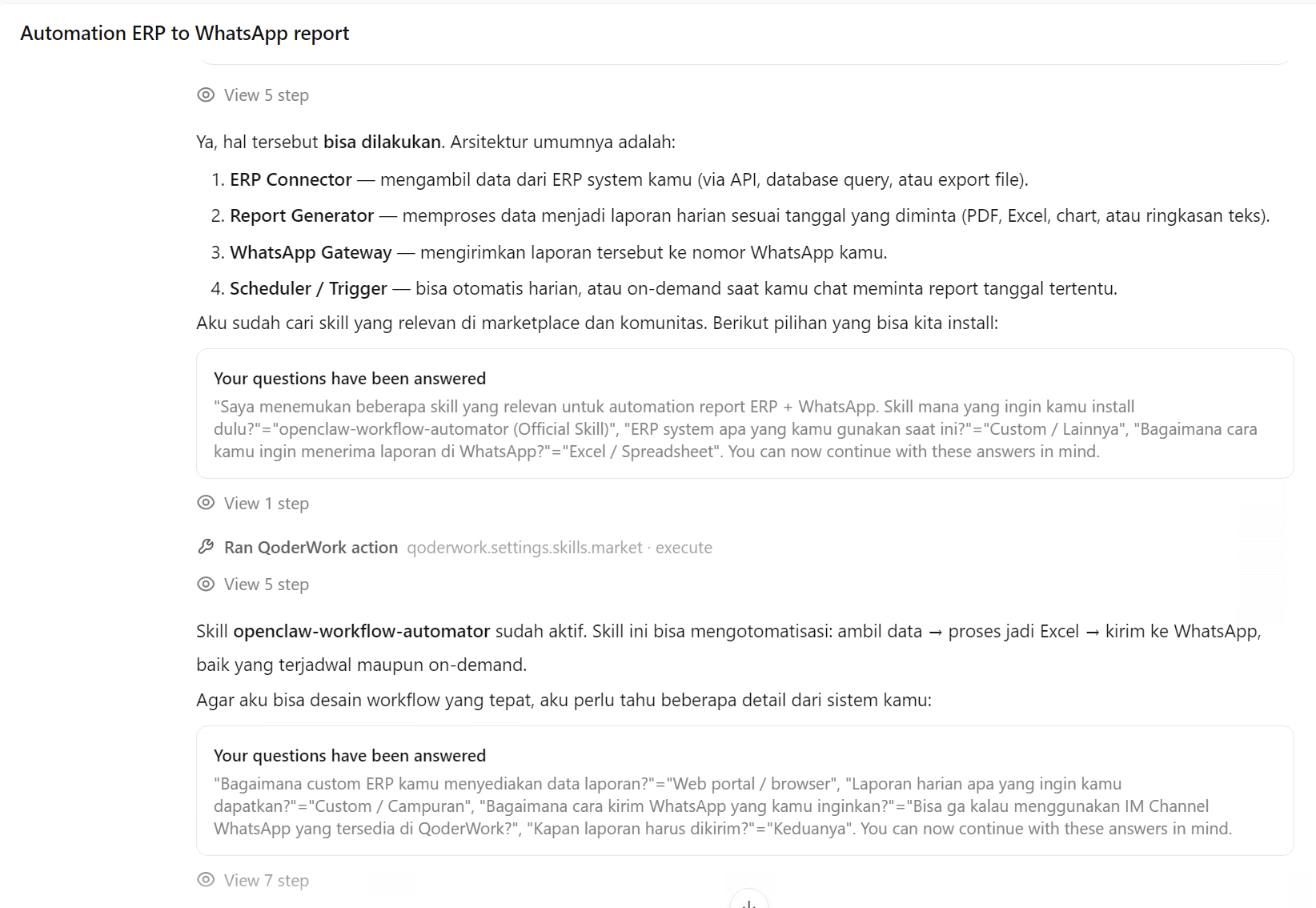
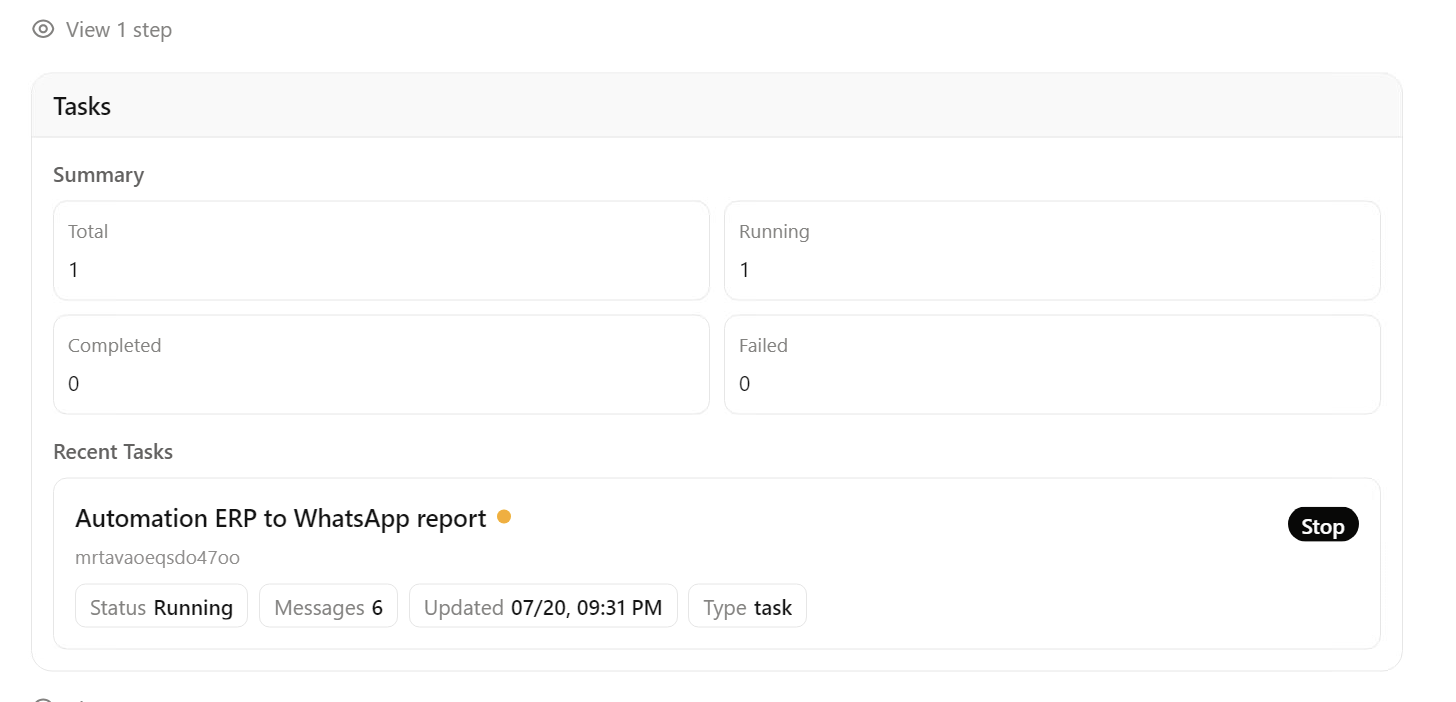
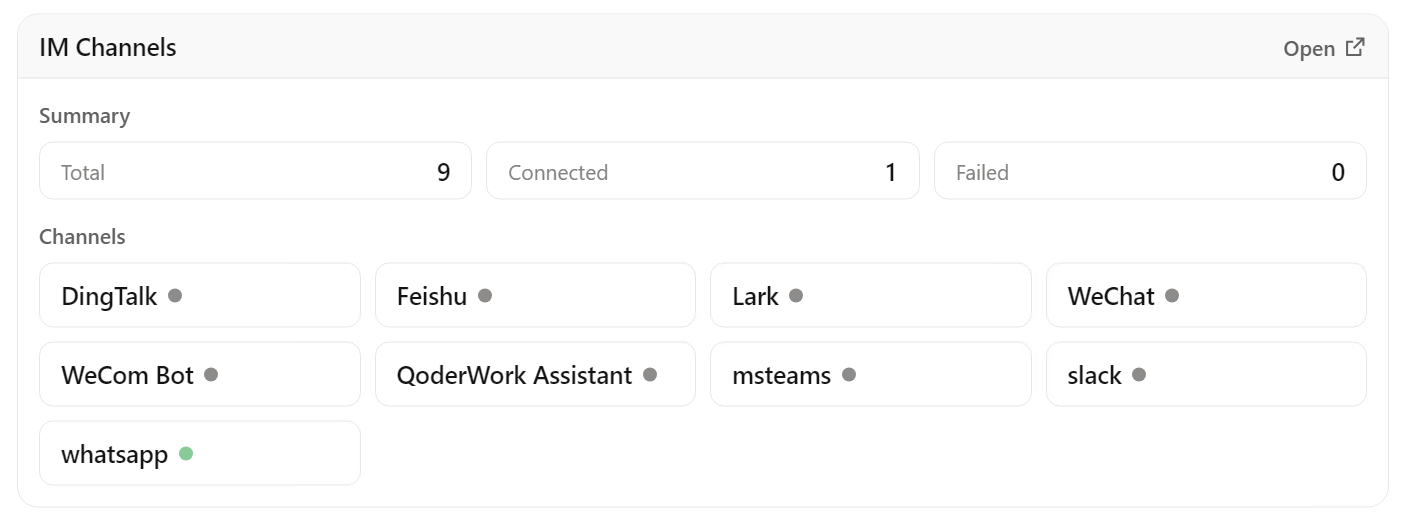
When finalizing the scheduled task, specify that the output should be sent to your connected WhatsApp IM session.
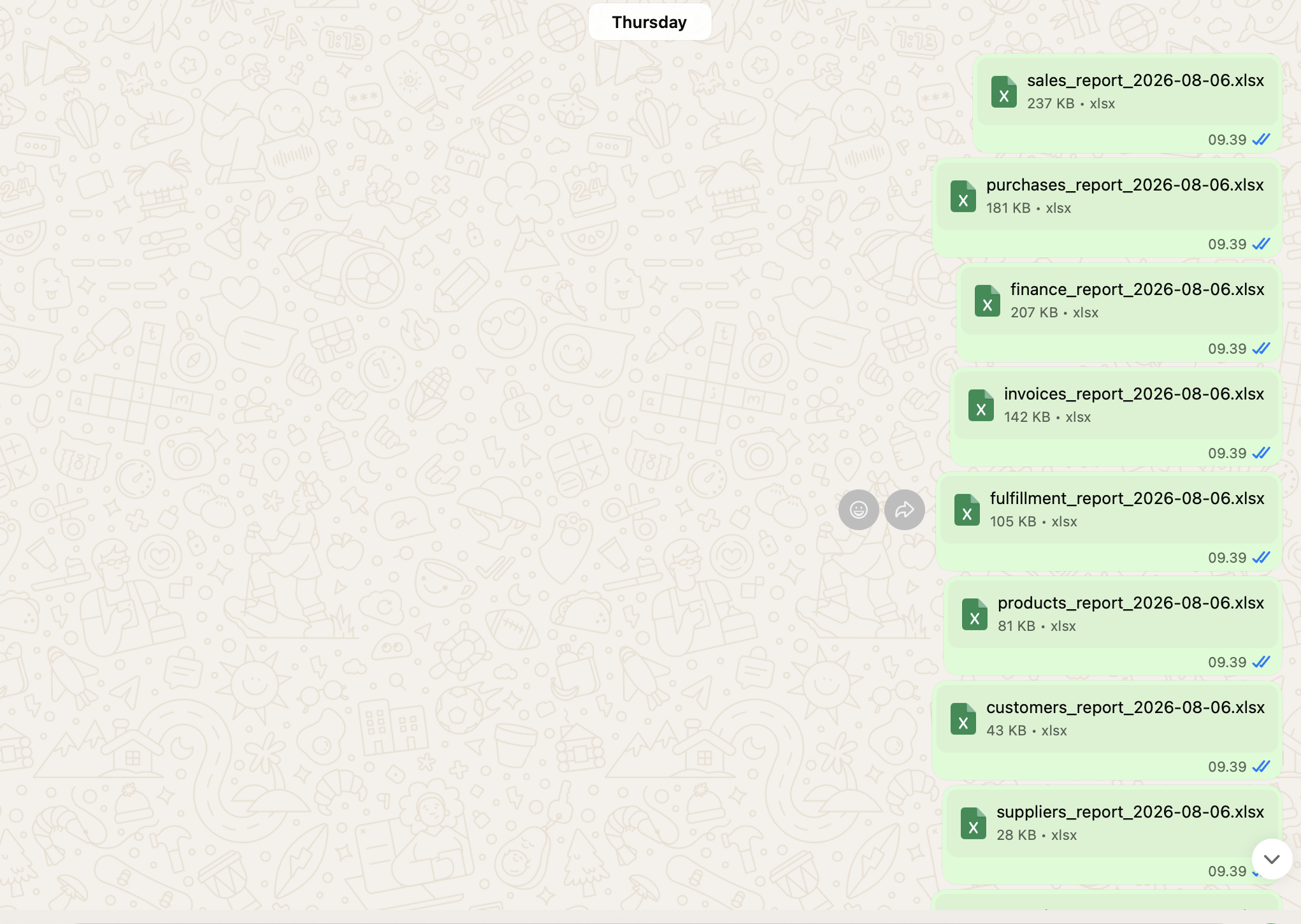
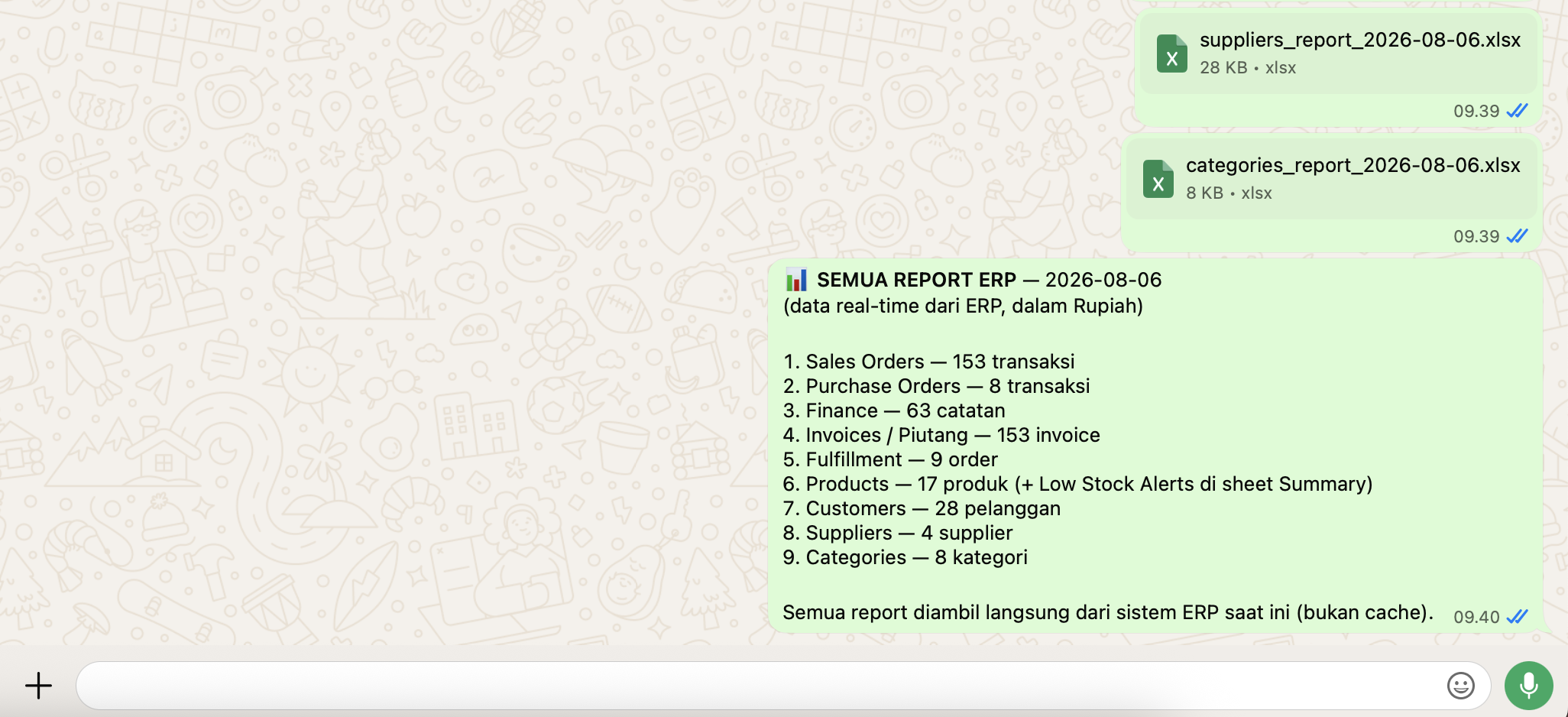
You can even request reports exactly as you want them—on demand via WhatsApp.
Once configured, QoderWork will run the data analysis locally on your machine at the scheduled time and securely push the final insights directly to your WhatsApp chat.

7 posts | 0 followers
FollowAnna Chat APP - August 12, 2024
Alibaba Cloud Community - June 18, 2026
Anna Chat APP - July 26, 2024
Alibaba Cloud Community - August 27, 2025
Justin See - March 19, 2026
Anna Chat APP - July 31, 2024
7 posts | 0 followers
Follow Token Plan
Build more, spend less. One plan, every modality.
Learn More
Alibaba Cloud Model Studio
A one-stop generative AI platform to build intelligent applications that understand your business, based on Qwen model series such as Qwen-Max and other popular models
Learn More AgentBay
Multimodal cloud-based operating environment and expert agent platform, supporting automation and remote control across browsers, desktops, mobile devices, and code.
Learn More Quick BI
A new generation of business Intelligence services on the cloud
Learn MoreMore Posts by Muhamad Miftah

