As organizations increasingly adopt Artificial Intelligence (AI) to improve productivity and operational efficiency, AI-powered productivity platforms have become essential tools for content creation, knowledge management, and presentation development.
QoderWork is an AI-driven platform designed to help users generate high-quality content, automate workflows, and create professional presentations within minutes. By leveraging advanced Large Language Models (LLMs), QoderWork enables users to transform ideas, documents, and business requirements into structured outputs with minimal effort.
This guide provides a comprehensive overview of how to purchase a QoderWork license, activate the license, and utilize QoderWork's AI-powered presentation capabilities.
QoderWork is an AI productivity platform that assists users in generating business content, reports, proposals, presentations, and other professional documents using natural language prompts.
The platform is designed to support various business functions, including:
• Business analysis
• Project management
• Marketing content creation
• Technical documentation
• Proposal development
• Executive reporting
• Presentation creation
QoderWork combines AI-powered content generation with user-friendly workflows, enabling teams to accelerate content development while maintaining consistency and quality.
QoderWork provides a wide range of capabilities to improve productivity across organizations.
• Reports
• Business proposals
• Technical documentation
• Meeting summaries
• Marketing materials
• Topics
• Business requirements
• Uploaded documents
• Existing reports
Depending on organizational requirements, QoderWork may provide multiple licensing options.
| License Type | Description |
|---|---|
| Individual License | Single-user access for personal productivity |
| Team License | Multi-user access for teams and departments |
| Enterprise License | Large-scale deployment with enterprise features and administration controls |
Please consult your QoderWork representative for the latest licensing options and pricing information.
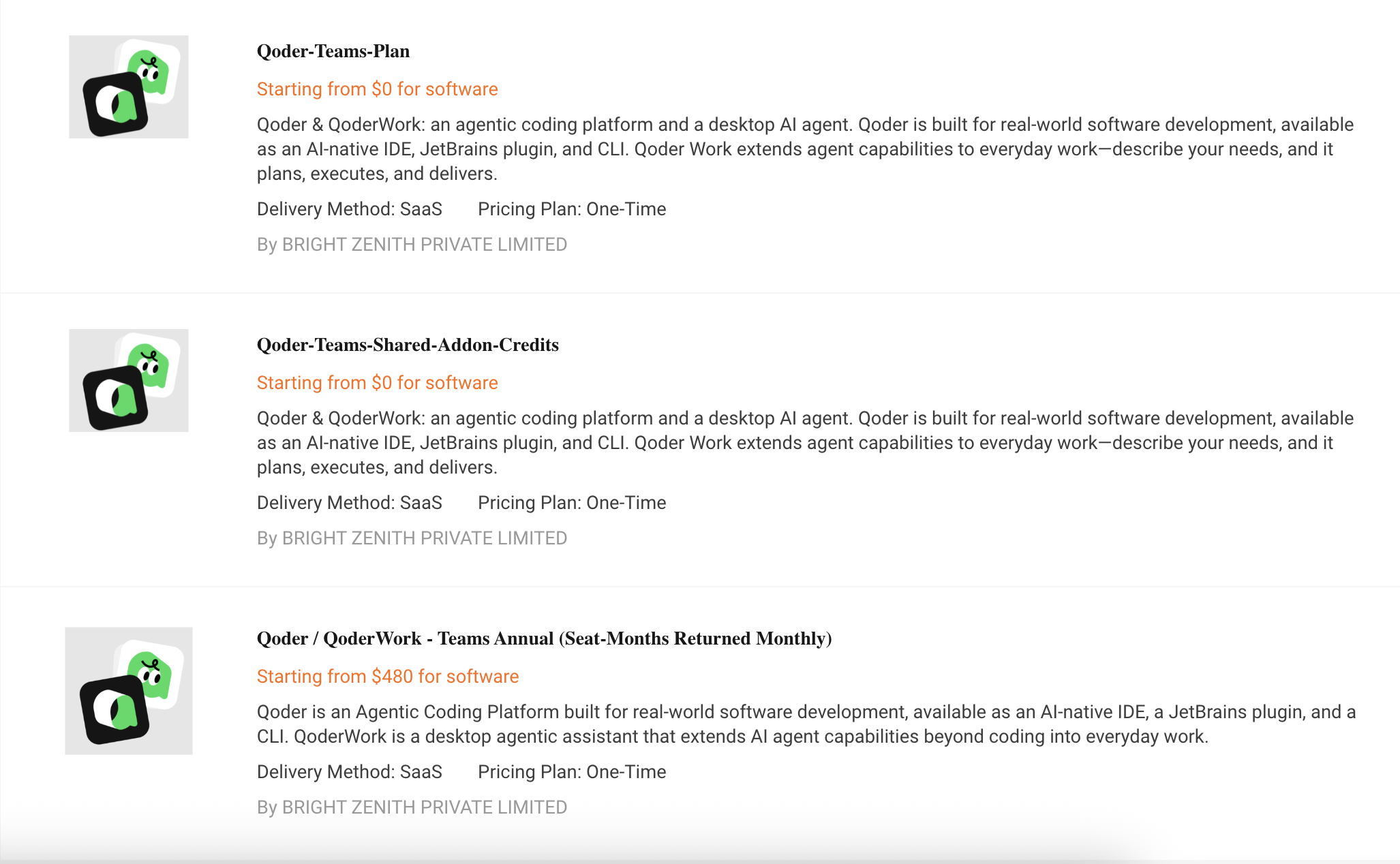
Step 1: Access the Qoder Platform
Open the Qoder portal and log in using your registered account credentials.
If you do not yet have an account, complete the registration process before proceeding.
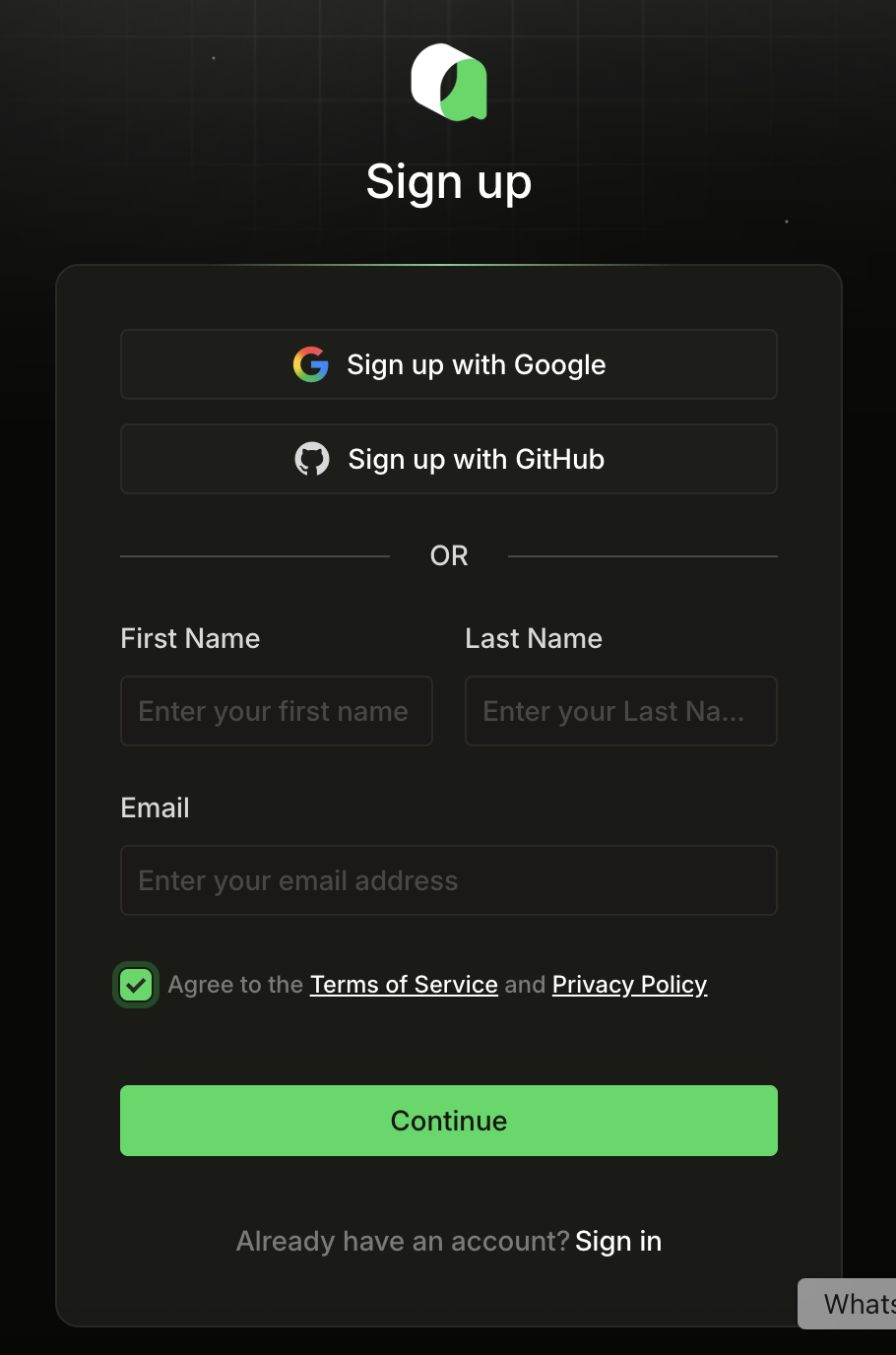
Step 2: Go to Alibaba Cloud Marketplace for Purchasing Qoder License
After logging in to the marketplace console of Alibaba Cloud:
• Number of users
• Feature requirements
• Usage volume
• Organizational growth plans
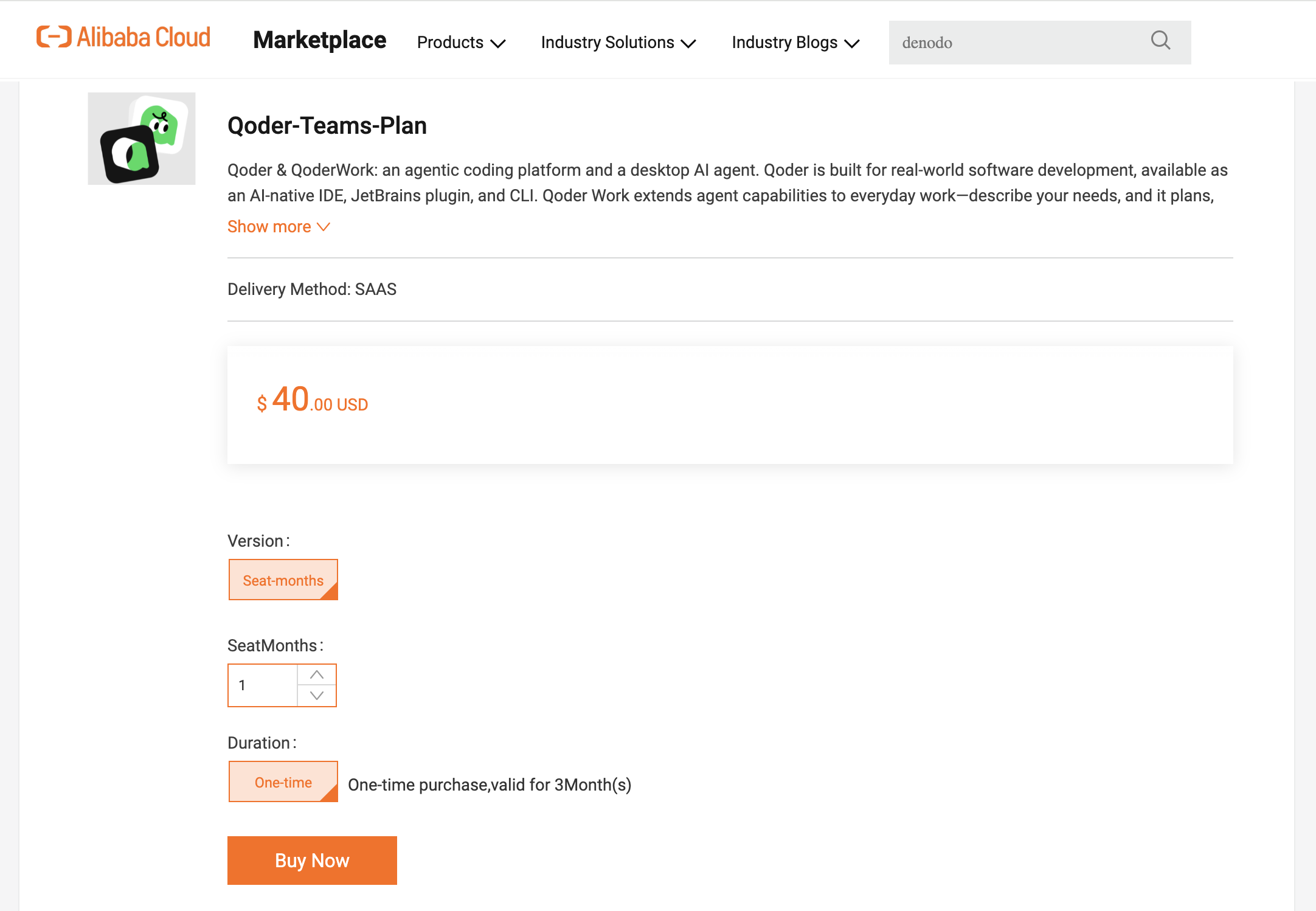
Step 3: Review Pricing and Features
Before completing the purchase, verify:
• License type
• Included features
• Billing period
• User allocation
• Support coverage
Step 4: Complete Payment
Provide payment details and confirm the purchase.
Upon successful payment:
• An order confirmation will be generated.
• A confirmation email will be sent.
• The license will be provisioned automatically or made available for redemption.
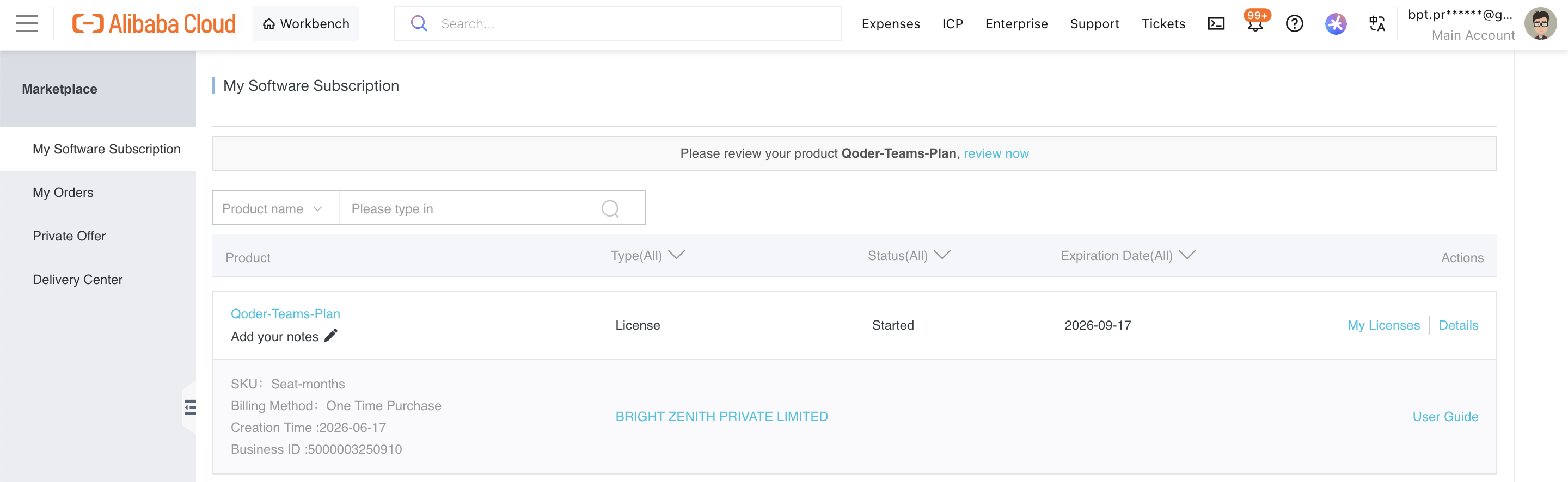
Step 5: Verify License Status
Navigate back to the License Management page and confirm that the license status is displayed as:
Active
The expiration date and subscription details should also be visible.
Teams Plan (Seat-Month) monthly redemption codes are currently available on Alibaba Cloud Marketplace and Alibaba Cloud International Marketplace;
• Can be redeemed for seat-month credits. One seat-month represents the eligibility to use one seat for one month.
• After redemption, seat-month credits are automatically credited to the organization’s balance and immediately available, used for automatic deduction during subscription and upgrades.
How to Redeem an Existing Code?
For more information of redemption the existing license code that you've already purchased on Alibaba Cloud Marketplace, please check out here: Redeeming the Qoder License
One of the most powerful features of QoderWork is its ability to generate professional presentation slides automatically.
Step 1: Define the Purpose of Your Presentation
Before creating a presentation, clearly identify:
• What topic you • want to present
• Who the target audience is
• What outcome you expect from the presentation
• How detailed the content should be
| Scenario | Objective |
|---|---|
| Executive Meeting | High-level business overview |
| Technical Workshop | Detailed technical explanation |
| Customer Presentation | Solution introduction and benefits |
| Project Kick-off | Project scope, timeline, and responsibilities |
The clearer the objective, the better the generated output.
Step 2: Create a Well-Structured Prompt
Step 2: Create a Well-Structured Prompt
A good presentation prompt should contain four key elements:
• Topic: What is the presentation about?
• Audience: Who will be reading the presentation?
• Number of Slides: How many slides should be generated?
• Presentation Style: What tone and depth should be used?
Create a professional presentation about Alibaba Cloud Security Best Practices.

Audience: Enterprise IT and Security Teams
Number of Slides: 10
Language: English

Include:
- Introduction to cloud security
- Identity and Access Management
- Multi-Factor Authentication
- Security Center
- Anti-DDoS
- Data Protection
- Monitoring and Auditing
- Best Practices
- Conclusion

The presentation should be suitable for a customer workshop and include speaker notes for each slide.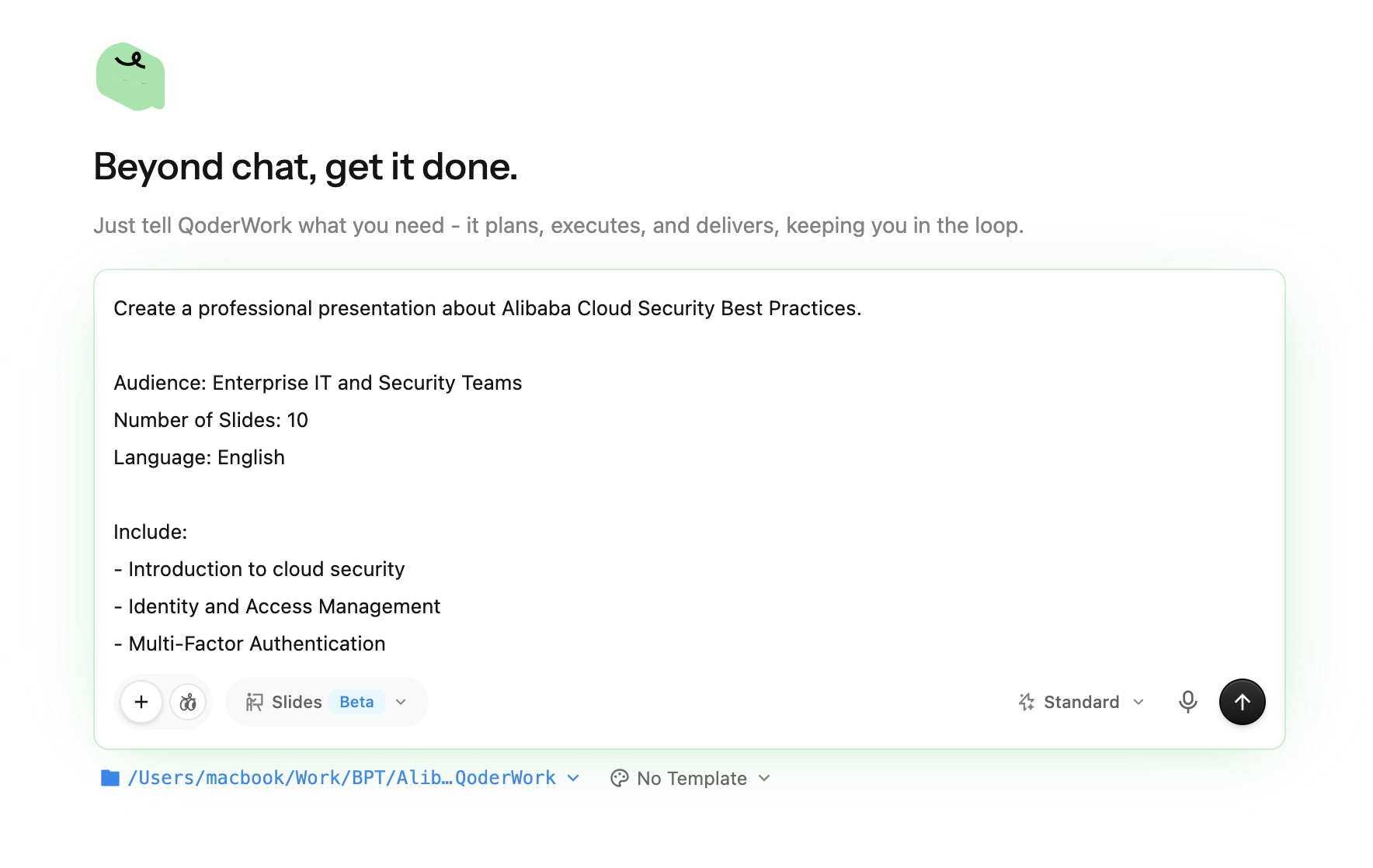
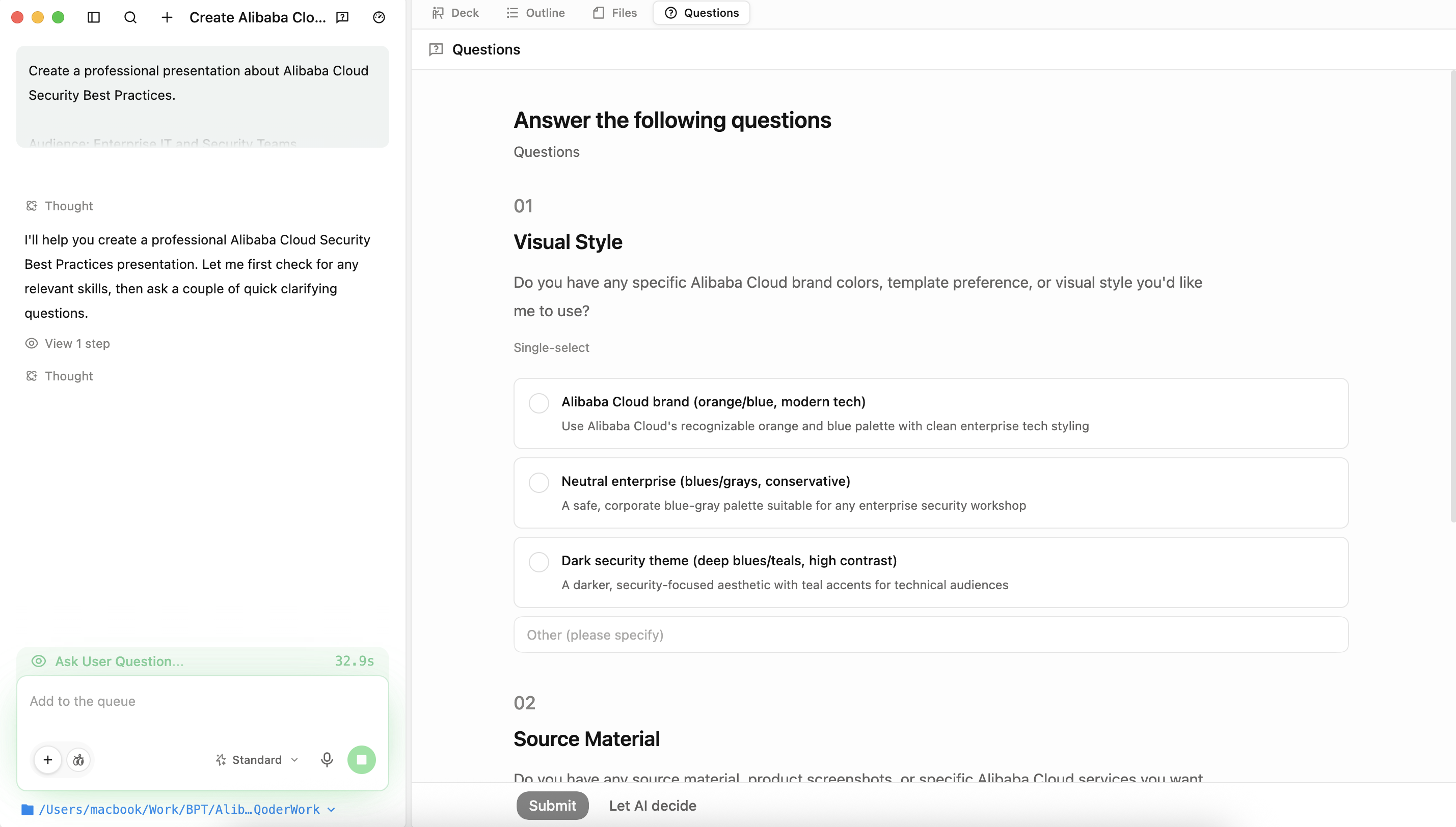
QoderWork will be sending the questions regarding our presentation slides will be.
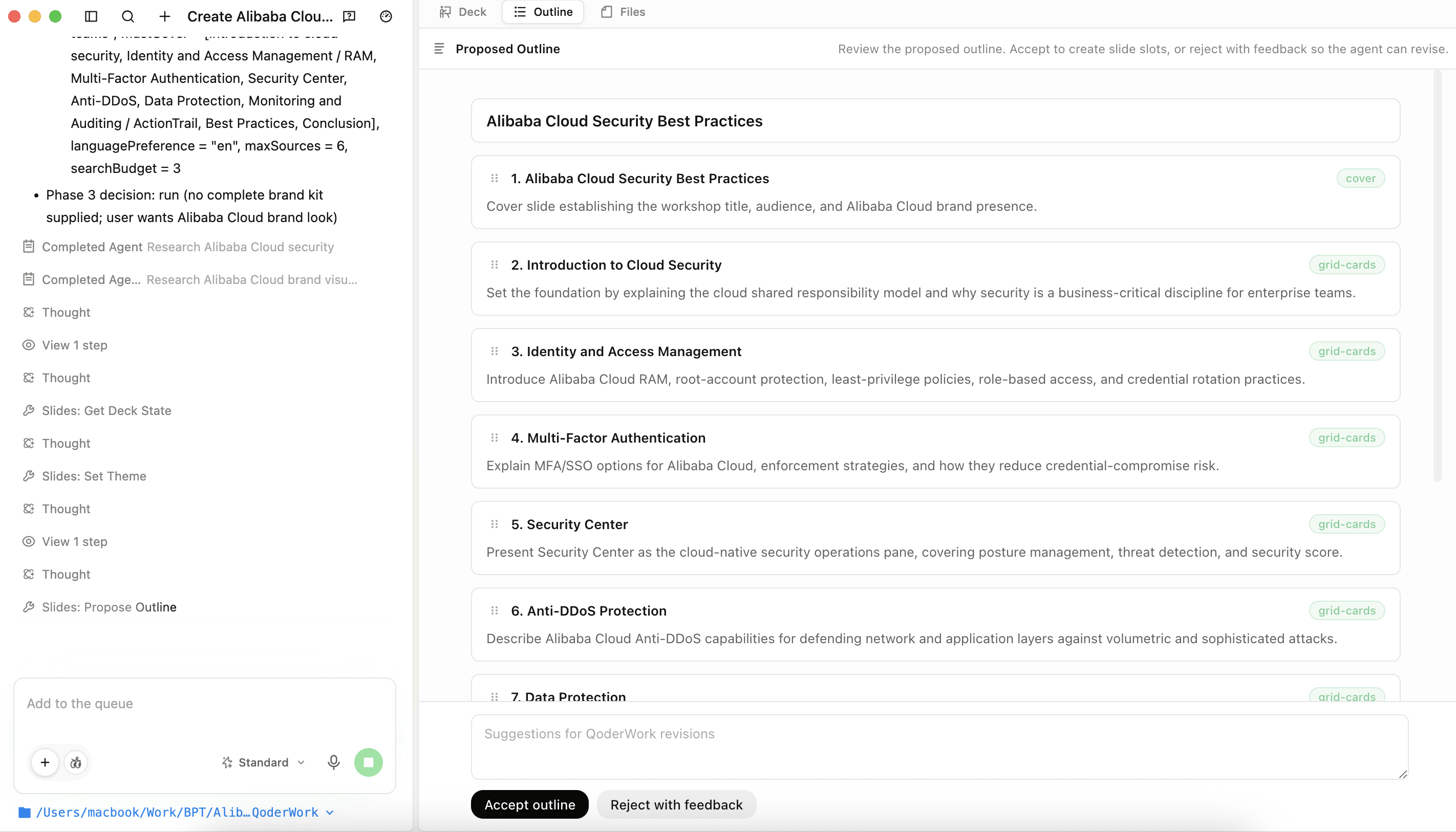
Here's when the QoderWork is ready to create each slides by slides.
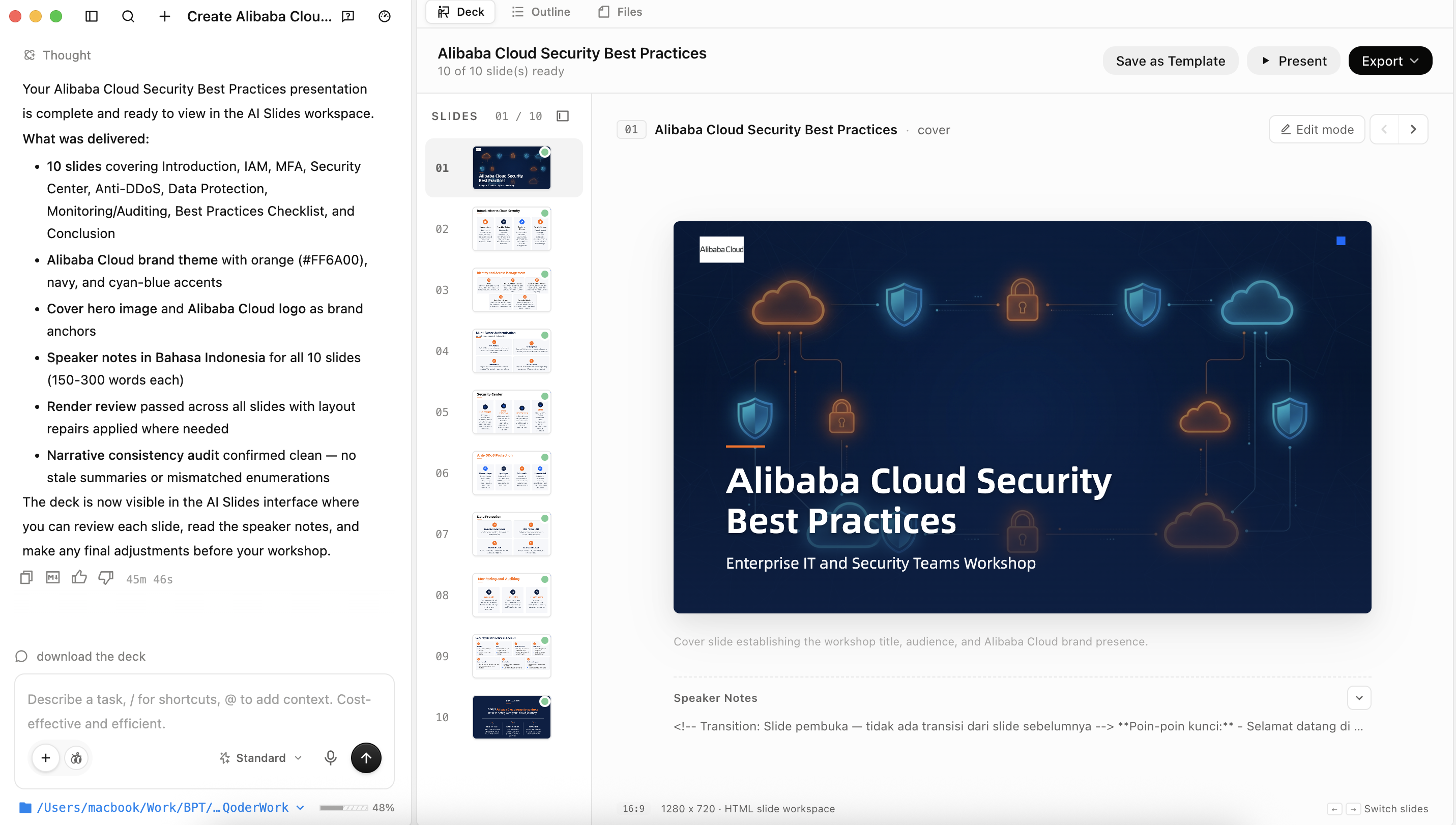
And here's the slides that already created by QoderWork.
QoderWork provides a comprehensive AI-powered productivity platform that helps organizations accelerate content creation, automate repetitive tasks, and generate professional presentations efficiently. By following the procedures outlined in this guide, users can successfully purchase and activate licenses, navigate the platform, and leverage AI to create high-quality presentations from topics or existing documents. Proper utilization of QoderWork enables teams to improve productivity, maintain consistency, and focus on higher-value business activities while reducing the effort required to create professional content.
Automating Daily Outlook Email Summarization with HermesAgent on Alibaba Cloud ECS
Automating Daily ERP Reports: Seamless Delivery via QoderWork IM Channel (WhatsApp)

7 posts | 0 followers
FollowMuhamad Miftah - March 31, 2026
Alibaba Cloud Indonesia - March 11, 2026
Alibaba Cloud Community - June 16, 2026
Alibaba Cloud Indonesia - March 17, 2026
Alibaba Cloud Community - July 16, 2026
Alibaba Cloud Native Community - June 10, 2026
7 posts | 0 followers
Follow Qwen
Qwen
Full-range, open-source, multimodal, and multi-functional
Learn More Alibaba Cloud Model Studio
A one-stop generative AI platform to build intelligent applications that understand your business, based on Qwen model series such as Qwen-Max and other popular models
Learn More
Token Plan
Build more, spend less. One plan, every modality.
Learn More Alibaba Cloud for Generative AI
Accelerate innovation with generative AI to create new business success
Learn MoreMore Posts by Muhamad Miftah

