This topic describes how to manage artifacts in a generic repository in Alibaba Cloud DevOps Packages.
Prerequisites
A generic repository is created.
Use a generic repository
Go to the repository details page. In the left-side navigation pane, click User Guide and follow the user guide to upload and download artifacts by using methods such as manual upload and download, Use CI/CD to upload/download, and Use api to upload/download.

View and manage generic artifacts
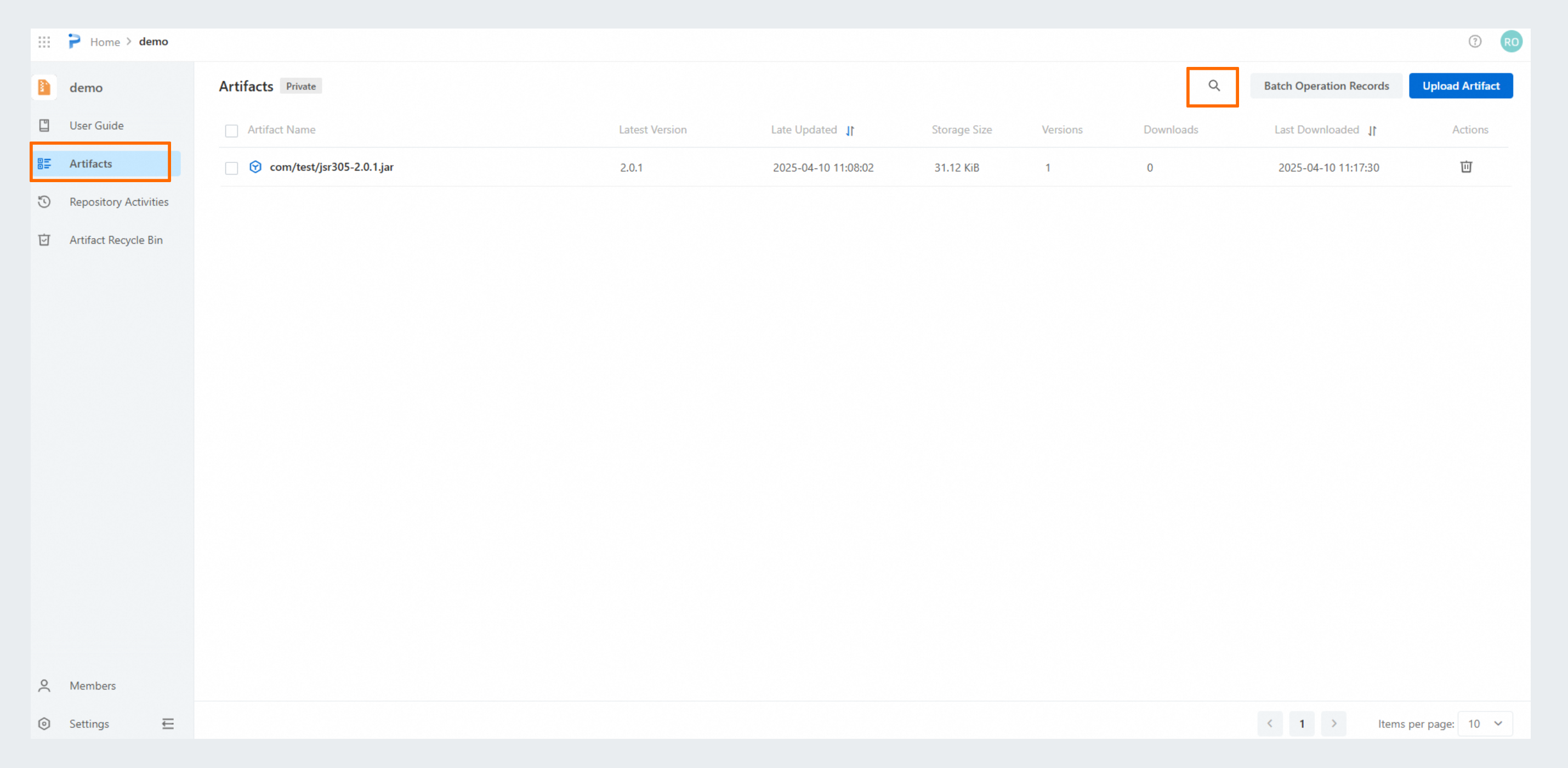
Go to the repository details page. In the left-side navigation pane, click Artifacts to view all artifacts in the repository. You can also search for artifacts by name. Click the  icon in the upper-right corner of the page and specify the artifact name to conduct the search.
View artifact version details
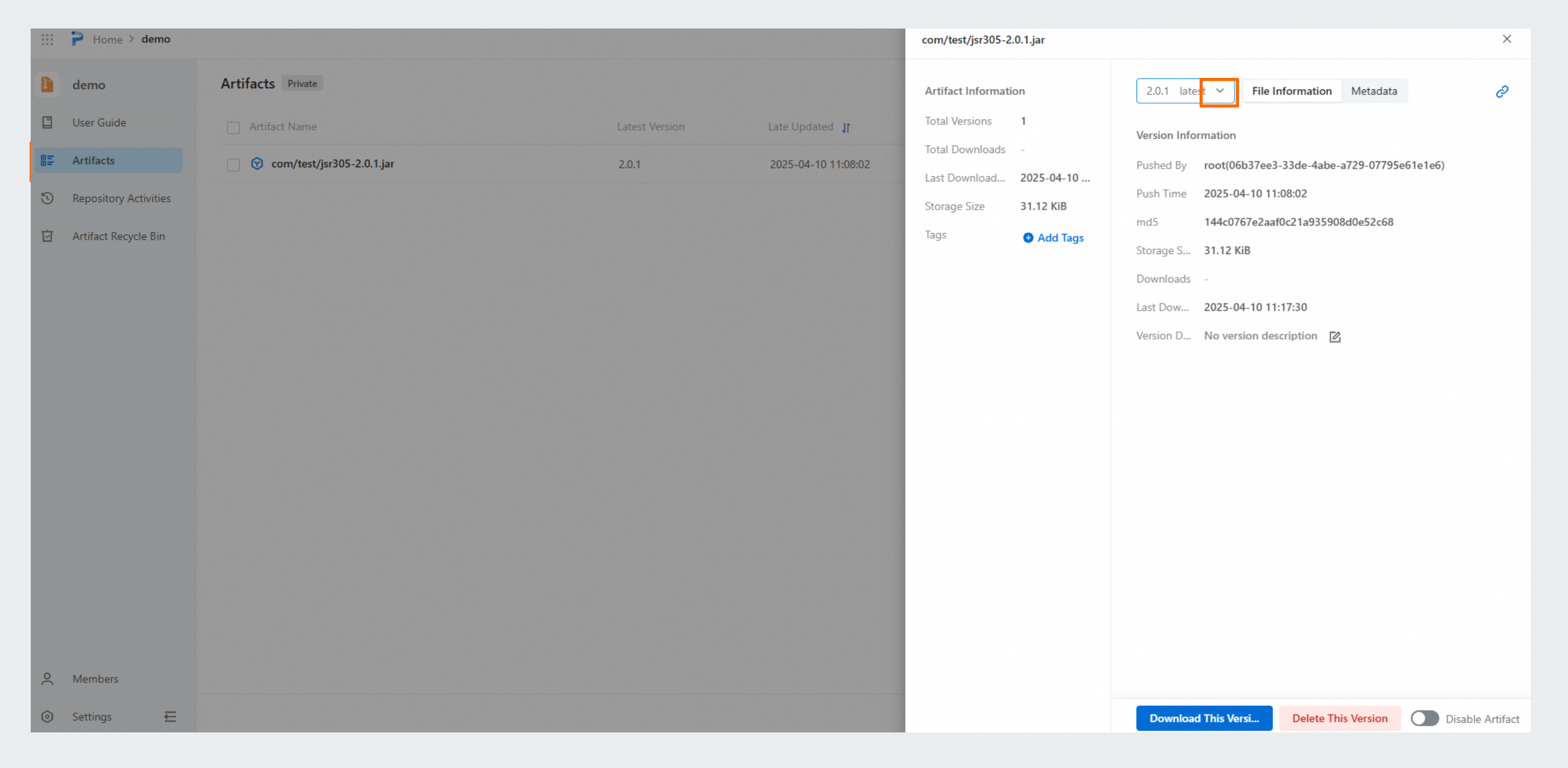
On the Artifacts page, click the name of the artifact that you want to manage. In the panel that appears, the detailed information about the artifact is displayed. The version is automatically set to the latest version. To switch to a different version, select that version option from the drop-down list.
Disable an artifact version
On the Artifacts page, click the name of the artifact that you want to manage. In the panel that appears, turn on Disable Artifact to disable that version of the artifact.
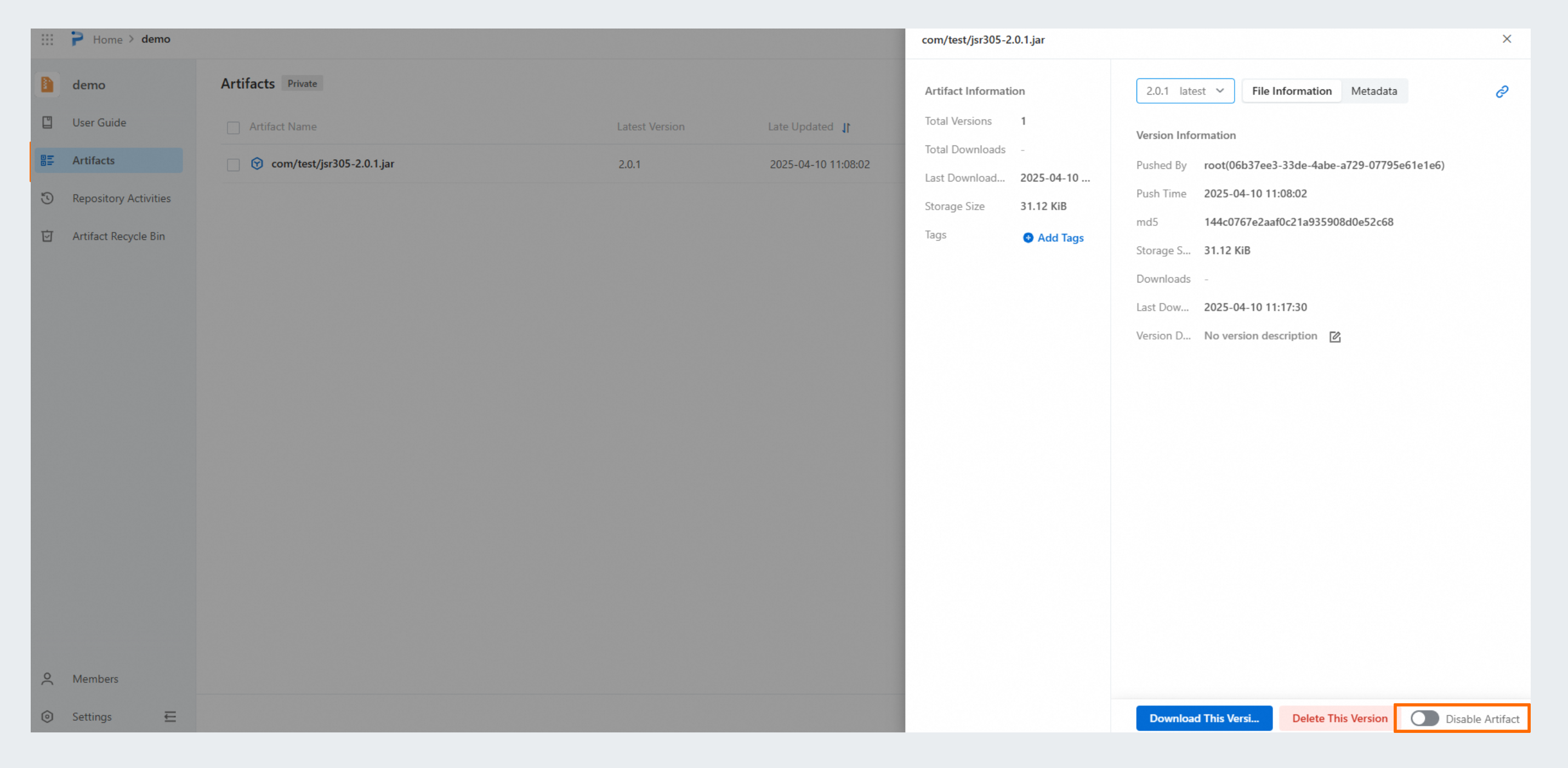
Note that the scope of disabling is a version rather than the entire artifact. As shown in the figure, if you disable the artifact version on the myweb-demo-1.0.jar version details page, the myweb-demo-1.0.jar version cannot be downloaded, but other versions such as opt/myweb-demo-2.0.jar can still be downloaded and used.
Manage artifact metadata
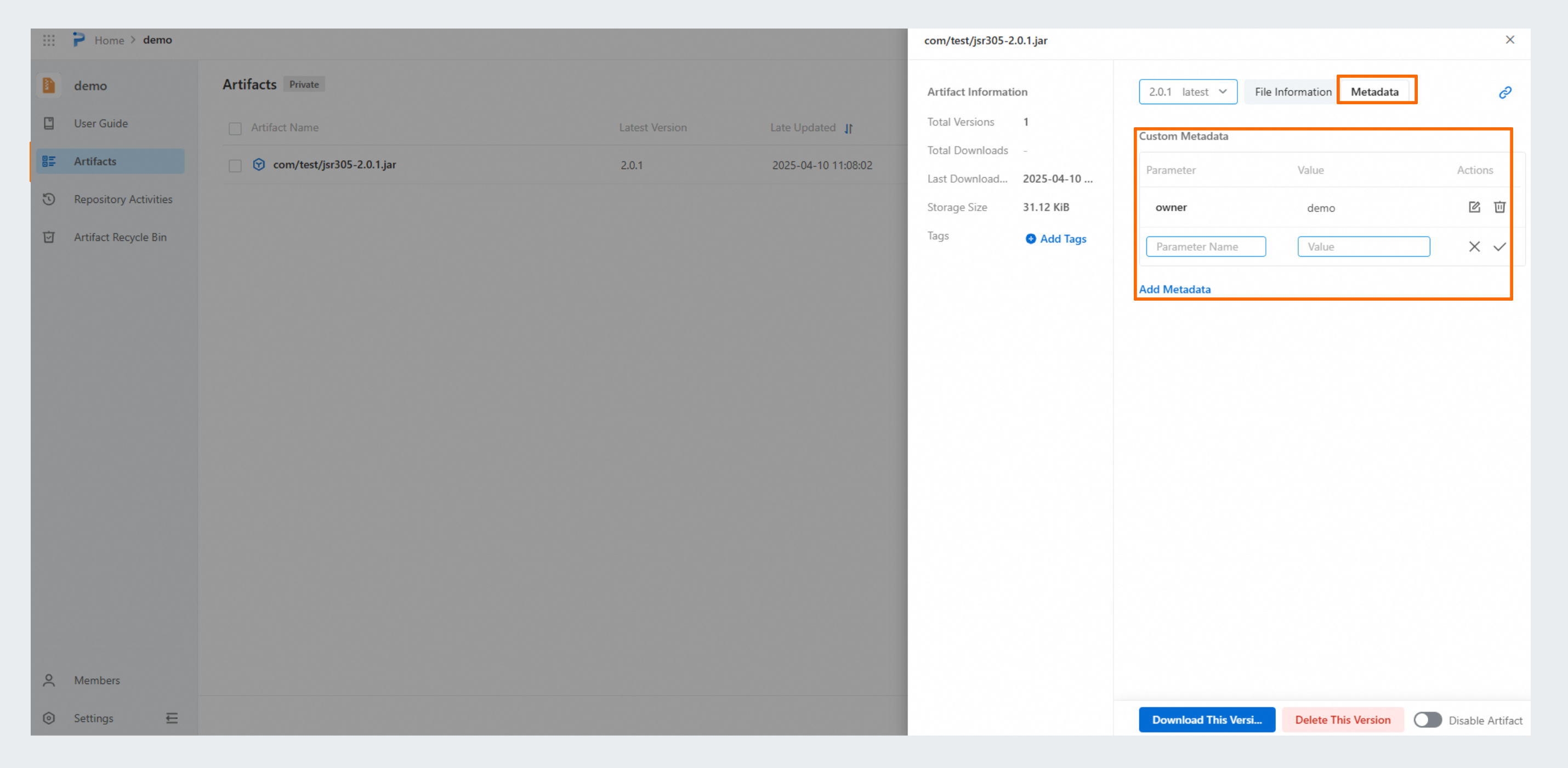
On the Artifacts page, click the name of the artifact that you want to manage. In the panel that appears, click the Metadata tab to manage the metadata information of the artifact version. The metadata applies only to the specific artifact version.
Delete an artifact version
On the Artifacts page, click the name of the artifact that you want to manage. In the panel that appears, click Delete This Version to delete the artifact version.
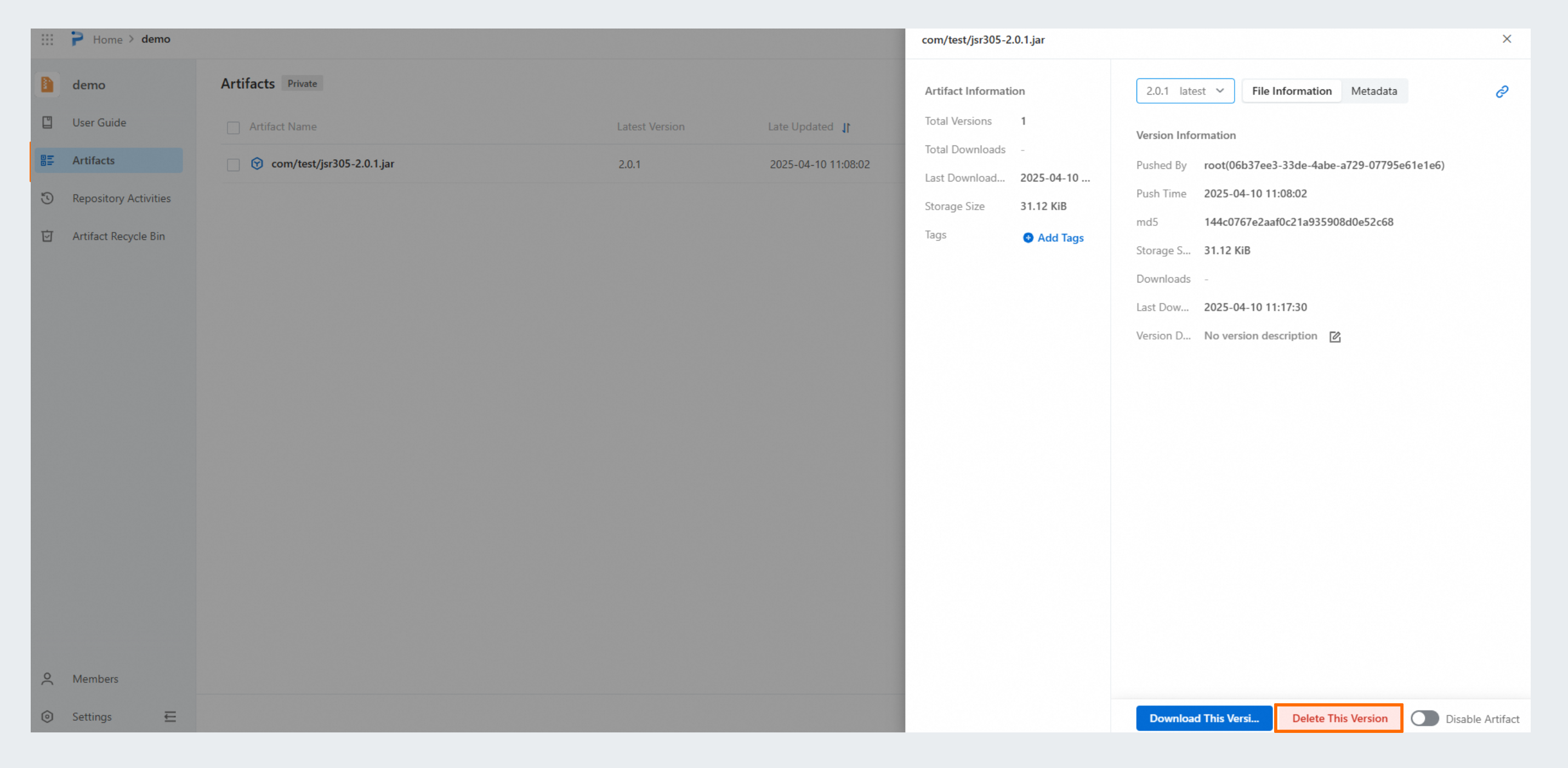
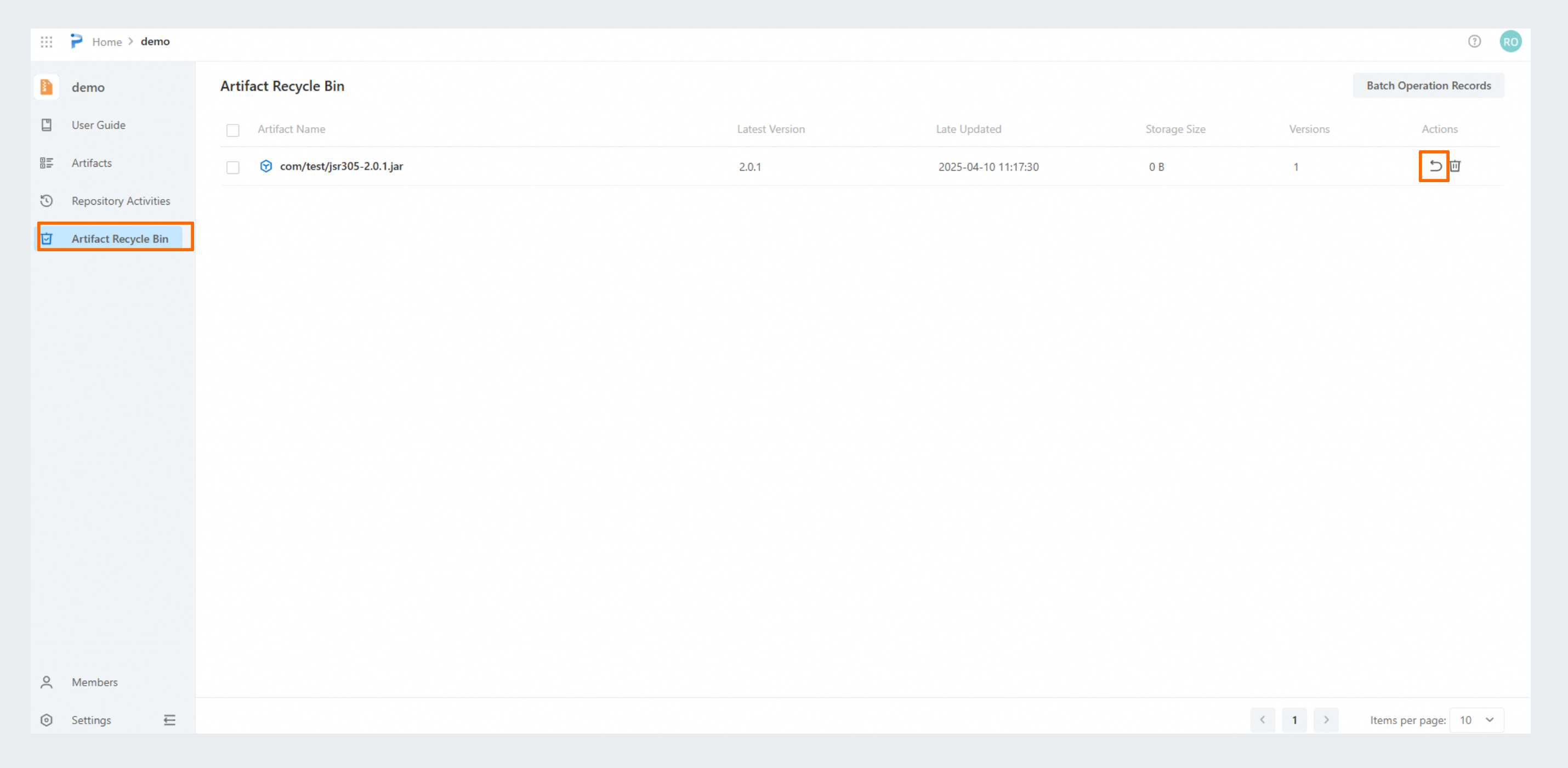
After the artifact version is deleted, you can click Artifact Recycle Bin in the left-side navigation pane and click the  icon to recover the version from the artifact recycle bin.