This topic describes how to view the usage details of your resource plans. Analyzing this data helps you identify waste, purchase suitable plans for your business, and reduce costs.
Notes
An ApsaraVideo VOD data transfer plan can be used to deduct acceleration traffic only if you have configured an accelerated domain name and the acceleration service uses the pay-by-data-transfer billing method.
If you have not configured an accelerated domain name, playing or downloading videos generates outbound storage traffic. This traffic cannot be deducted by an ApsaraVideo VOD data transfer plan.
Procedure
You can view usage details for only resource plans that are active or expired for less than one year.
Log on to Expenses and Costs.
In the navigation pane on the left, choose Resource Instances.
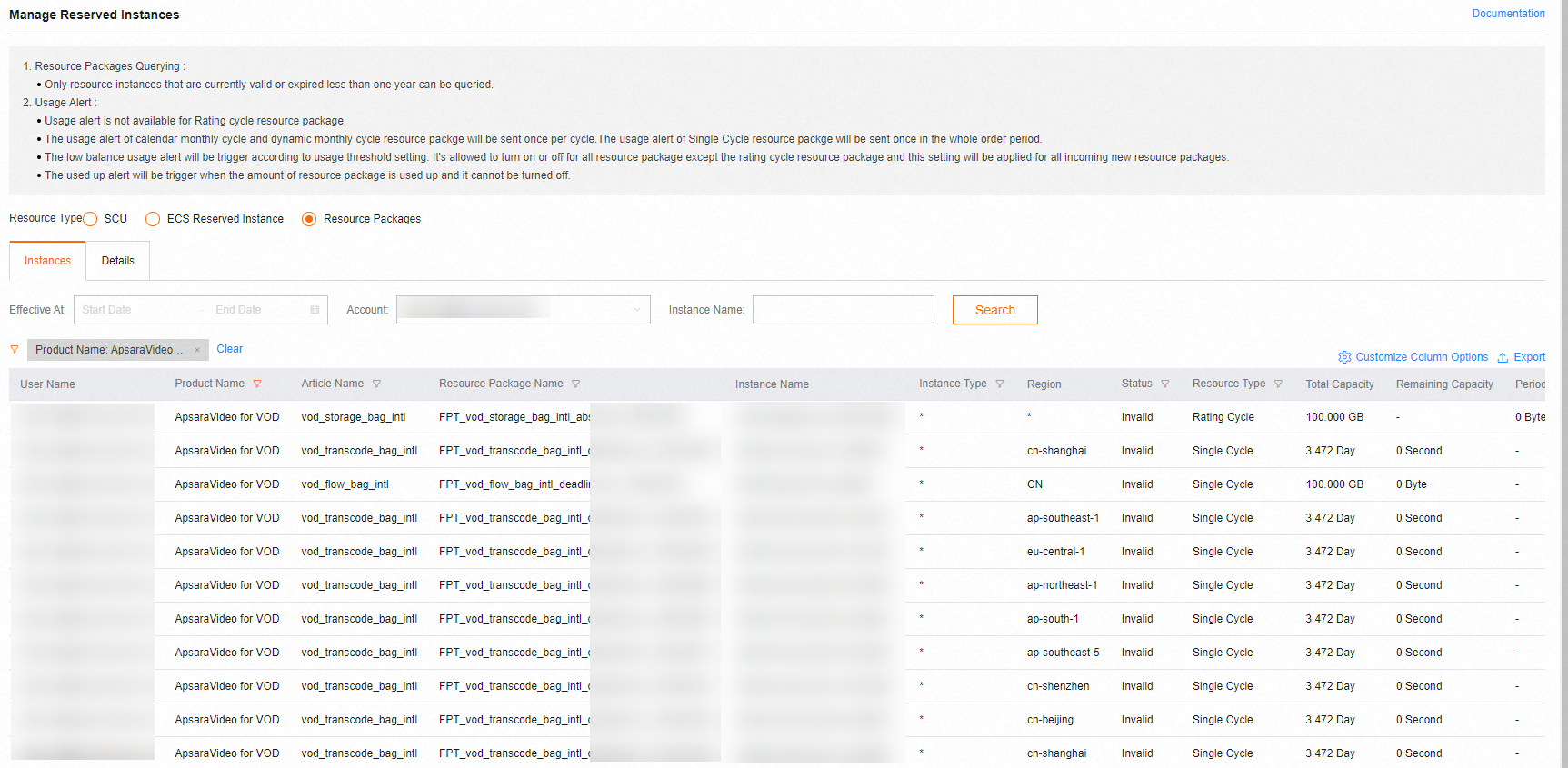
On the Resource Instances page, set Resource Dimension to Resource Plan to view the usage details of your resource plans.
You can set Product Name to ApsaraVideo VOD or set other filter conditions, such as the effective period and status, to query resource plans.
References
For more information about issues such as abnormal resource plan usage or deduction, see Billing FAQ.