If you plan to send messages to recipients in the Chinese mainland, you must first submit an SMS signature and message template for approval.
Due to policy restrictions, Go China is not available for new users. For accounts that already have this feature enabled, your SMS signatures must undergo identity verification. Unverified signatures may be forcibly deactivated, causing service disruptions. The requirements and procedures for identity verification have been sent to your Alibaba Cloud Message Center and associated email address.
Prerequisites
An enterprise account is created with Alibaba Cloud and has passed the account verification process. For more information, visit the registration page and Account Center.
Usage notes
You cannot cancel the review of a message template.
You can send messages only after your signature and message template are approved.
After a message template is created, it can be deleted but cannot be modified.
After a message template is deleted, it can no longer be used to send messages. Proceed with caution.
Procedure
Log on to the SMS console.
In the left navigation pane, click Go China.
Click
Specify Message Type, Name, and Content as prompted.
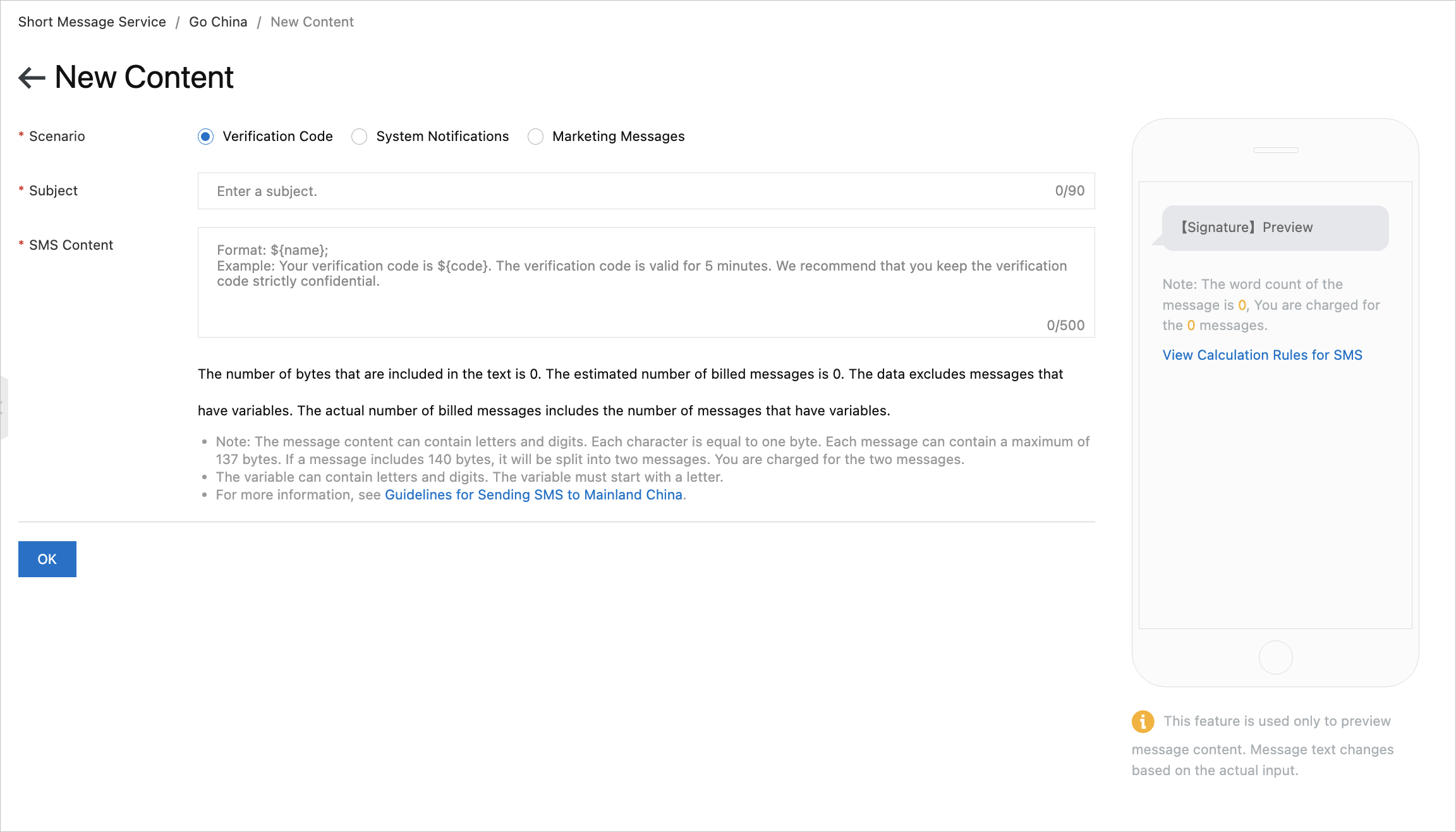
The following table describes the parameters.
Parameter
Description
Message Type
Verification codes apply to app or website registration, secure logon, payment verification, identity verification, password resetting, and account binding.
Notifications apply to notifications of orders, payments, delivery information, meetings, policies of public service sectors, and daily life services.
Promotional messages apply to new product advertising, member care, product promotion, event invitation, and cross-border marketing.
Name
Enter a name for the template as an identifier for subsequent selection.
Content
The content of the message template must comply with the message template specifications.
NoteYou can use variables in a message. The variable format is
${name}. Example: Your verification code is${code}. It is valid for 5 minutes. Keep the verification code strictly confidential.Click OK.
After you submit the message template, it will be reviewed. You can view the details on the Templates tab of the Go China page.