In extreme cases, Elastic Compute Service (ECS) instances may be unexpectedly stopped. You can use the event trigger of CloudOps Orchestration Service (OOS) to monitor ECS instances. If ECS instances are unexpectedly stopped, OOS automatically starts the ECS instances. In this case, the ACS-ECS-AutoStartECSWhenStoppedByTags template is used.
Process
Add tags to ECS instances within your Alibaba Cloud account.
Monitor the ECS instances.
If ECS instances are stopped, check whether the ECS instances need to be started.
Check whether the stopped ECS instances are to be automatically started. If no, ignore the stopped ECS instances. If yes, perform subsequent operations.
Start the stopped ECS instances.
Wait until the stopped ECS instances are started.
Operations performed by the public template
Monitor the stopped ECS instances.
Check whether the ECS instances have the specified tags.
If the ECS instances do not have the specified tags, ignore the stopped ECS instances.
If the ECS instances have the specified tags, start the ECS instances.
Template parameters
tags: the tags of the ECS instances to be automatically started.
OOSAssumeRole: the Resource Access Management (RAM) role assumed by OOS.
Procedure
Log on to the CloudOps Orchestration Service console.
In the left-side navigation pane, choose . On the Public Template page, enter ACS-ECS-AutoStartECSWhenStoppedByTags in the search box. Find the ACS-ECS-AutoStartECSWhenStoppedByTags template.
Click Create Execution.
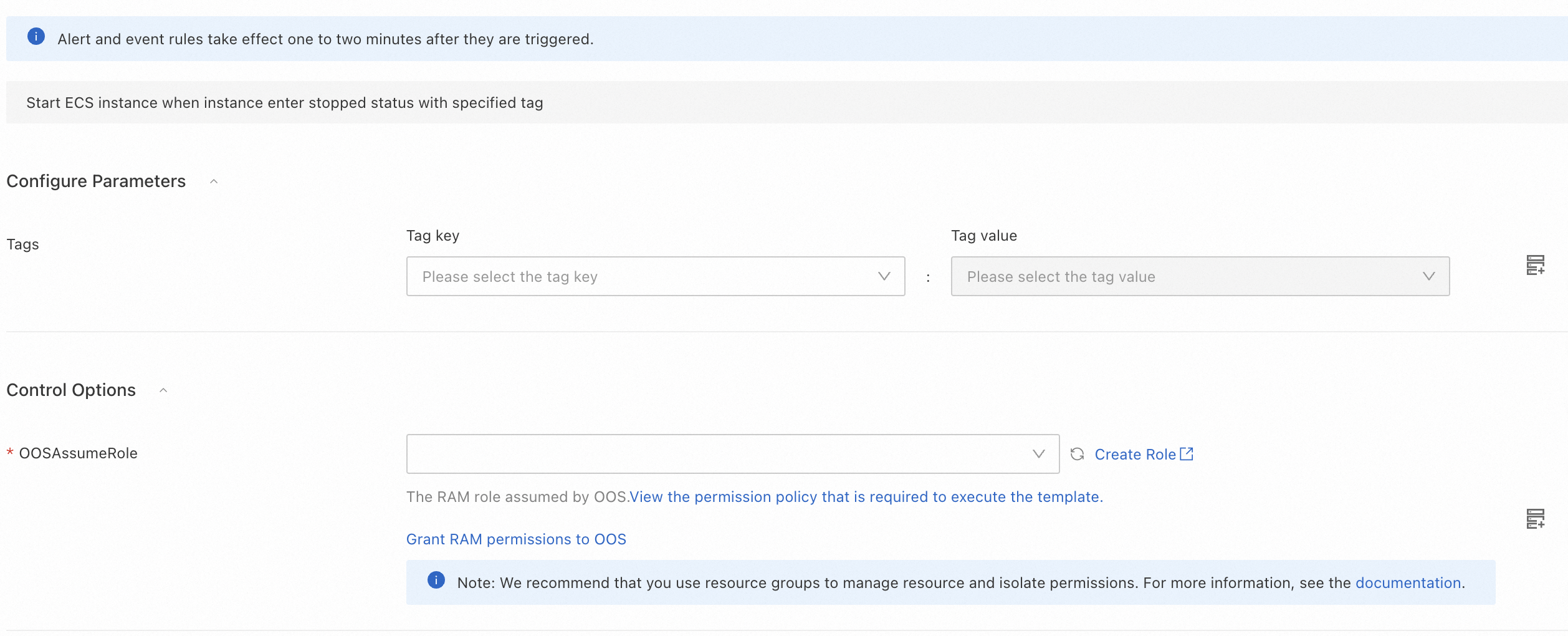
On the Create Task page, click Next Step: Parameter Settings. Configure the parameters.
Click Next Step: OK and then click Create. On the page, view the created execution. If the execution is in the Valid state, your ECS instances are monitored. If ECS instances are stopped, the ACS::EventTrigger action is triggered to perform subsequent operations.

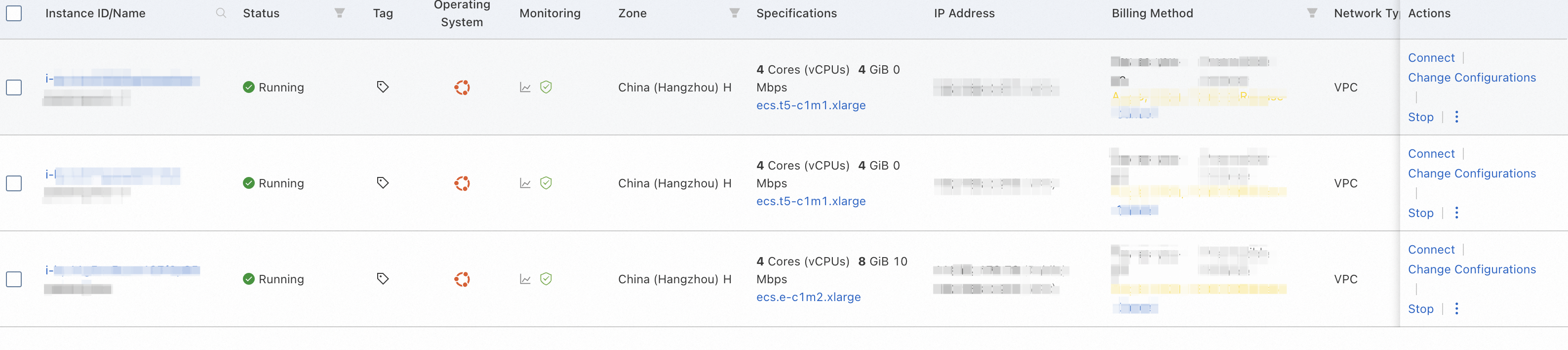
Monitor ECS instances. The following figure shows three running ECS instances with the specified tags.
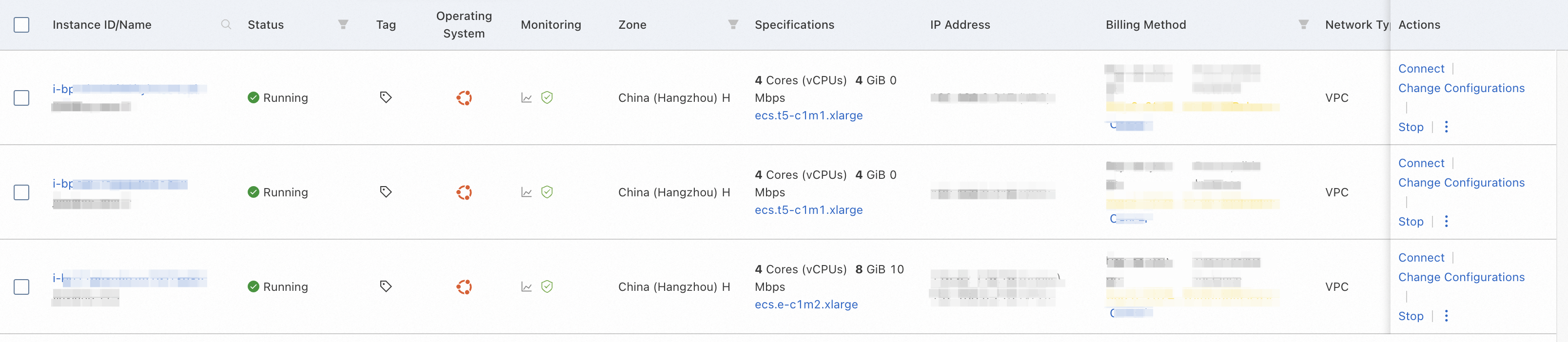
Manually stop the three ECS instances to simulate the case that ECS instances are unexpectedly stopped.
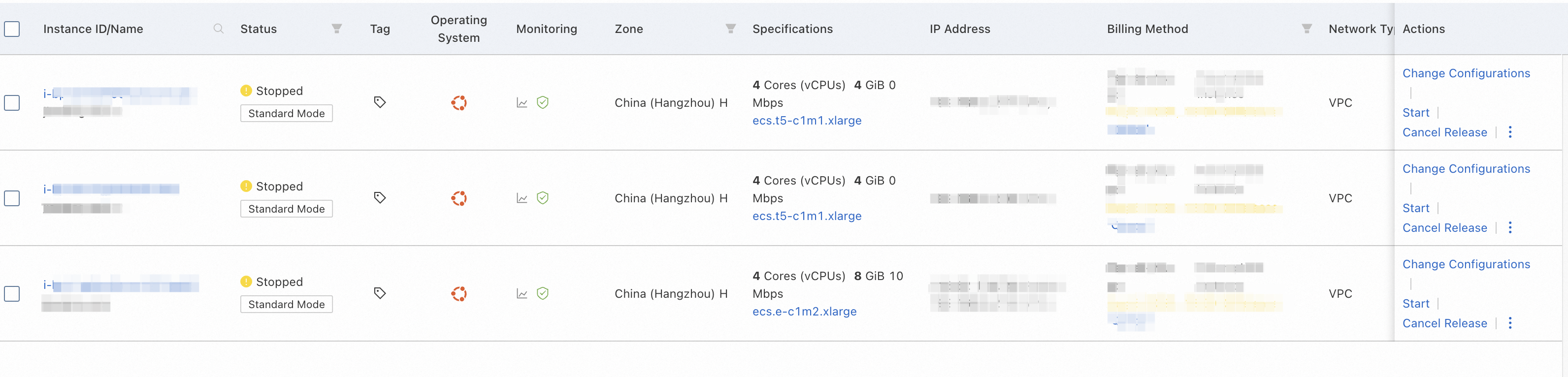
After the ECS instances are stopped, the state of the execution changes from Valid to Running. OOS starts the stopped ECS instances.

After a period of time, view the status of the ECS instances. The stopped ECS instances with the specified tags are automatically started, and their state changes to Running.