Scenarios
CloudOps Orchestration Service (OOS) supports the notification of system events, which allows you to monitor the execution status of tasks in specific scenarios.CloudOps Orchestration Service This topic describes how to use CloudMonitor to monitor the execution status of a scheduled bandwidth upgrade template. In this example, CloudMonitor is configured to send a notification when a child execution of a scheduled bandwidth upgrade task fails.
Procedure
Configure a scheduled bandwidth upgrade task
Log on to the CloudOps Orchestration Service.
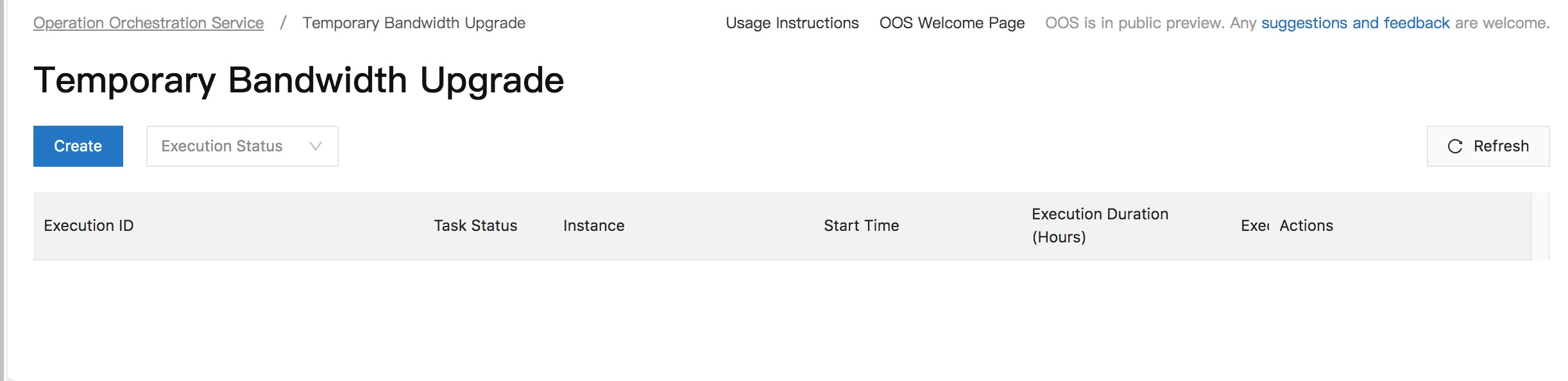
In the left-side navigation pane, choose Automated Task > Common O&M Tasks. In the left-side pane of the Common O&M Tasks page, click Temporary Bandwidth Upgrade. Then, click Create.
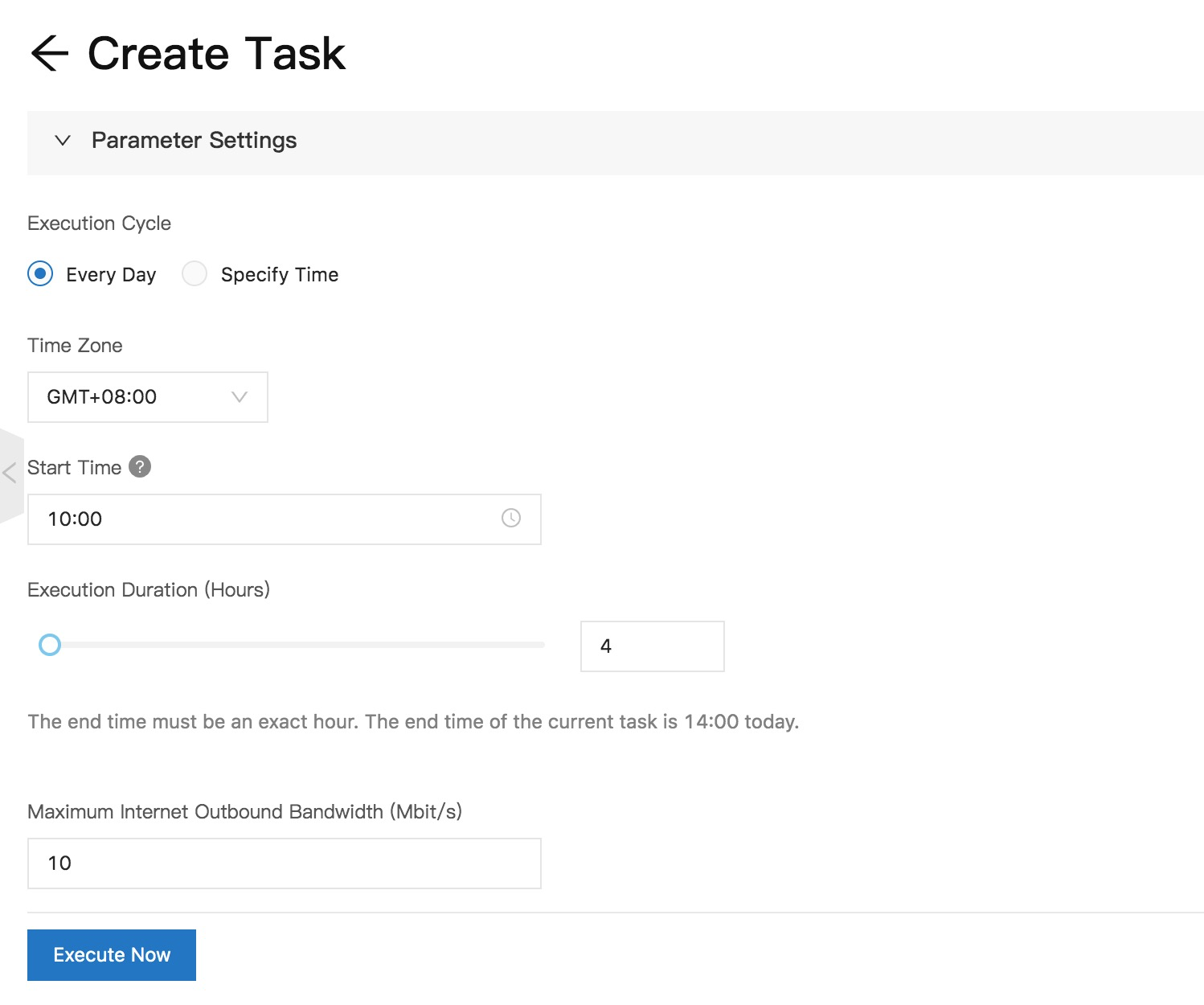
 3. On the Create Task Temporary Bandwidth Upgrade page, configure the parameters based on your business requirements and click Create.
  4. After the execution is complete, find the execution and click Details in the Actions column to view the execution details.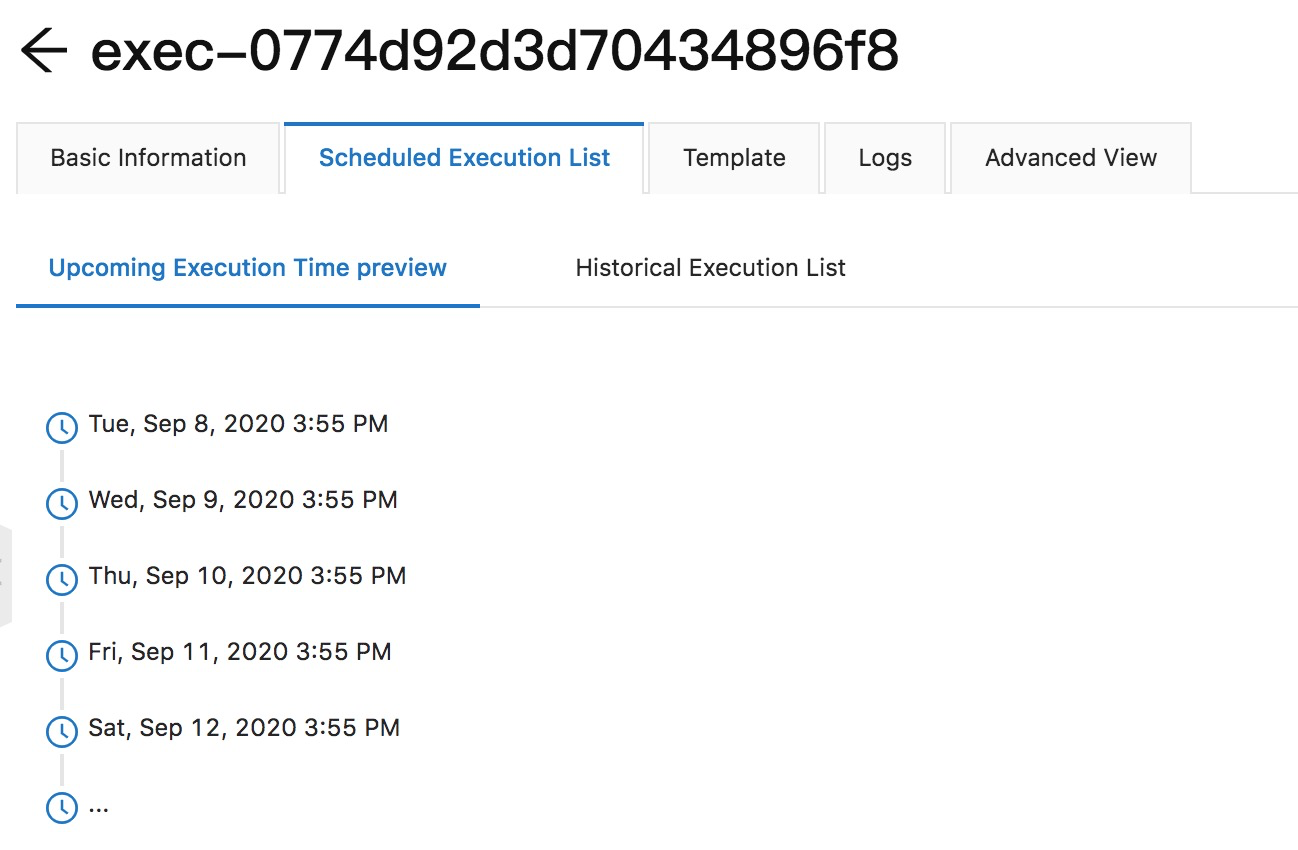
Configure CloudMonitor
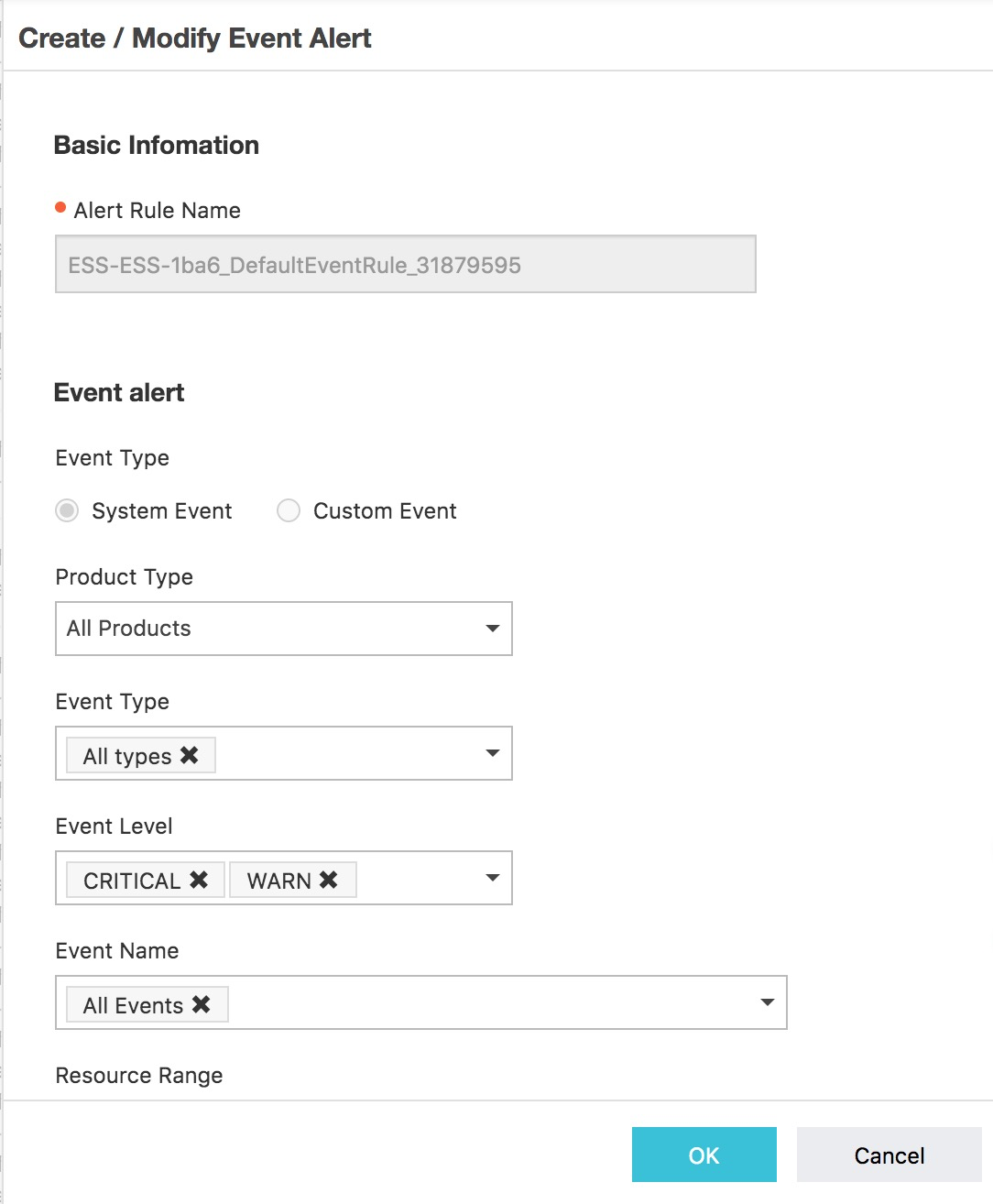
1. Log on to the CloudMonitor console. In the left-side navigation pane, choose EventCenter > System Event. On the System Event page, click Old Event Alarm Rules, and then click Create Alert Rule.  2. In the Create/Modify Event-triggered Alert Rule panel, configure an alert rule and click OK.
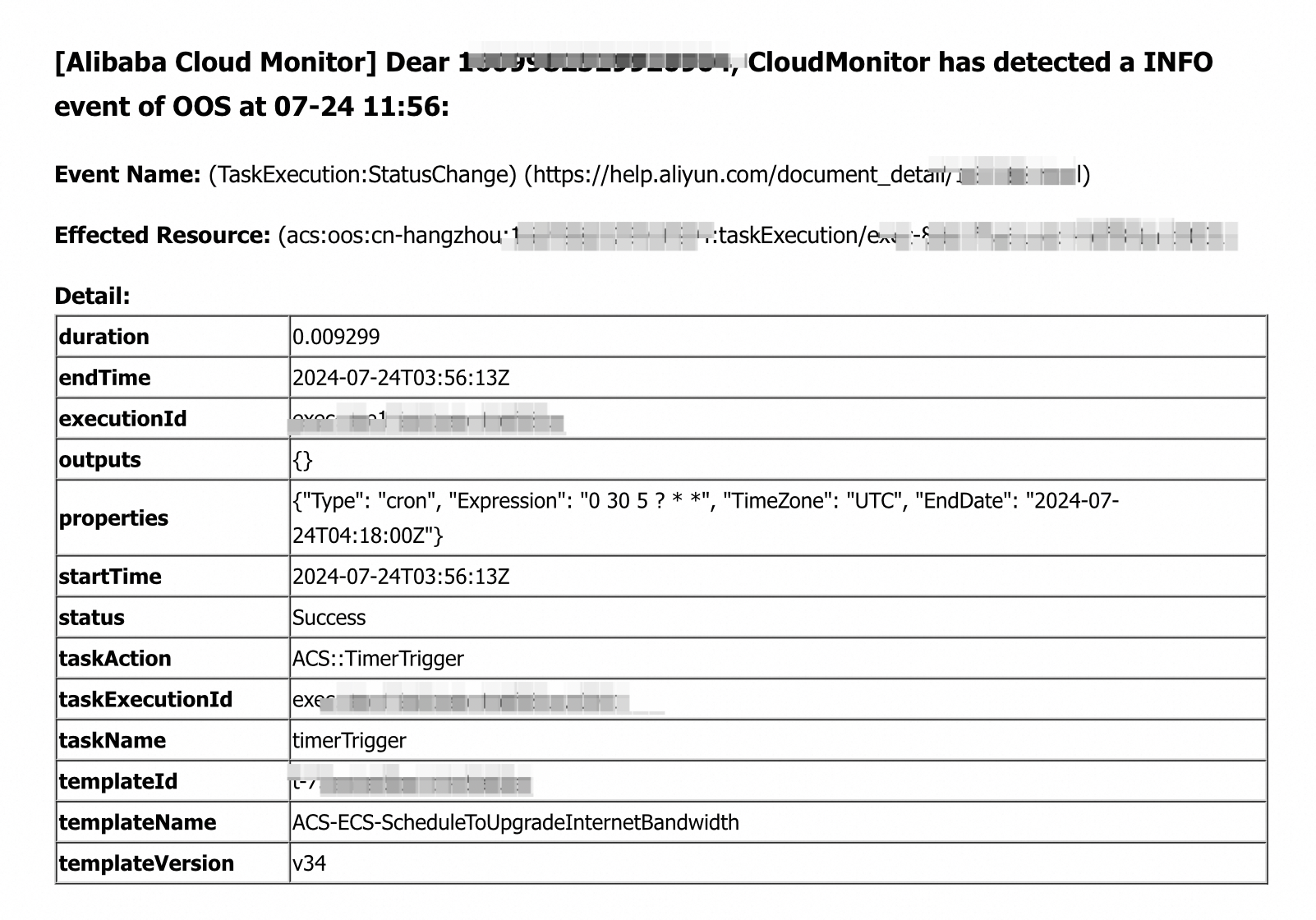
  3. The configured alert rule is triggered only if a child execution of the scheduled bandwidth upgrade task fails. CloudMonitor supports the following notification methods: mobile number, email address, TradeManager, and DingTalk chatbot. When the alert rule is triggered, CloudMonitor sends a notification to the specified alarm contact group by using the specified notification methods. The following figure shows an example on a notification that is sent to the specified email address by using CloudMonitor.