Alibaba Cloud Model Studio provides the official DashScope SDK for Python and Java. You can also use OpenAI SDKs for Python, Node.js, Java, and Go to call Alibaba Cloud Model Studio's OpenAI-compatible API.
Install the SDK
Python
This SDK requires Python >= 3.8.
You can use the OpenAI Python SDK or the DashScope Python SDK to call models on the Model Studio platform.
Install the OpenAI Python SDK
Run the following command to install or upgrade the OpenAI Python SDK:
# If the command fails, you can replace pip with pip3 and run it again
pip install -U openai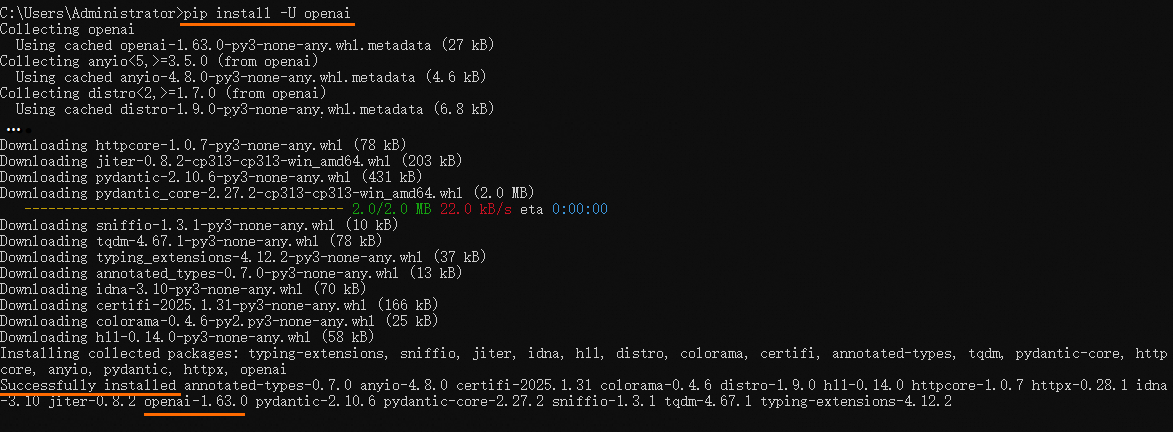
When you see Successfully installed ... openai-x.x.x, the OpenAI Python SDK is installed.
Install the DashScope Python SDK
Run the following command to install or upgrade the DashScope Python SDK:
# If the command fails, you can replace pip with pip3 and run it again
pip install -U dashscope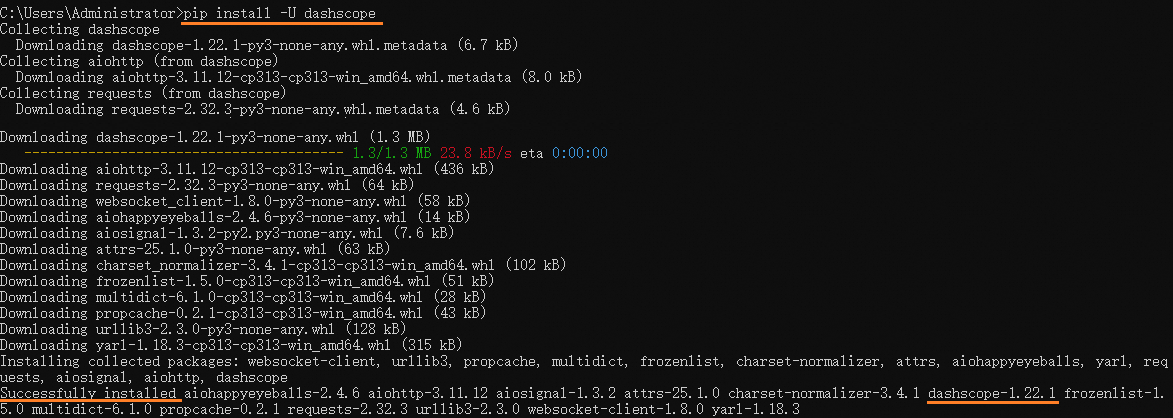
When you see Successfully installed ... dashscope-x.x.x, the DashScope Python SDK is installed.
Java
DashScope
In your project, add the DashScope Java SDK dependency. Replace the-latest-version with the latest version number from the Maven repository.
Gradle
dependencies {
    implementation group: 'com.alibaba', name: 'dashscope-sdk-java', version: 'the-latest-version'
}
Maven
<dependency>
    <groupId>com.alibaba</groupId>
    <artifactId>dashscope-sdk-java</artifactId>
    <version>the-latest-version</version>
</dependency>
OpenAI
In your project, add the OpenAI Java SDK dependency. Replace the-latest-version with the latest version number. The recommended version is 3.5.0.
This SDK requires Java 8 or a later version.
Gradle
dependencies {
    implementation("com.openai:openai-java:the-latest-version")
}
Maven
<dependency>
  <groupId>com.openai</groupId>
  <artifactId>openai-java</artifactId>
  <version>the-latest-version</version>
</dependency>
Node.js
OpenAI
You can run the following command in the terminal:
npm install --save openai
# Or
yarn add openaiIf the installation fails, you can configure a registry mirror to complete the installation. For example:
npm config set registry https://registry.npmmirror.com/After configuring the registry mirror, run the SDK installation command again.
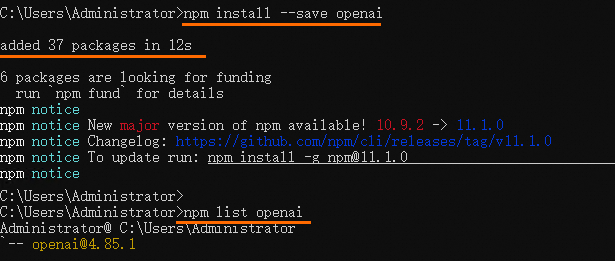
When you see added xx package in xxs, the OpenAI SDK is installed. You can use npm list openai to query the specific version information.
Go
OpenAI
OpenAI provides a Go SDK that requires Go 1.22+. To install it, run the following command in your project folder:
go get 'github.com/openai/openai-go/v3'Alternatively, you can install a specific version:
go get -u 'github.com/openai/openai-go/v3@v3.8.1'If access to the server times out, you can set an Alibaba Cloud mirror proxy: go env -w GOPROXY=https://mirrors.aliyun.com/goproxy/,directAdd the following import statement to your code:
import (
	"github.com/openai/openai-go/v3" // imported as openai
)
What to do next
After you install the SDK:
Select a model that fits your scenario from the model list.
Start building your application using models for text generation, image generation, video generation, speech synthesis, speech recognition, embedding, or reranking.
Learn about the compatibility details with the OpenAI API.