The iconfont image control is an image object rendered from a string using the `drawrect` feature. It behaves like an image view.
AUIconView is an iconfont vector image control. You can use it similarly to a `UIImage`.
The iconfont image control is an image object rendered from a string using the `drawrect` feature. It behaves like an image view.
NoteOnly square vector images are supported.
An iconfont is a font file that contains a collection of images. Each image is mapped to a unique Unicode code. To render an iconfont, you can set the text to the corresponding Unicode code and call the `drawInRect` method of the string.
Each iconfont collection is a TTF font file. You can load multiple TTF files, each identified by a name. The default font is the AntUI TTF font, named `auiconfont`.
Preview
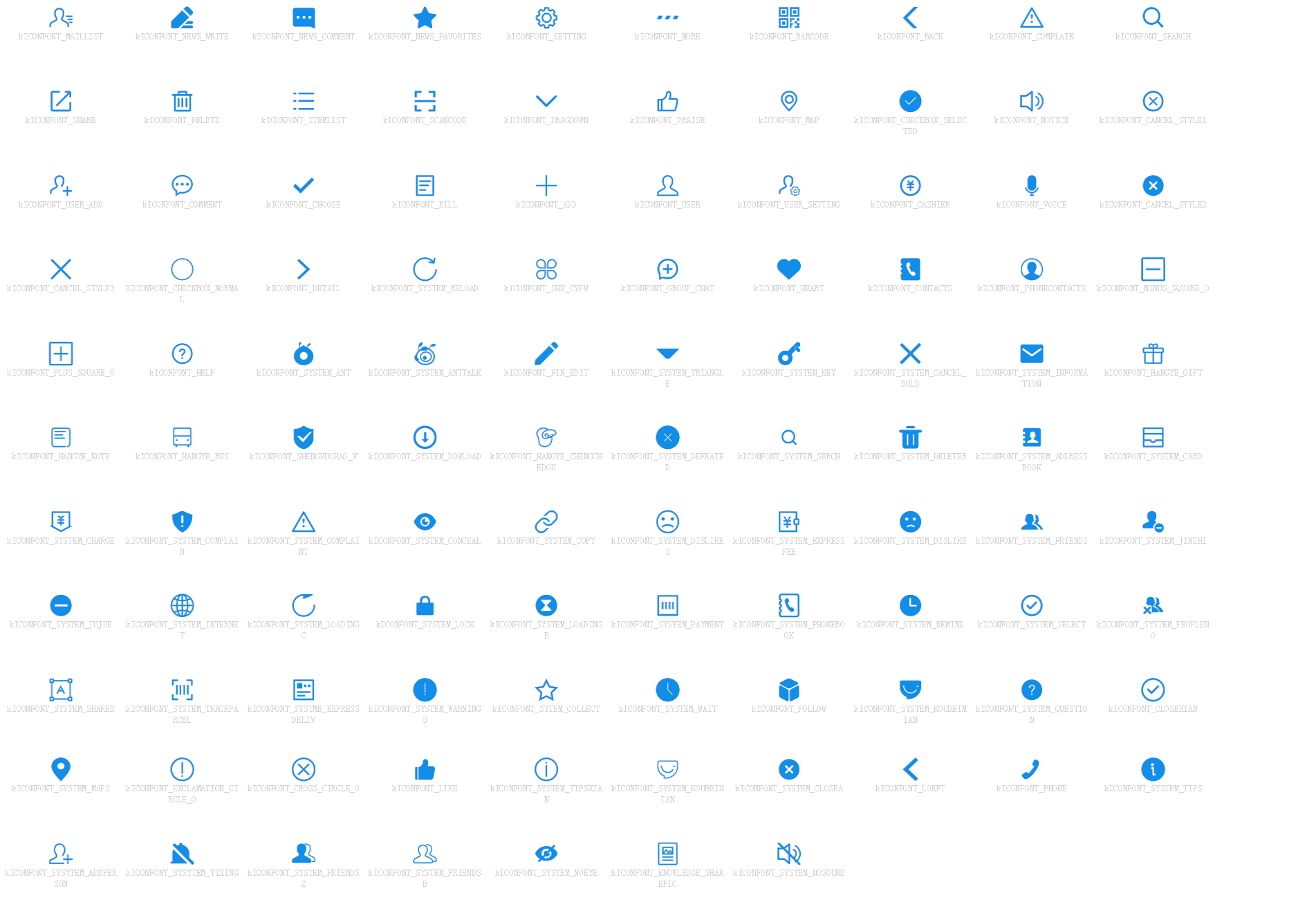
API reference
// Default iconfont name for AntUI
#define kICONFONT_FONTNAME              (@"auiconfont")
// Default iconfont path for AntUI
#define kICONFONT_FONTPATH              (@"APCommonUI.bundle/iconfont/auiconfont")


/**
 An iconfont image control. You can use it like an image view.
 It is an image object drawn by the drawrect feature of a string.
 Note: Only square vector images are supported.

 An iconfont is a loaded font. A single font can contain multiple images, and each image has a Unicode code.
 You can set the text to the corresponding Unicode code and call the drawInRect method of the string to render the iconfont.

 Each iconfont collection is a TTF font file. You can load multiple
 TTF font files. Each TTF font file has a name. The default is the AntUI TTF font.
 The name is auiconfont.
 */
@interface AUIconView : UIImageView

@property (nonatomic, strong) UIColor *color;       // The color of the vector image. The default is Ant Blue.
@property (nonatomic, strong) NSString *name;       // The name of the vector image.
@property (nonatomic, strong) NSString *fontName;   // The name of the vector font library.


/**
 Initialization method.

 @param frame The view frame.
 @param name  The name of the iconfont image.

 @return An AUIconView instance.
 */
- (instancetype)initWithFrame:(CGRect)frame name:(NSString *)name;

/**
 Initialization method.
 (If this iconfont font is already loaded, you do not need to pass fontPath for rendering.)

 @param frame    The view frame.
 @param name     The name of the iconfont image.
 @param fontName The name of the iconfont font.

 @return An AUIconView instance.
 */
- (instancetype)initWithFrame:(CGRect)frame name:(NSString *)name fontName:(NSString *)fontName;


/**
 Gets the size of the iconView.

 @return The size of the iconfont if it is an iconfont, or the size of the image if it is a normal image view.
 */
- (CGSize)iconViewSize;

@end


@interface UIImage (AUIconFont)

/**
 Registers an iconfont. This method only needs to be called once.

 @param fontName The name of the iconfont font.
 @param fontPath The path of the iconfont, such as @"AntUI.bundle/iconfont/auiconfont".
 */
+ (void)registerIconFont:(NSString *)fontName fontPath:(NSString *)fontPath;

/**
 Gets a square vector image (equal width and height).

 @param name  The name.
 @param width The size.
 @param color The color of the image. If you pass nil, the default is Ant Blue.

 @return A square vector image.
 */
+ (UIImage *)iconWithName:(NSString *)name
                                        width:(CGFloat)width
                                        color:(UIColor *)color;


/**
 Gets a square vector image (equal width and height).

 @param name        The name.
 @param fontName    The name of the vector font.
 @param width       The size.
 @param color       The color of the image. If you pass nil, the default is Ant Blue.

 @return A square vector image.
 */
+ (UIImage *)iconWithName:(NSString *)name
                                fontName:(NSString *)fontName
                                        width:(CGFloat)width
                                        color:(UIColor *)color;

@end
Code example
// Use AUIconView
AUIconView *view = [[AUIconView alloc] initWithFrame:CGRectZero name:_array[indexPath.row]];
view.tag = 1;

view.size = CGSizeMake(30, 30);
view.origin = CGPointMake(100, 10);
view.color = RGB(0x2b91e2);
[cell.contentView addSubview:view];

// Use the image extension separately
self.image = [UIImage iconWithName:self.name fontName:self.fontName width:width color:self.color];