This topic describes how to use the URL generator.
Prerequisites
An ingest domain and a streaming domain have been added and associated. For more information, see Add an accelerated domain name and Associate streaming domains and ingest domains.
Background information
The URL generator creates ingest and streaming URLs, including live streaming URLs, transcoded streaming URLs, and delayed streaming URLs.
Streaming URLs are for stream playback using Player SDKs or third-party software, such as VLC.
Ingest URLs are for stream ingest using Push SDKs or third-party software, such as OBS.
Instructions
- Log on to the ApsaraVideo Live console.
In the navigation pane on the left, choose .
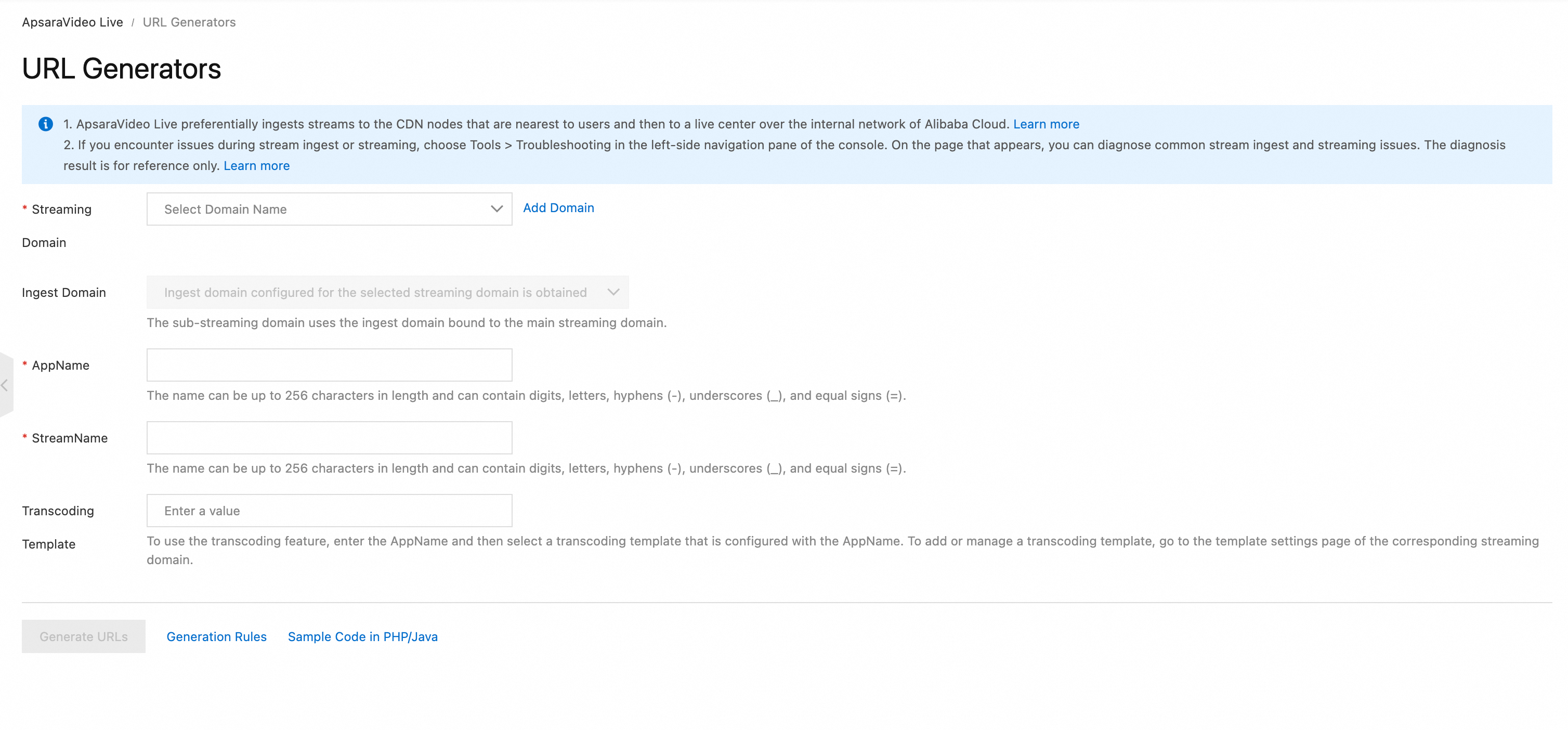
On the Live URL Generator tab, configure the following parameters to generate ingest and streaming URLs.
Configuration item
Description
Streaming Domain
Select Streaming Domain.
Authentication
Authentication method and validity period.
NoteTo modify the validity period, see URL signing configuration.
Ingest Domain
After you select a streaming domain, the associated ingest domain loads.
AppName
Enter a custom value. This distinguishes different live streaming applications or business scenarios.
StreamName
Enter a custom value. This identifies a unique live stream.
Transcoding Template
Select a configured transcoding template. If you do not select one, the original quality is used by default.
NoteTranscoding templates must be configured through the live stream transcoding feature. After you select a streaming domain, enter the AppName that you configured for the transcoding feature in the AppName field. This loads the transcoding templates that match the AppName.
Click Generate to obtain the streaming URLs. For more information, see Generate Live Streaming URLs.