Enterprises can apply simple configurations to achieve many enterprise identity management scenarios. However, medium- and large-sized enterprises need to integrate IDaaS with their systems to utilize all IDaaS features and identify and synchronize identity data in some of the systems. We recognize the importance of providing a user-friendly development experience to encourage enterprises to adopt cloud-based identity management services.
IDaaS provides user-friendly development features that facilitate and simplify integration, which allows various enterprises to use the cost-effective service.
Feature 1: Application-centered development features
For ease of management and understanding, all development features are centered on IDaaS applications.
We provide the following capabilities for application integration.
Scenario | Feature | Description |
Unified logon | Single sign-on (SSO) | IDaaS provides a unified logon portal that allows unified logon to applications. |
Unified account | Account and organization synchronization | IDaaS allows the synchronization and centralized management of identity information by using inbound configurations (from applications to IDaaS) and outbound configurations (from IDaaS to applications). |
Unified permission | Permission system management | IDaaS allows you to use role-based access control (RBAC) to manage permissions on menus, buttons, and data. |
IDaaS provides centralized management features to facilitate integration. You can access all the development and integration features on the application management page.

Feature 2: Open source code
IDaaS provides sample code for scenarios such as SSO integration, the integration of the OpenID Connect (OIDC) device authorization grant, and account synchronization. For more information, see Open-source References.
Feature 3: SDK and sample code
The following table provides links to the documentation, SDKs, and sample code for implementing IDaaS in various scenarios.
Scenario | Management documentation | Development documentation | Sample code |
Integrate SSO for an application | GitHub open source - Integration of a self-developed application | ||
Synchronize IDaaS users on an application | Sample Provisioning Integration: Java Application GitHub open source - Example of event receipt and synchronization to RAM | ||
IDaaS API operations | Alibaba Cloud OpenAPI Portal-IDaaS For more information, see the following section. |
Highlights: API operations, SDKs, and sample code
IDaaS provides SDKs and sample code for various languages, such as Java, Python, Go, PHP, C#, C++, and TypeScript.
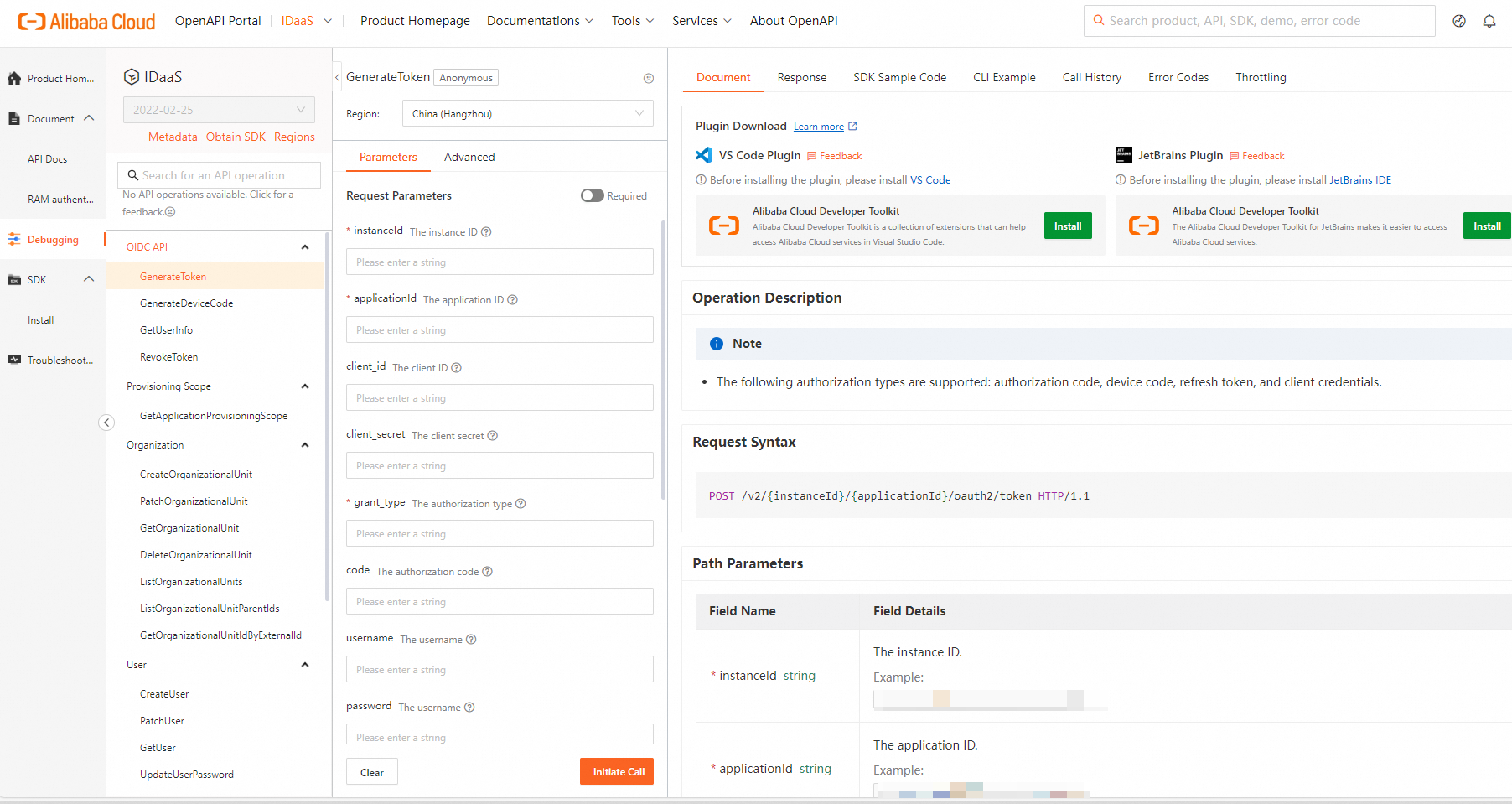
On the Alibaba Cloud OpenAPI Portal-IDaaS, you can select different API operations in the left-side navigation pane. On the right side of the page, you can select a language and click Download Project to view the code and install, apply, and call the SDK.
Feature 4: Online debugging of API operations
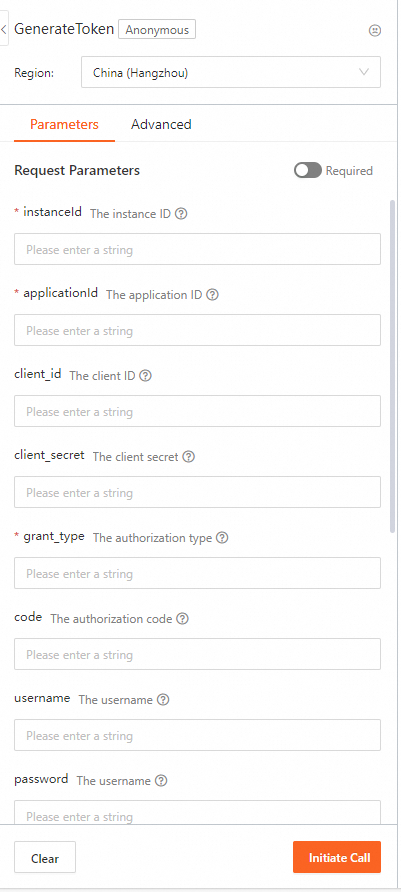
IDaaS allows you to debug the API operations online. You can configure the parameters in a browser, dynamically render the sample code, and then view the call results of API operations.
On the Alibaba Cloud OpenAPI Portal-IDaaS, you can click API Debugging, and configure the parameters to call an API operation. After the API operation is called, you can view the response parameters on the Response tab. If you call an operation that modifies IDaaS configurations, such as an operation that creates an account or modifies organization information, you can view the result of the API operation in the IDaaS instance.