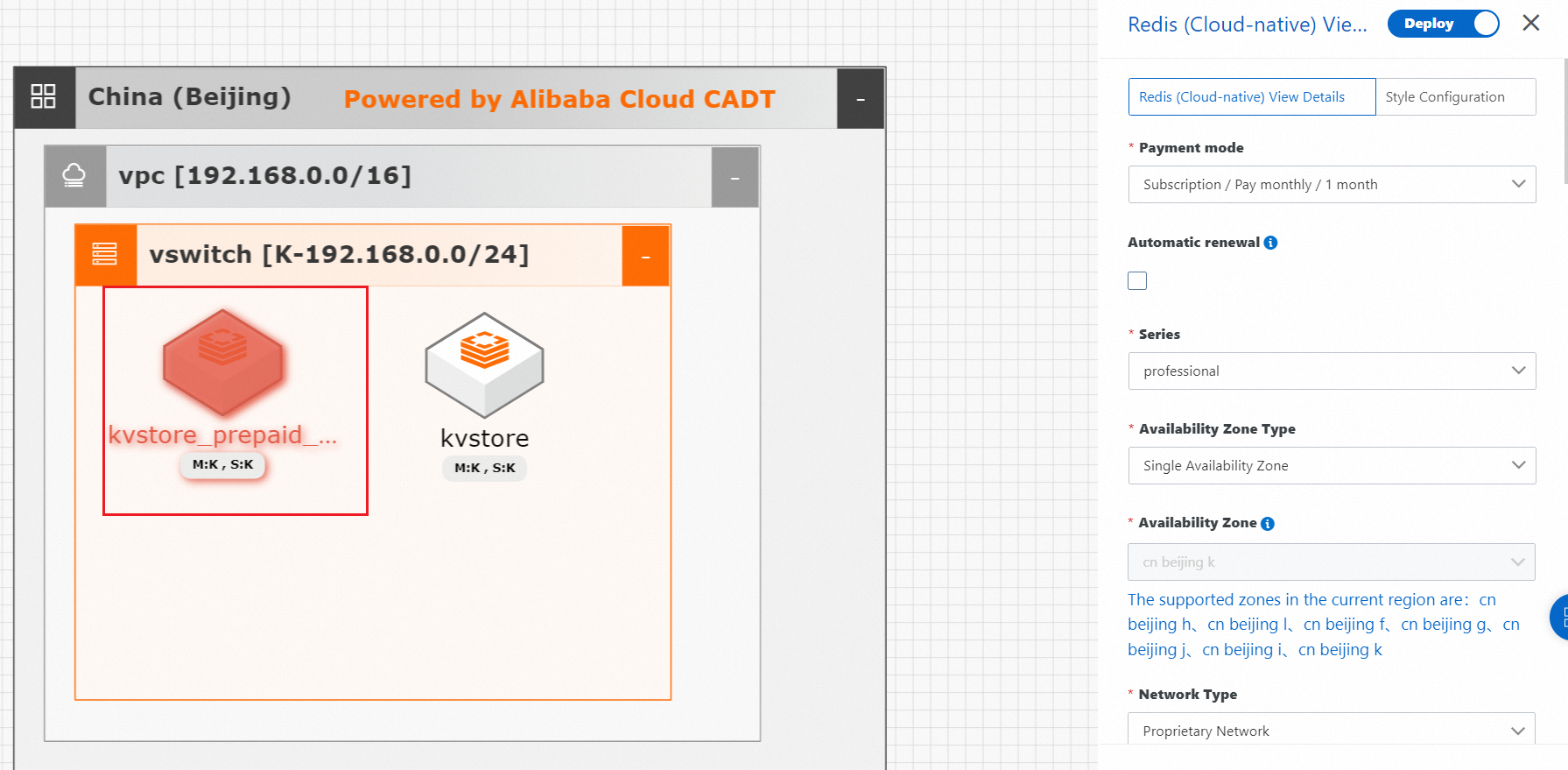
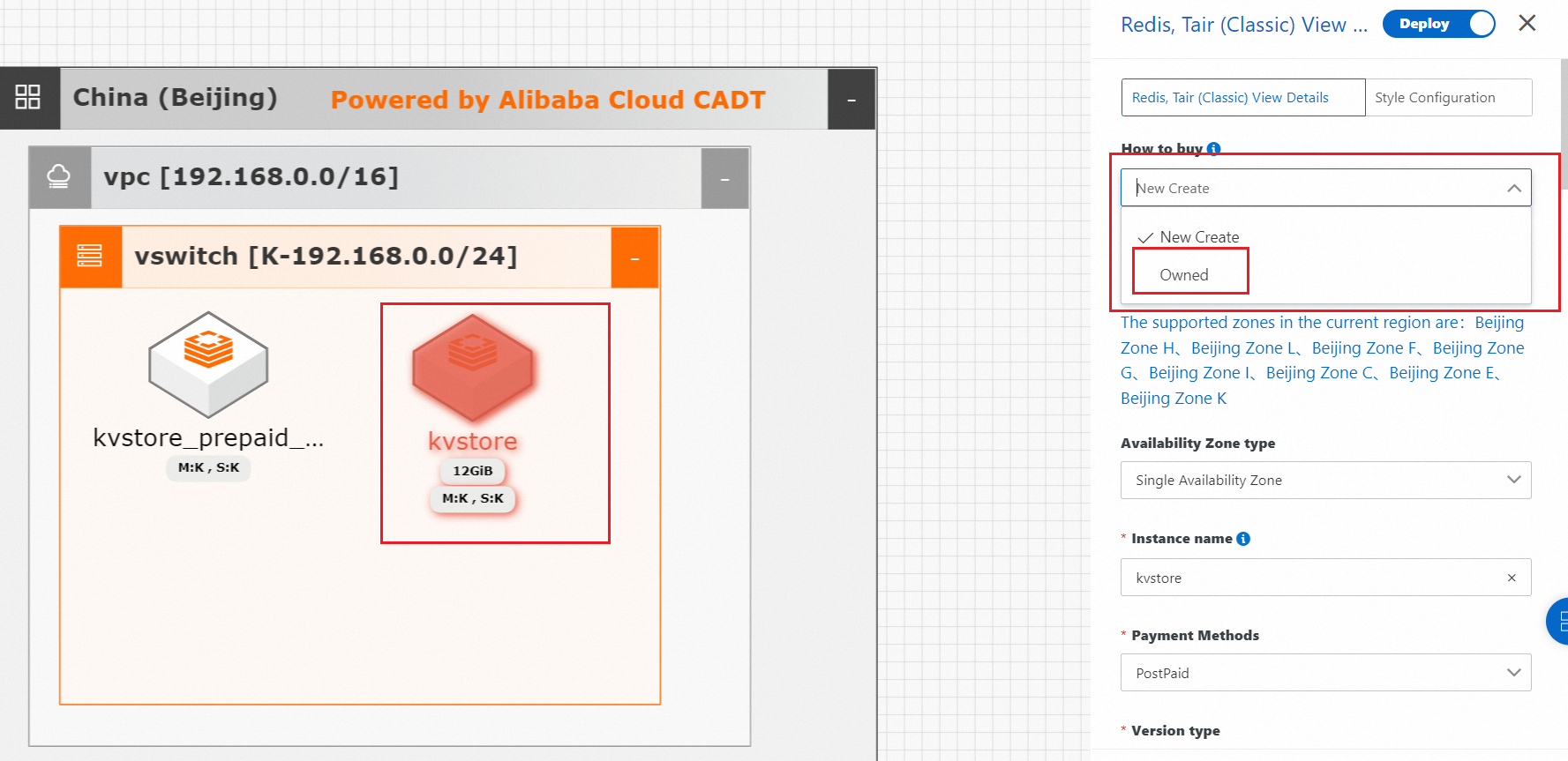
Log on to the Cloud Architect Design Tools (CADT) console. In the top navigation bar, choose Create > Create Application to create an application that contains the service whose instances you want to import. Double-click the application to configure the service within the application. In the panel that appears, check the value of the Purchase method parameter. If import can be selected as the purchase method, CADT allows you to import the existing instances of the service. Otherwise, you are not allowed to import the existing instances of the service to CADT.
-
Case in which you can import the existing instances
-
Case in which you cannot import the existing instances