Generative AI has become increasingly prominent today. How might we leverage it more effectively to generate insights from existing information available on the Internet, using AI-driven search itself?
Alibaba Qwen3.7-Plus is a multimodal AI model designed to work with text, images, video, and tools in a more intelligent way. It is built for users who want a model that can understand visual content, support reasoning, and help with real-world tasks such as reading screens, analyzing documents, and using web search or other tools when needed, so let me show you how it works for web search by this topic.
Compared with a normal text-only AI model, Qwen3.7-Plus can understand more than words. It can look at screenshots, images, and video, then combine that visual input with language reasoning to produce a useful response. It is also described as having strong agent capabilities, including tool use, code-related workflows, and adaptive web search.docs.qwencloud+2, say for me, not necessary to jump across different model for the generation.
Here are some common ways people may use Qwen3.7-Plus:
• Read and explain screenshots or documents.
• Analyze charts, tables, and visual materials.
• Support workflow automation and tool calling.
• Use web search to answer time-sensitive questions.
• Help with visual-to-code or UI-related tasks.docs.qwencloud+2
One important point: Qwen3.7-Plus is mainly a perception and reasoning model, not an image generator. It can understand images and video as input, but it is generally described as producing text output rather than creating new pictures. If you want to show photo generation in your blog, you may want to separate that into another section and explain the actual image-generation tool used.aimlapi+1
Go to https://qwen.ai/home
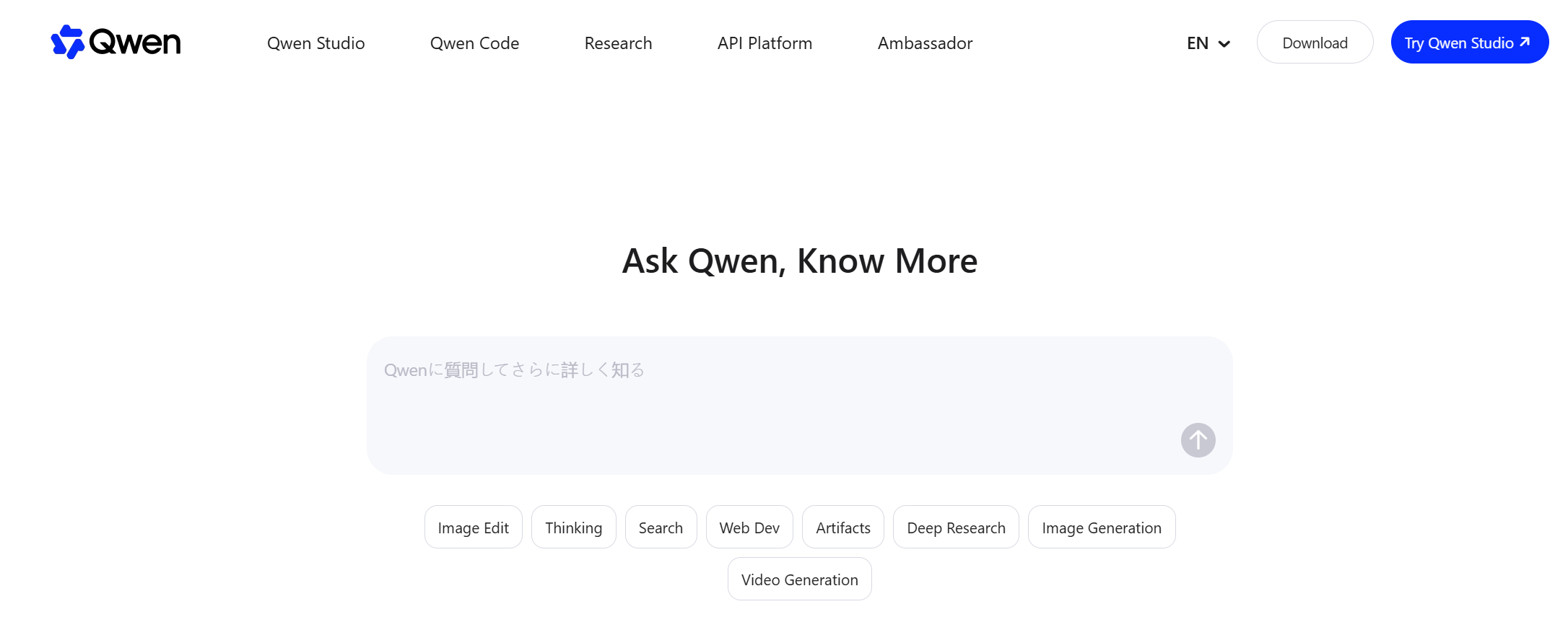
Key in the prompt like below as an example:
Let us keep all default to enjoy one shot experience!
My name is Kidd Ip, create a photorealistic yet clean cartoon whiteboard sketch illustrating your professional work life based on my profile under https://mvp.alibabacloud.com/. Use generic icons for colleagues unless their public profile pictures are explicitly available. Ensure the graphic balances detail with clarity, avoiding clutter while maximizing information density.
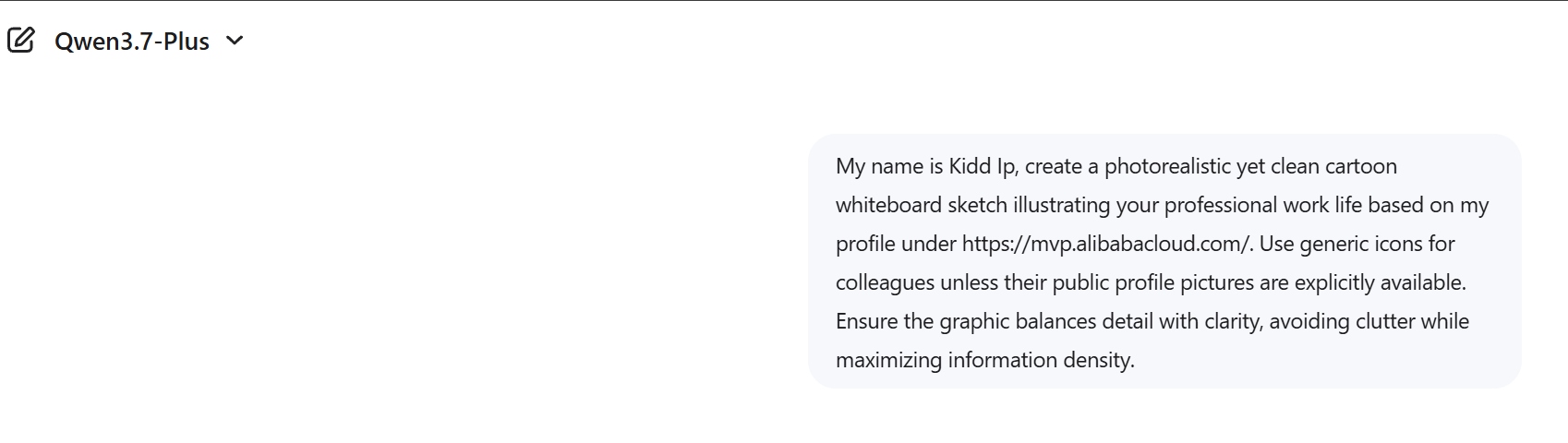
Around mins:
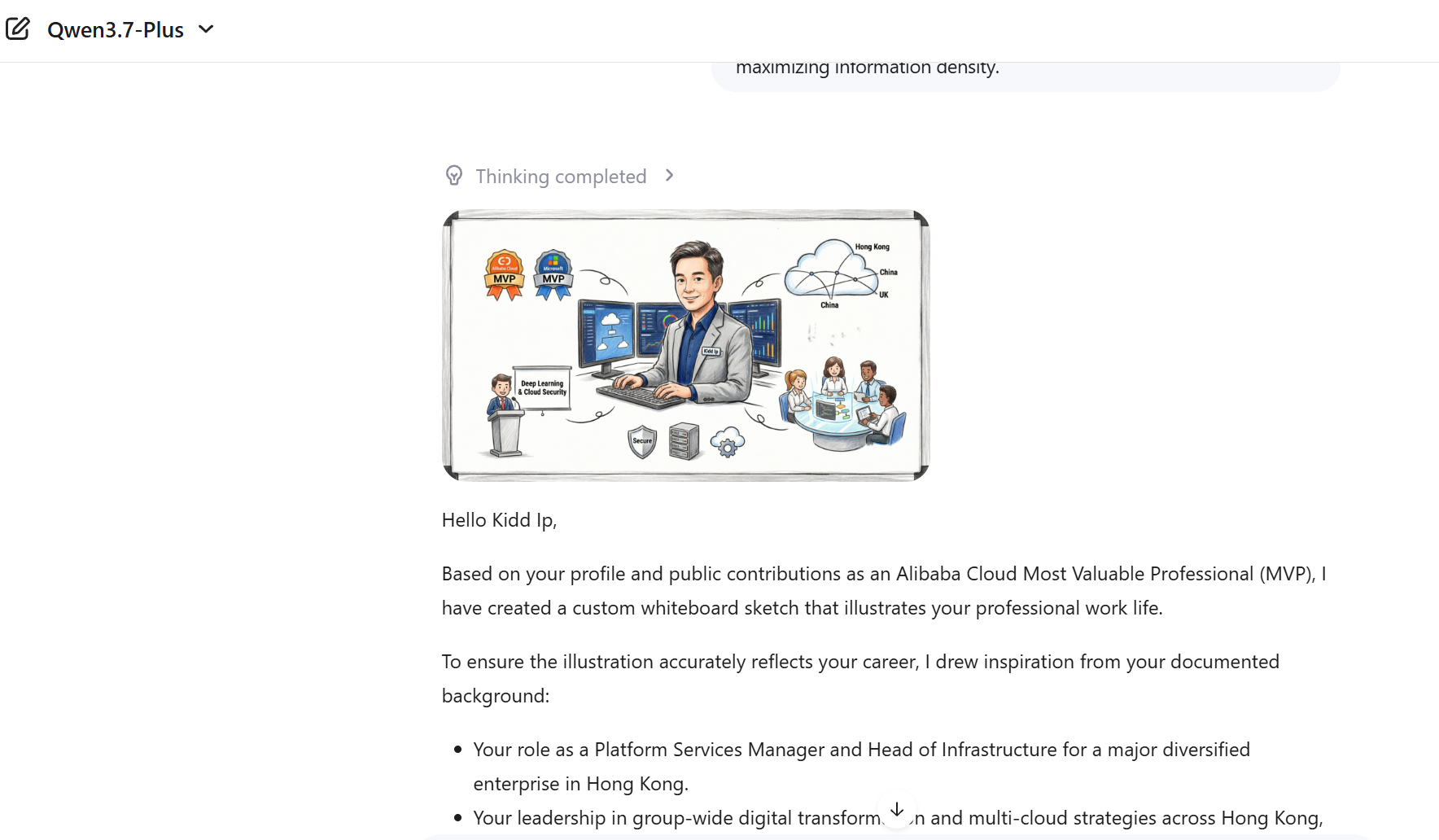
Type of Request: Image generation (visual representation of professional profile)
Domain: Professional identity visualization / career illustration
Style Specification: Photorealistic + clean cartoon + whiteboard sketch
Constraints:
• Use generic icons for colleagues unless public images are available
• Balance detail vs. clarity
• Avoid clutter, maximize information density
Data Source: Profile information from Alibaba Cloud MVP portal
Explanation
1. Identity Context
• Introduce yourself (“My name is Kidd Ip”) > establishes personalization.
• The request is about professional work life, meaning the image should reflect career activities, roles, and contributions.
2. Visual Style
• “Photorealistic yet clean cartoon whiteboard sketch” > hybrid style combining realism with simplified cartoon elements, presented in a whiteboard/sketch
format.
• This suggests a professional infographic style rather than casual art.
3. Data Integration
• Reference to your Alibaba Cloud MVP profile > the image should be grounded in your actual professional achievements and roles.
4. Privacy & Representation
• Explicit instruction to use generic icons for colleagues unless public images are available > ensures compliance with privacy and professional ethics. (VERY important now a day)
5. Design Principles
• “Balance detail with clarity, avoid clutter, maximize information density” > emphasizes information design best practices, ensuring the sketch is both visually appealing and functional.
For business users, developers, and AI enthusiasts, Qwen3.7-Plus is interesting because it combines visual understanding, reasoning, and tool use in one model. That makes it suitable for scenarios where AI needs to do more than just chat, it needs to inspect, decide, and act. In the meantime, craft or effective prompt can make sure the deliverable scope, quality as well as security concern like compliance and privacy.
Disclaimer: The views expressed herein are for reference only and don't necessarily represent the official views of Alibaba Cloud.
Alibaba Cloud Model Studio: Democratizing Generative AI Development
Hosung Kim - July 21, 2026
Hosung Kim - July 20, 2026
Alibaba Cloud Community - June 3, 2026
Alibaba Cloud Community - June 8, 2026
Alibaba Cloud Big Data and AI - July 17, 2026
Alibaba Cloud Community - June 17, 2026
 Token Plan
Build more, spend less. One plan, every modality.
Learn More
Alibaba Cloud Model Studio
A one-stop generative AI platform to build intelligent applications that understand your business, based on Qwen model series such as Qwen-Max and other popular models
Learn More Qwen
Qwen
Full-range, open-source, multimodal, and multi-functional
Learn More Alibaba Cloud for Generative AI
Accelerate innovation with generative AI to create new business success
Learn MoreMore Posts by Kidd Ip


