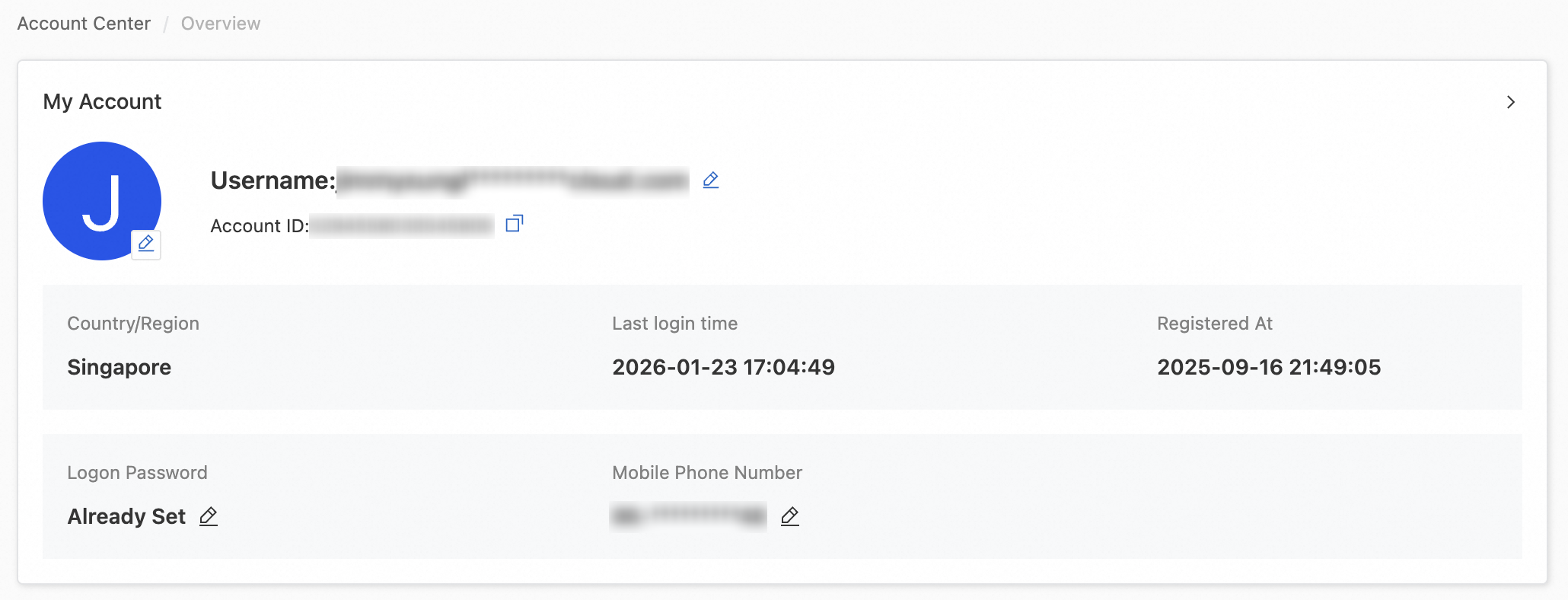
Use Alibaba Cloud Account Center to view your account details and update security settings such as your logon name, mobile phone number, security email address, and profile picture.
Users who log on either as a Resource Access Management (RAM) user, with a RAM role, or through Enterprise SSO cannot modify the root account's information. Contact the account administrator to log on to the root account and make the changes.
View basic account information
Basic account information
Log on to the Alibaba Cloud Account Center, go to the Security Settings page, and in the Basic Settings section, click Modify under Mobile Phone Number.
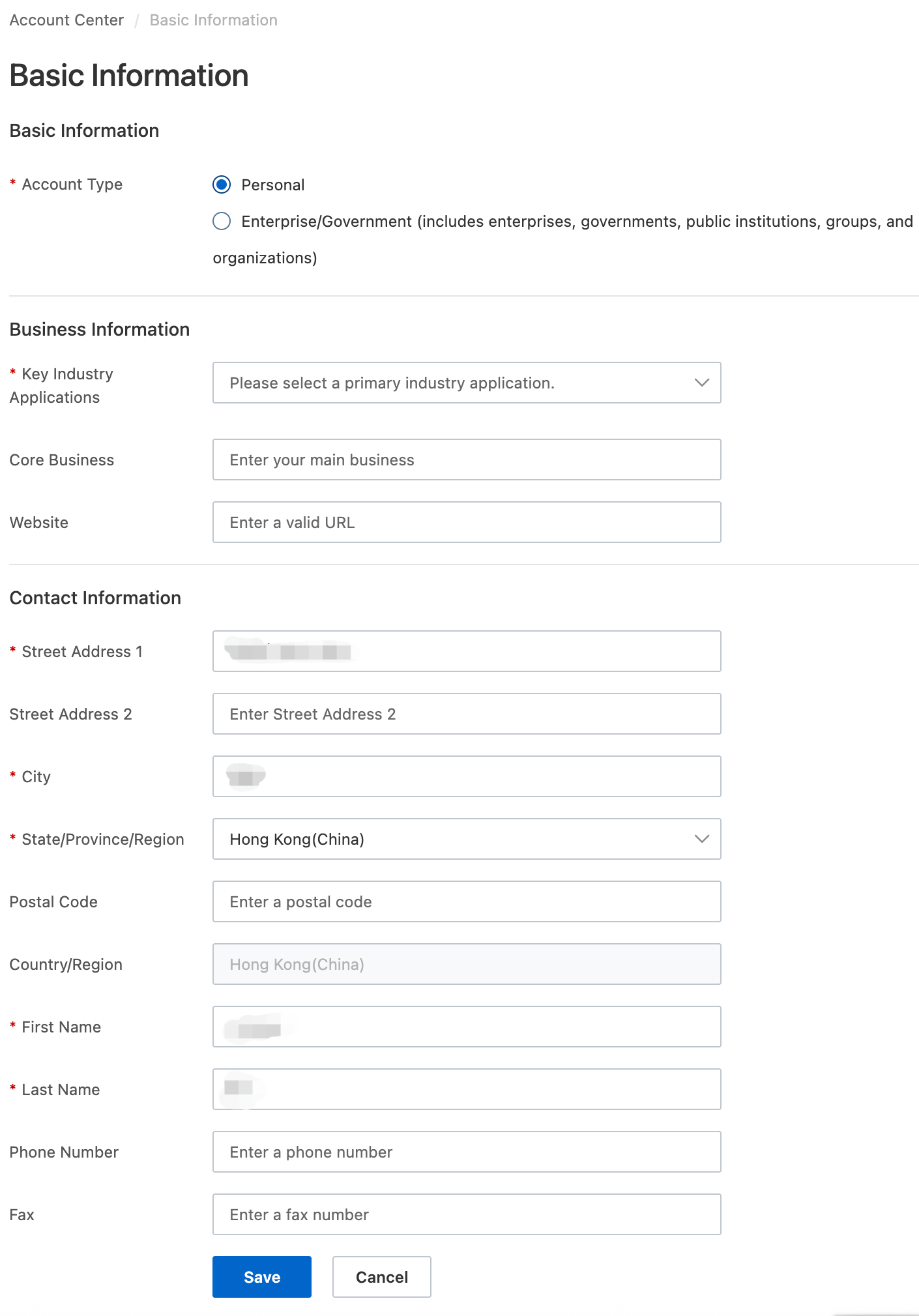
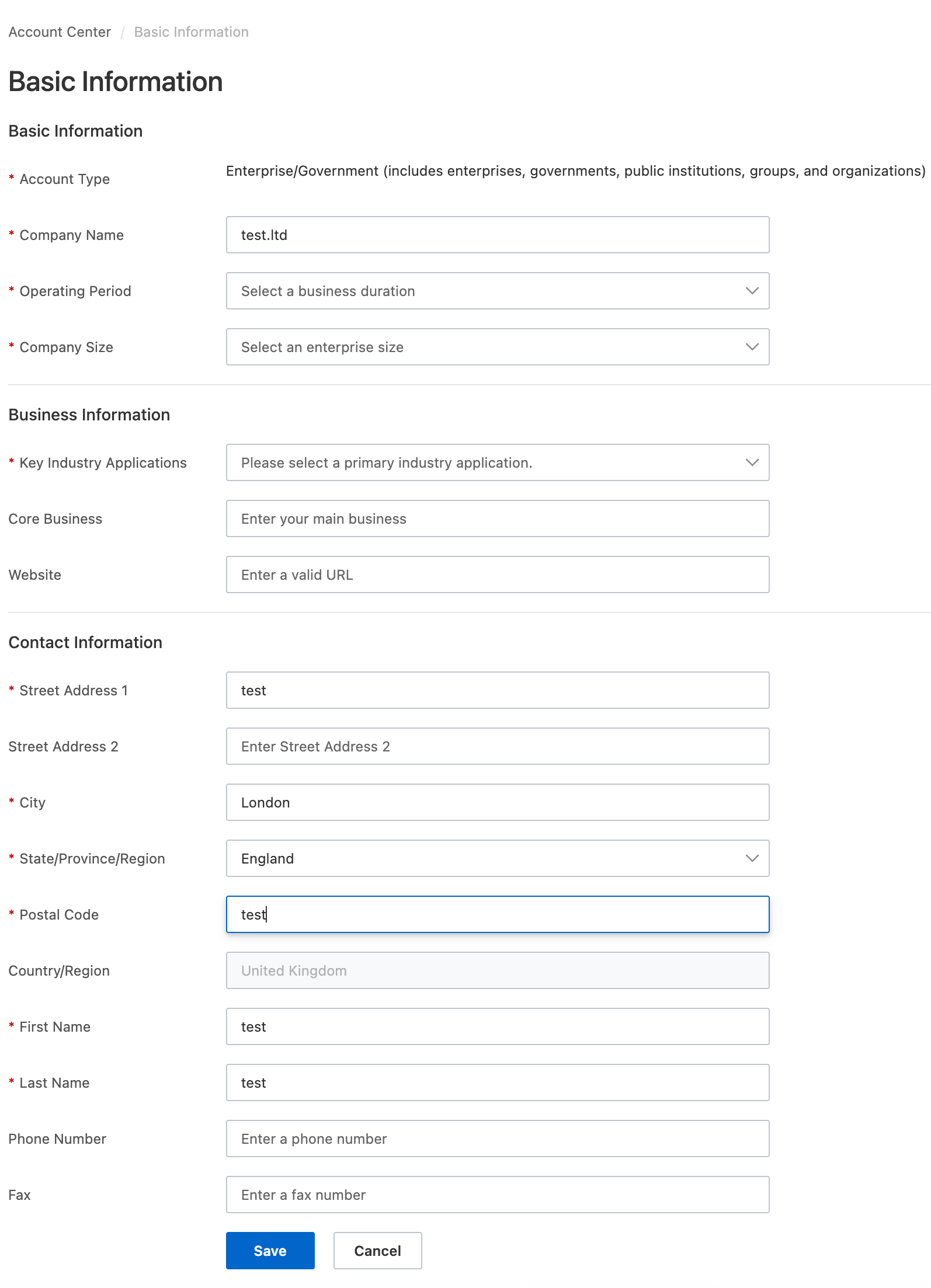
On the Basic Information page, you can view your Account Type (Personal or Enterprise/Government (includes enterprises, governments, public institutions, groups, and organizations)), Business Information, and Contact Information.
Individual
Enterprise/Government
 Note
NoteAfter identity verification for your account is completed, the information on the Basic Information page is updated with your identity verification information.
Account verification information
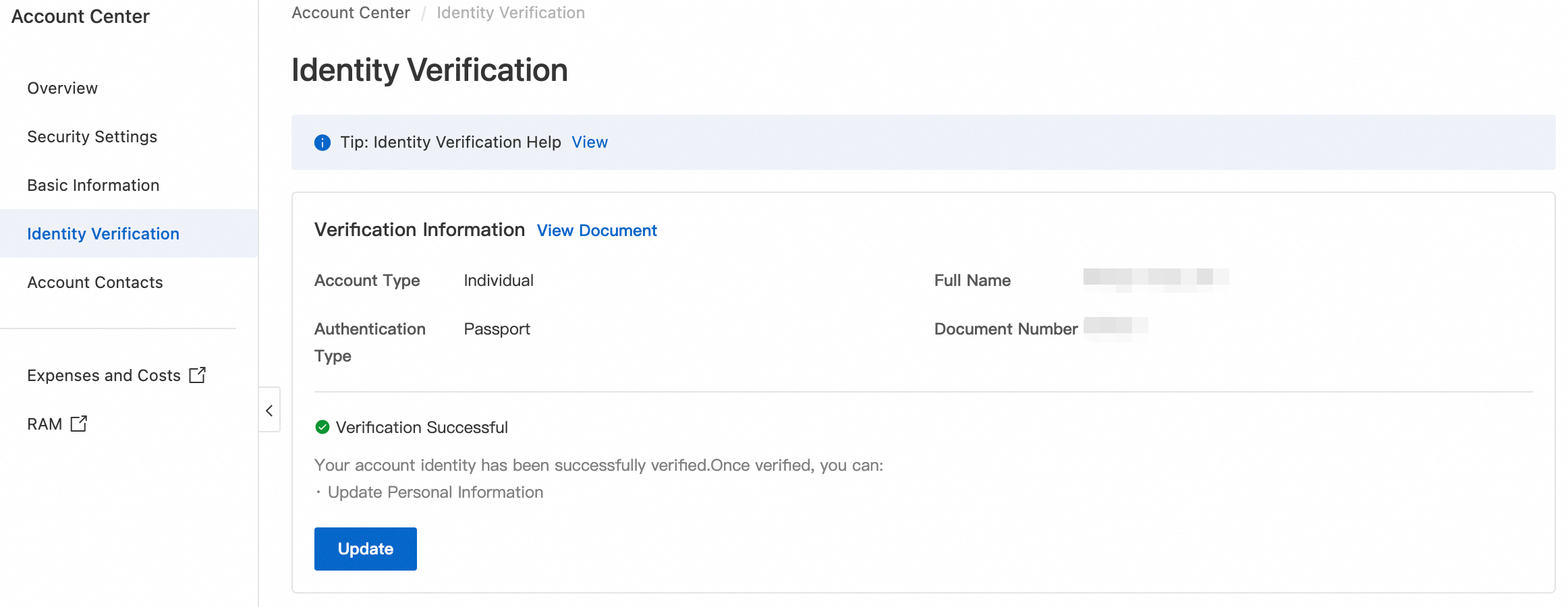
Log on to the Alibaba Cloud Account Center and go to the Identity Verification page to check your identity verification status. For more information, see Identity Verification Overview.
Identity verification not completed
Personal account
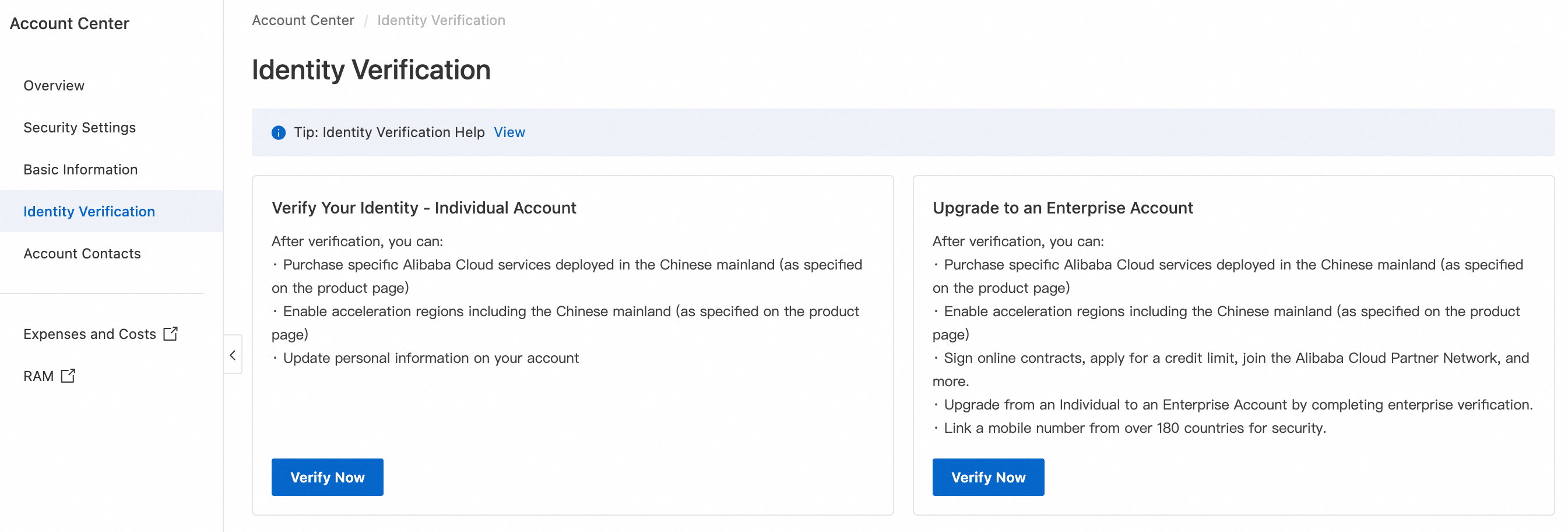
Enterprise account
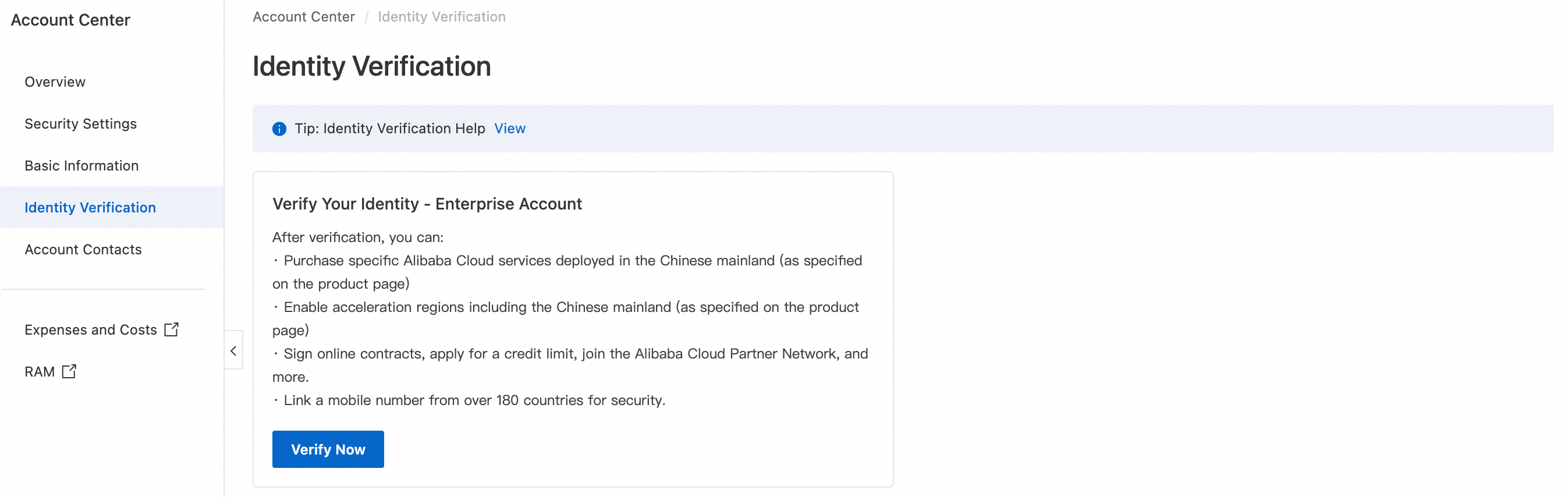
Identity verification completed
Personal account
Enterprise account
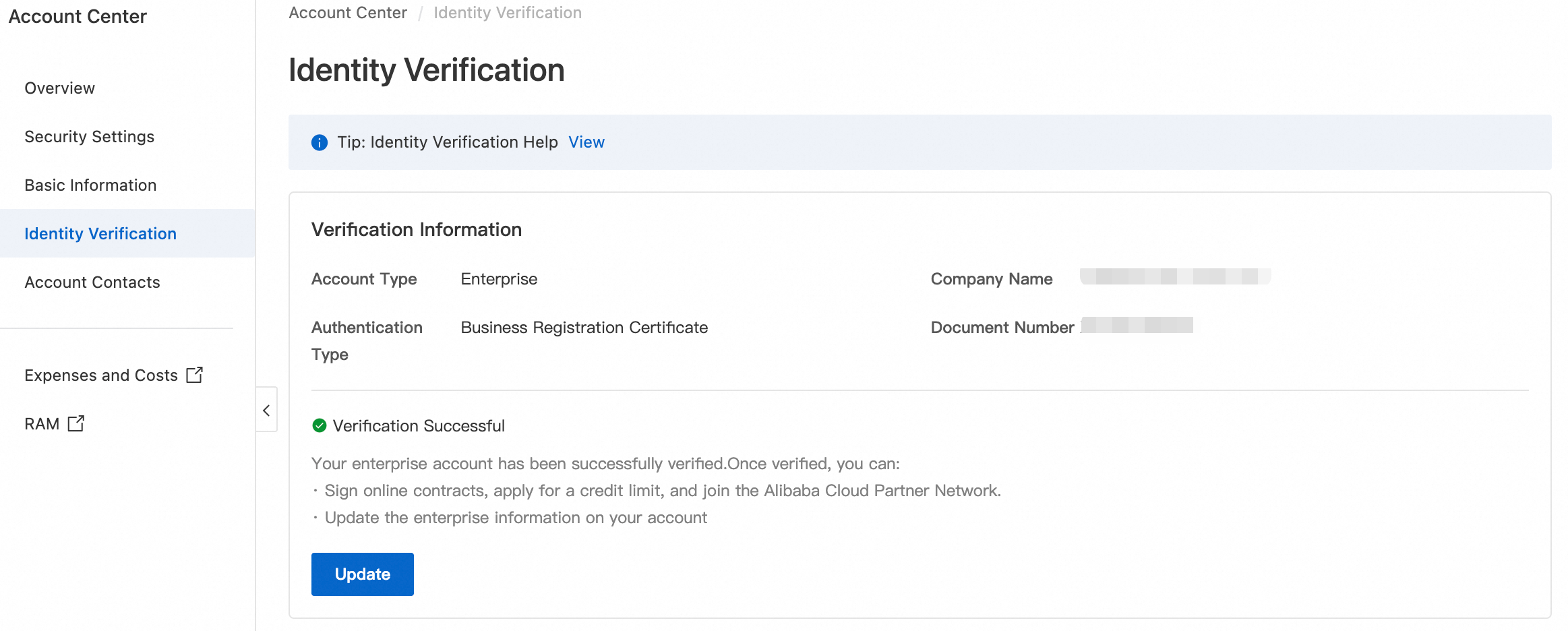
Change basic account information
Change your mobile phone number
Your mobile phone number is used for secondary identity verification and to receive important security notifications. For more information, see Change your mobile phone number.
Log on to the Alibaba Cloud Account Center and go to the Security Settings page. In the Mobile Number section, click Change.

On the identity verification page, choose to verify your identity using your original secure phone or your logon email address.
After your identity is verified, enter the new Mobile Number. Enter the verification code that you receive, and then click Confirm to complete the change.
ImportantYou must enter a mobile number registered in the country or region where your Alibaba Cloud account was created.
The system displays a success message.
Change your logon name (logon email address)
Your logon email address is used for account logon, secondary identity verification, and to receive important security notifications. For more information, see Modify the logon name (logon email address).
Log on to your Alibaba Cloud account. In the upper-right corner, click your Profile Picture > Account Center. On the Security Settings page in the Account Center, click Change next to your logon email address.

You are prompted to verify your identity. You can choose to verify your identity using your secure phone or original logon email.
After you verify your identity, enter the new logon email. Get a verification code, enter the code, and click OK to complete the change.
A success message appears. You will receive a notification at both your old and new email addresses confirming the change.
Modify your profile picture background color
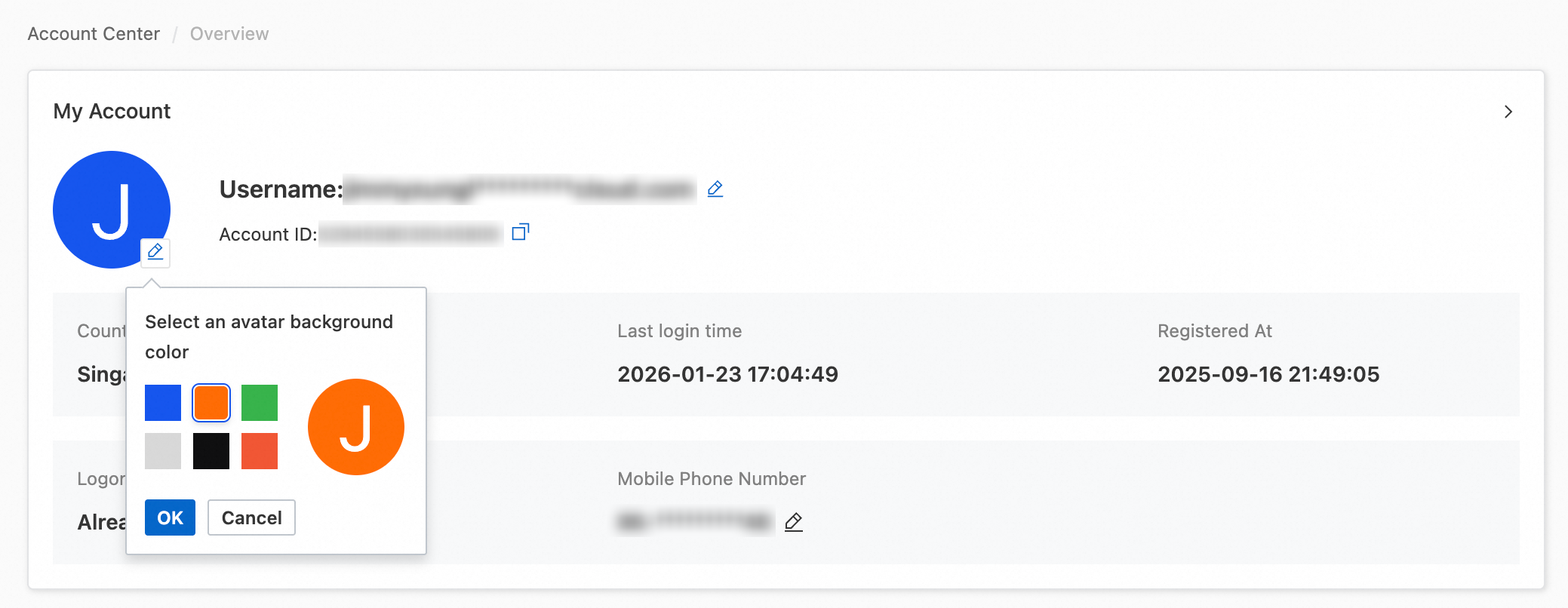
Your profile picture defaults to the first letter of your username on a blue background. You can change the background color to help you distinguish between multiple accounts.
Log on to the Alibaba Cloud Account Center, go to the Overview page, and in the My Account section, click the
 icon next to your profile picture. Custom avatars are not supported.