Edge Security Acceleration (ESA) uses origin pools to manage and distribute traffic at its points of presence (POPs). This optimizes resource utilization, improves service availability and reliability, and enhances overall network performance and user experience.
Overview
Origin pools uses weighted scheduling to distribute origin fetch requests among multiple origin servers. You can associate an origin pool with an ESA site or a TCP/UDP proxy. Integrating an origin pool with a load balancer lets you configure load balancing policies to improve your application's availability.
Create an origin pool
In the ESA console, choose Websites. In the Website column, click the target site.
In the left navigation pane, choose .
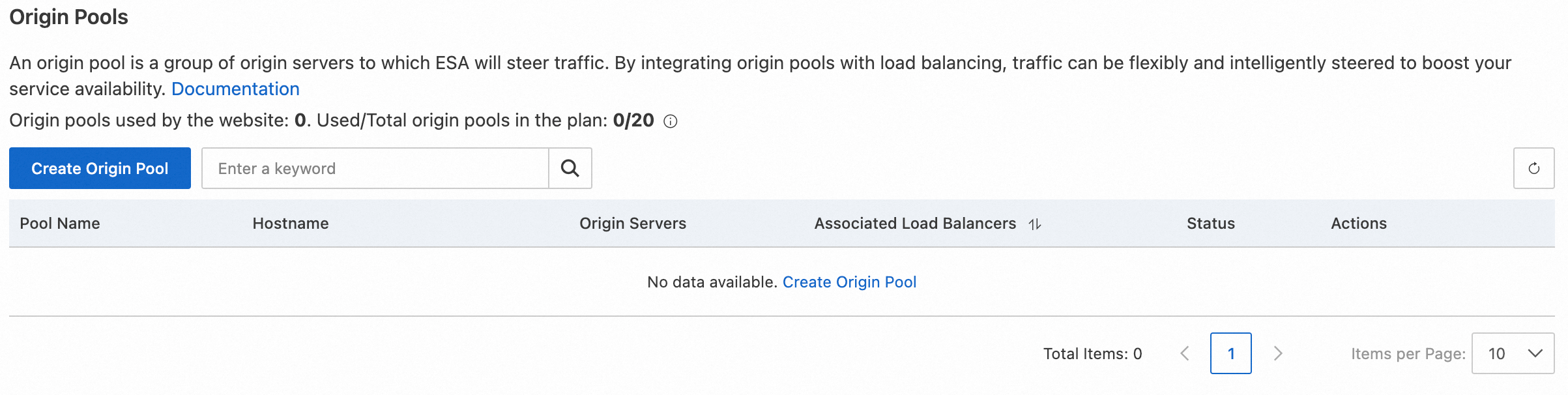
On the Origin Pools page, click Create Origin Pool.
On the Create Origin Pool page, enter a Pool Name and add Origin Server.
Parameter
Description
Pool Name
The name of the origin pool. The name cannot be changed after the pool is created. The name can be up to 200 characters long and can contain only the following characters:
Lowercase letters from
atoz.Digits.
Hyphens (
-), but not at the beginning or end.
Domain Name
Automatically generated by the system.
Generation rule: [Pool Name]
.origin-pool.[Your Site Domain Name].Origin Server-Name
A custom name for the origin server.
Origin Server-Type
Select the type of your origin server.
IP/Domain: An IPv4 address, an IPv6 address, or a domain name.
OSS: Alibaba Cloud Object Storage Service (OSS).
S3-compatible: S3-compatible storage.
Origin Server-Origin Address
The address of your origin server.
Origin Server-Weight and Percent
The default weight is 50. The value can range from 0 to 100. The minimum increment is 1. If you set the weight to 0, no origin requests are sent to this origin server.
Percentage: The system automatically calculates a percentage value based on the configured weight. This value indicates the traffic distribution ratio for your reference.
Origin Server-Origin Host Header
Configure the Host request header for origin fetches to this origin server.
NoteIf you do not configure an origin host, the host policy set in the DNS record is used.
After you enter the information for all origin servers, click OK to create the origin pool.
Delete an origin pool
In the ESA console, choose Websites. In the Website column, click the target site.
In the left navigation pane, choose .
Find the origin pool that you want to delete and click Delete.
NoteIf a load balancer references an origin pool, you must first remove it from the load balancer's configuration. Deleting an origin pool in use can cause traffic scheduling errors, service interruptions, or health check failures. For more information, see Delete an origin pool referenced by a load balancer.
Availability
Feature | Entrance | Pro | Premium | Enterprise |
Origin pools | 5 | 10 | 15 | 20 |
Maximum number of servers per origin pool | 5 | 10 | 15 | 20 |