Overview
Alibaba Mail saves the email accounts that have been deleted within the last 30 days by default. If you want to delete the email accounts of employees who have left the company and need to restore the historical email data, you can refer to this topic.
Details
You can use one of the following methods to restore historical email data:
Restore Account: recover the email account of the resigned employee by restoring the email account, then log in to the email account, retrieve the historical emails, and download and save the email to the local.
Transfer Emails: We recommend that you use this method to restore email data. You only need to transfer historical emails to a specific folder of another email account instead of restoring the deleted account.
1. Login to the Alibaba Mail Domain Management page with the postmaster account.
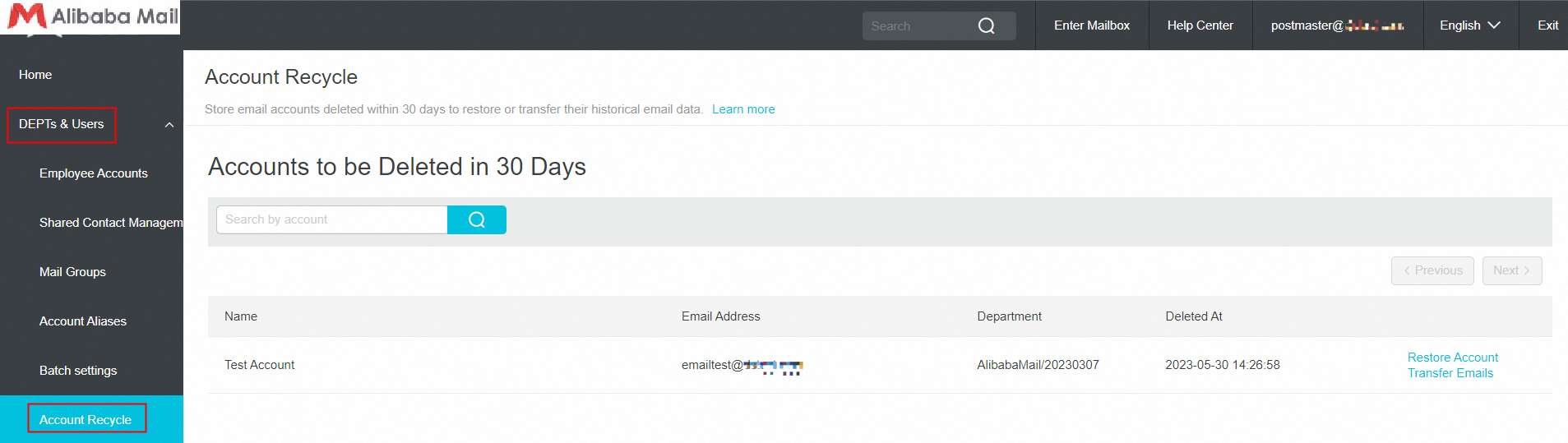
2. Choose DEPTs and Users > Account Recycle.
3. On the Account Recycle page, find the deleted email account and click Restore Account or Transfer Emails.
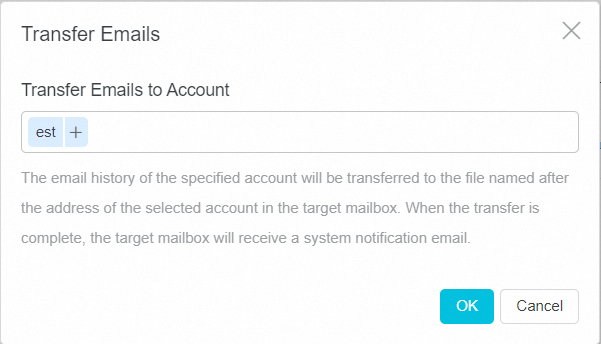
a. Click Transfer Emails, enter Transfer Emails to Account and click OK to transfer historical emails to the corresponding folder of another email account.
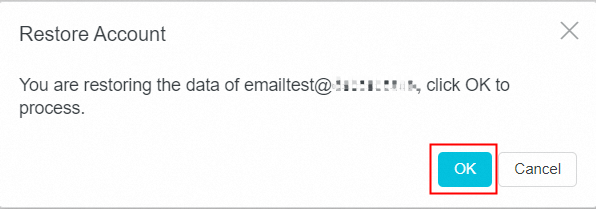
b. Click Restore Account and click OK to restore the deleted account.